Security Posture Reporting: How to Build Metrics That Actually Matter

The board wants to know if the company is secure. The cyber insurer wants evidence of controls. NIS2 Article 21 wants documented risk management. And your IT team? They’re staring at dashboards full of numbers that nobody outside the SOC can read. Falconer Security works with Swedish SMBs and MSPs to close that gap: security posture reports that actually drive decisions rather than fill compliance checkboxes.
Security posture reporting measures and communicates an organisation’s cybersecurity health using numbers you can defend. Get it right and raw security telemetry becomes board-ready insight. Get it wrong and you’ve built a monthly habit of counting alerts nobody reads.
- Four buckets, three KPIs each. Track detection effectiveness, vulnerability management, identity hygiene, and compliance readiness; a report that tracks everything decides nothing.
- Tie metrics to business risk. A flat 95% patch compliance rate can hide 60% on internet-facing workloads, so split every metric by asset tier and always show the trend.
- Targets must beat 29 minutes. CrowdStrike clocks average breakout time at 29 minutes, so any MTTR goal has to live inside that window, and MFA still blocks over 99% of account-compromise attempts.
- NIS2 mandates this by another name. Article 21(2) requires policies to assess the effectiveness of risk-management measures, which means audit-ready metrics on demand.
- Match cadence to audience. SOC weekly, IT leadership monthly, board quarterly, plus on-demand templates for insurers and regulators before the 48-hour scramble hits.
Why most security posture reports fail
A typical monthly report arrives on the CFO’s desk as a wall of acronyms. MTTD here, CVSS scores there, patch compliance percentages at the bottom. None of the data is technically wrong. The problem sits in a different place entirely: there’s a translation gap between what the SOC measures and what the business needs in order to decide anything.
Here’s a useful test. The IBM Cost of a Data Breach Report 2025 puts global average breach cost at $4.44 million. A board member hears that number and asks: “What do our controls do to that figure?” If the monthly report doesn’t answer, it failed before it left the printer. Posture reporting has one real job: prove that the security program is moving in the right direction and, ideally, by how much.
Three recurring failure modes we see in client reports:
- The report is written for the SOC, not the audience reading it. Alert volumes and CVSS scores tell an analyst something. They tell a CFO almost nothing.
- There’s no trend data. A single snapshot shows you where you stand today, which is not the same as knowing whether you’re improving. Compare months or you can’t make a case for budget.
- Metrics aren’t tied to business risk. “95% patch compliance” sounds reassuring until someone points out that the 5% outstanding happens to be the internet-facing Exchange boxes.
The metrics that actually matter
We organise posture metrics into four buckets: detection effectiveness, vulnerability management, identity hygiene, and compliance readiness. Inside each bucket, pick three KPIs. Maybe four if the audience has the appetite. Not nine. A report that tracks everything decides nothing.
Detection effectiveness
Is the SOC finding threats fast enough to matter, and can they contain the damage once they do? That’s the question this bucket answers.
- Mean Time to Detect. Clock starts the moment the attacker takes their first action, stops when your team notices. The Sentinel SecurityIncident table and Security Operations Efficiency workbook calculate triage and closure times without anyone maintaining a spreadsheet.
- Mean Time to Respond. The window between detection and containment. This one has got harder, not easier. The CrowdStrike 2026 Global Threat Report clocks the average breakout time at 29 minutes. Whatever MTTR target you set, it has to live inside that window.
- False positive rate. Every junk alert burns analyst minutes and, worse, calibrates the team to mistrust the SIEM. When analysts are chasing noise eight hours a day, they stop spotting the signal. Our writeup on default Sentinel rules that generate nothing but noise covers the usual suspects.
Vulnerability management
Counting patches is table-stakes reporting. The real story is how fast critical exposures close, and whether the backlog grows or shrinks month on month.
- Critical vulnerability remediation time, reported as a trend. Track the median days from disclosure to patch for critical and high-severity CVEs. A single month’s number is noise. Six months of data is a conversation.
- Unpatched critical count over 30 days. The absolute number of critical vulnerabilities that have been sitting open longer than a month, across the estate. This is the number cyber insurers underwrite against and the one NIS2 auditors will ask for first.
- Patch compliance broken out by asset tier. A flat 95% compliance rate can disguise 60% compliance on the internet-facing workloads, which is where it actually matters. Split the metric into tiers: internet-facing, domain controllers, standard endpoints.
Identity hygiene
If you work in a Microsoft shop, identity is the front door. The Microsoft Digital Defense Report 2025 still puts MFA’s block rate at over 99% against account-compromise attempts. A posture report without identity metrics is missing the part that carries most of the risk.
- MFA enforcement rate. Percentage of user accounts with MFA enforced, split between admin accounts (anything below 100% is a finding) and standard users.
- Conditional Access coverage. How many sign-in scenarios actually sit behind a Conditional Access policy in Entra ID. The gaps here are where attackers spend their working days.
- Stale accounts. Accounts that haven’t authenticated in 90 days or more. Cheap to fix, and exactly the kind of account credential-stuffing attacks look for.
Compliance readiness
For organisations inside NIS2, insurance-driven control frameworks, or sectoral regulation, compliance metrics turn raw posture data into audit-ready evidence.
- Microsoft Secure Score. Secure Score gives you a weighted number across identity, devices, apps, and data. Don’t chase the number for its own sake. Track the trend and benchmark against similar organisations using the Defender portal’s comparison view.
- NIS2 control mapping coverage. The percentage of Article 21 measures that have documented, implemented controls behind them. Sentinel customers can tie this directly to detection requirements mapped to Sentinel analytics rules.
- Cyber insurance control attestation. Track which insurer-required controls are fully in place, partial, or missing. Nobody wants to discover a gap at renewal, three days before the policy expires.
Building the report: a practical framework
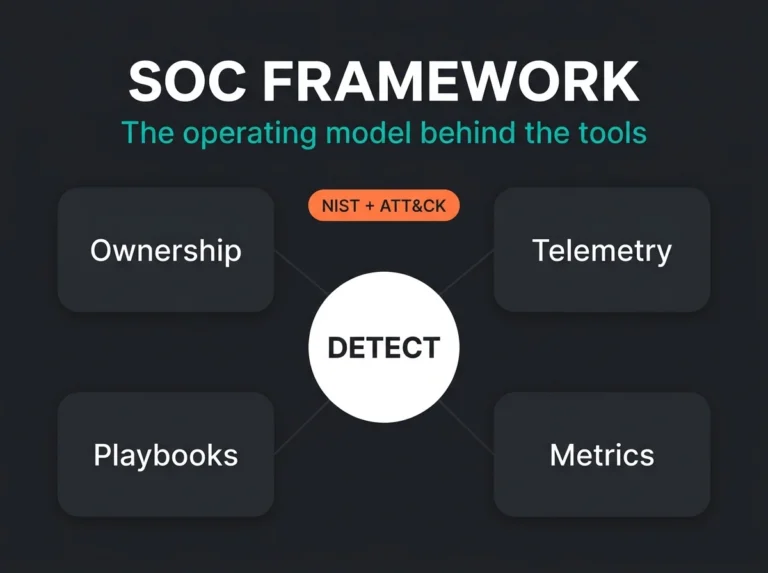
Posture reports that drive decisions tend to share the same bones. Here’s the structure we use with managed SOC clients, refined across dozens of monthly reporting cycles.
Executive summary, one page
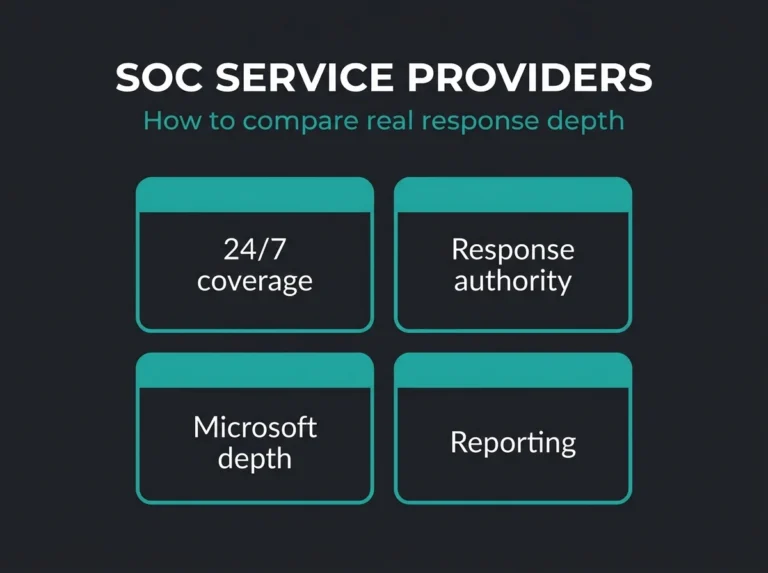
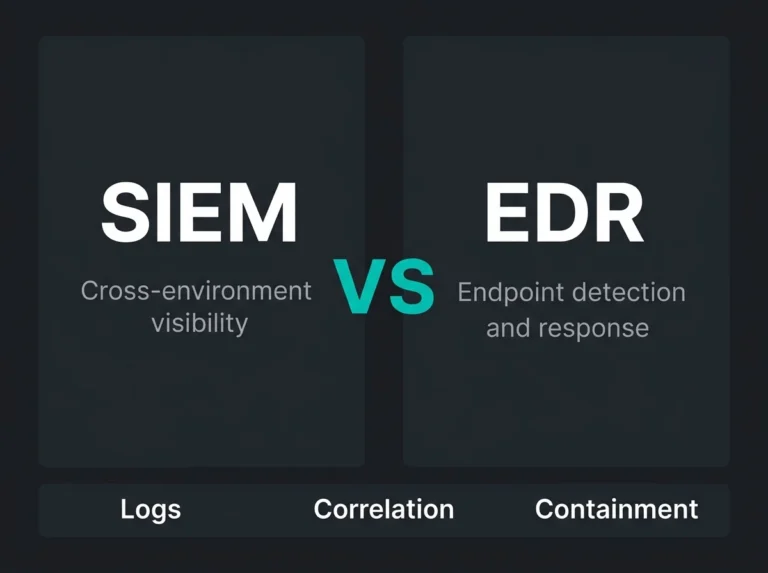
Open with the overall posture score and the direction of travel. A simple red/amber/green rating by category is enough. One sentence for the biggest improvement since last month, one for the biggest outstanding risk. If the board reads nothing else, they read this page. For buyers trying to connect those reporting metrics back to outsourced operations, our guides to managed SOC services and SIEM vs SOC help clarify who should actually own which part of the response workflow.
Metric detail, two to three pages
For each of the four categories, show three things for every KPI:
- Current value against target against previous period.
- A trend chart with at least three months of history, ideally twelve.
- A sentence or two explaining what moved and why.
Risk register update, one page
This is the page that stops a report from being informational and makes it actionable. If MTTD drifted upward this month, say what that means in plain terms. For instance: “Slower detection extends the window available for lateral movement, which raises the potential blast radius of a ransomware event.” A trend line without a consequence attached is just a graph.
Recommendations, one page
List the top three to five proposed actions, ranked by risk reduction. Attach estimated effort and a rough timeline to each. Now the decision-makers have something concrete to approve, defer, or kill. Nothing concentrates the mind like being asked to put a pound figure next to an open risk.
Where Microsoft tools fit in
Organisations running Microsoft 365 and Azure already hold the raw data needed for posture reporting. Pulling it into a coherent narrative is the work that doesn’t do itself.
| Data Source | What It Measures | Where to Find It |
|---|---|---|
| Microsoft Secure Score | Configuration posture across M365, Entra ID, Defender | Microsoft Defender portal > Secure Score |
| Sentinel SecurityIncident table | MTTD, MTTR, incident volume, closure classification | Log Analytics > SecurityIncident |
| Sentinel SOC Efficiency workbook | Triage time percentiles, incidents by severity and owner | Sentinel > Workbooks > Security Operations Efficiency |
| Defender Vulnerability Management | Exposure score, critical CVE count, remediation progress | Microsoft Defender portal > Vulnerability Management |
| Entra ID Sign-in Logs | MFA coverage, Conditional Access gaps, risky sign-ins | Entra admin center > Sign-in Logs |
| Microsoft Purview Compliance Manager | Compliance score against regulatory frameworks | Purview portal > Compliance Manager |
The Sentinel incident metrics documentation publishes KQL templates for MTTD, MTTR, and closure percentile calculations that run straight against SecurityIncident. Drop those queries into a custom workbook and the report starts refreshing itself.
Reporting cadence: how often is enough?
Different audiences need different frequencies. Trying to give everyone the same report on the same schedule is how you end up with reports nobody reads.
- SOC team, weekly. Live operational dashboard. No narrative, no executive summary. Focus on open incident backlog, critical vulnerabilities still out, and any gaps in detection coverage.
- IT leadership, monthly. The full four-category framework with trend data and recommendations. This is where decisions actually get made.
- Board and executives, quarterly. A posture score, the major risk movements of the quarter, and any investment requests tied to specific risk reduction outcomes.
- On-demand, when asked. Insurance renewals, NIS2 audits, due diligence packs. The first time you scramble to assemble one of these in 48 hours, you’ll wish you’d built a template.
Common mistakes to avoid
We’ve reviewed posture reports across a lot of managed SOC engagements. The same mistakes keep showing up.
Mistake 1: Reporting everything. Thirty metrics on one dashboard is a data dump, not a decision tool. Pick the metrics each audience can act on and cut the rest.
Mistake 2: No baselines. If you don’t know where you started, you can’t show progress. Record the baseline in month one, then report deltas from it every month afterwards.
Mistake 3: Glossing over coverage gaps. Reporting 100% endpoint protection compliance is misleading if the SIEM only sees 60% of the environment. Say what you don’t cover. Honesty buys credibility.
Mistake 4: Manual data collection. If the team spends three days assembling the monthly report, the process is broken. Automate the extraction from Sentinel, Defender, and Entra ID into a workbook or Power BI dashboard that builds itself overnight.
NIS2 and the reporting mandate
Posture reporting stopped being optional the day NIS2 applied to you. Article 21 requires “appropriate and proportionate technical, operational and organisational measures to manage the risks posed to the security of network and information systems.” Documented metrics are how organisations prove those measures exist and work.
Dig into Article 21(2) and you’ll find ten minimum risk management measures. Incident handling. Business continuity. Supply chain security. And, right in the middle, “policies and procedures to assess the effectiveness of cybersecurity risk-management measures.” That’s a posture reporting requirement by any other name. You need metrics that prove controls work, and you need to produce them when a supervisory authority asks.
For Swedish organisations now transposing NIS2 into national law, the sensible move is to build the reporting framework around those ten measures from day one. Retrofitting the compliance evidence after the regulator has already sent a notification is expensive, and it happens under time pressure.
Getting started: a 30-day plan
You don’t need a six-month programme to get posture reporting off the ground. For an SMB running Microsoft 365 and Azure, four focused weeks will produce a first real report.
Week 1: inventory and baselines. Write down which Microsoft security tools are actually deployed: Sentinel, Defender for Endpoint, Entra ID P1 or P2, Purview. Record current Secure Score. Run a baseline vulnerability scan so week-four has something to compare against.
Week 2: metrics and audiences. Select three or four metrics per category. Identify who receives each tier of report. The SOC gets the weekly operational view. The IT director gets the monthly detail. The board gets the quarterly summary. Get the routing right before you start generating pages.
Week 3: automate the data collection. Deploy the Sentinel Security Operations Efficiency workbook. Configure Defender Vulnerability Management exposure tracking. Schedule a recurring workbook refresh so the data keeps arriving without a human running queries every Monday morning.
Week 4: deliver the first report. Produce it using the framework above, then hand it to the intended audience and listen. The questions they ask tell you which metrics landed, which didn’t, and where the report needs to change next month.
When to bring in a managed service
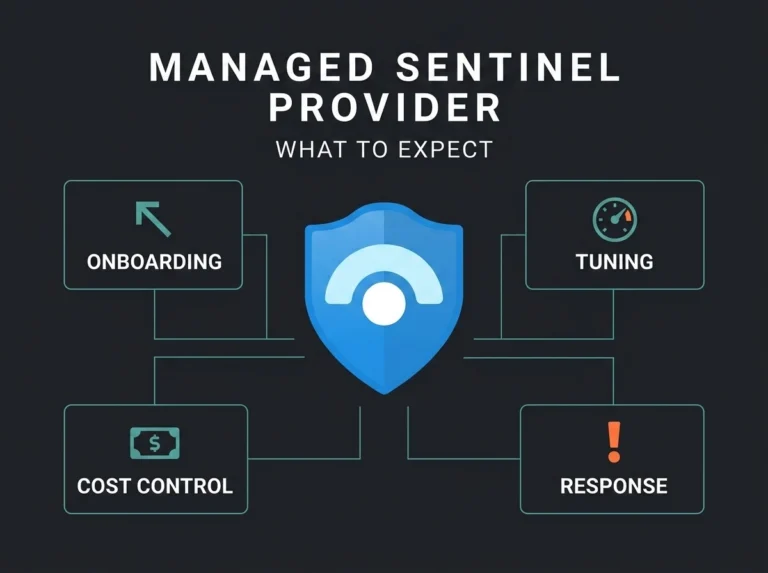
Not every organisation has the internal capacity to build and maintain this. A managed Sentinel service or virtual CISO engagement takes on the time-consuming parts: wiring up data sources, building the automated dashboards, interpreting trends month to month, and presenting findings to leadership in language they’ll act on.
This is especially true for SMBs without a dedicated security team. The metrics and framework stay the same. What changes is who does the analysis and brings the pattern-recognition from having seen these reports across a portfolio of clients rather than a single tenant.
Frequently asked questions
What is security posture reporting?
Security posture reporting measures, tracks, and communicates an organisation’s cybersecurity health using quantifiable metrics. It turns raw data from tools like Microsoft Sentinel, Defender, and Entra ID into structured reports for technical teams, leadership, and compliance auditors.
What metrics should a security posture report include?
A workable report pulls metrics across four categories: detection effectiveness (MTTD, MTTR, false positive rate), vulnerability management (critical remediation time, unpatched CVE count), identity hygiene (MFA coverage, Conditional Access gaps), and compliance readiness (Secure Score, NIS2 control mapping, insurance attestation).
How often should security posture reports be produced?
Weekly operational dashboards for the SOC team, monthly detailed reports for IT leadership with trend data and recommendations, and quarterly executive summaries for the board. Add on-demand reports for insurance renewals and regulator requests.
Does NIS2 require security posture reporting?
Effectively, yes. NIS2 Article 21(2)(f) requires “policies and procedures to assess the effectiveness of cybersecurity risk-management measures.” That mandates documented security metrics showing controls are implemented and working. Organisations inside scope need a reporting framework that produces audit-ready evidence.
Can Microsoft tools generate security posture reports automatically?
Mostly. Secure Score tracks configuration posture continuously. The Sentinel Security Operations Efficiency workbook pulls MTTD, MTTR, and closure time straight from the SecurityIncident table. Defender Vulnerability Management reports exposure scores. Combined into Power BI dashboards or custom Sentinel workbooks, the mechanical reporting runs itself.