XDR vs EDR: What’s the Difference?

Here is the uncomfortable version of this question. If most of your noise is phishing and identity alerts, a sharper endpoint tool will not move the needle much. We keep seeing teams buy EDR to solve problems that do not live on the endpoint.
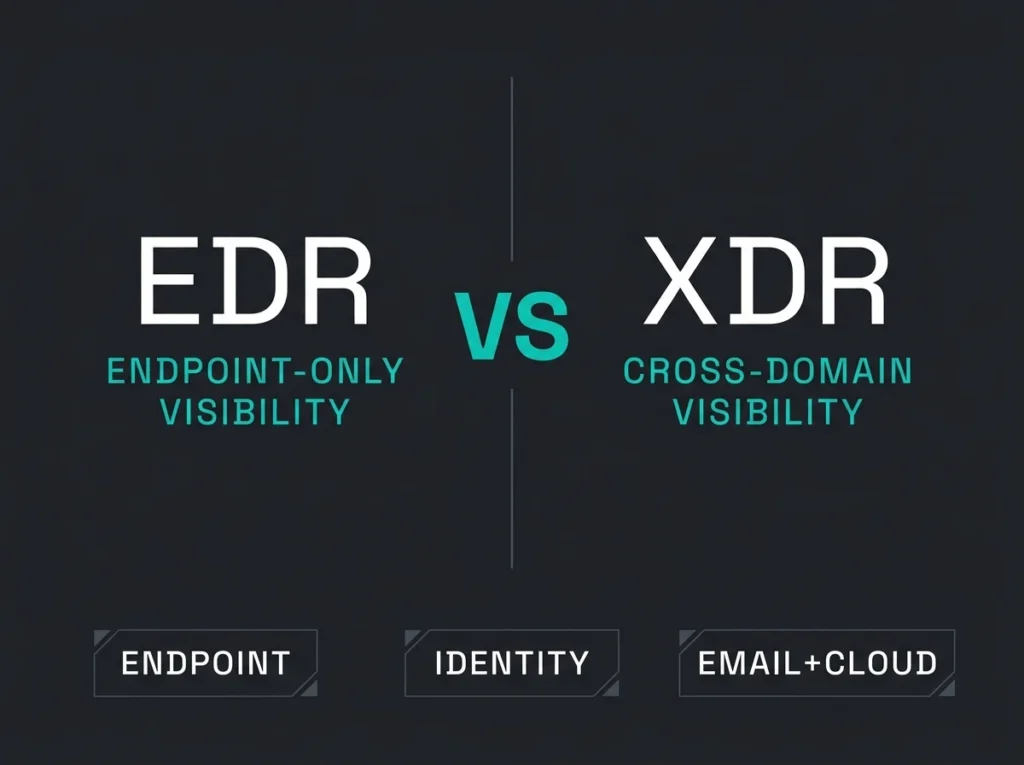
XDR vs EDR in one sentence: EDR watches the endpoint and responds there. XDR pulls identity signals and email and cloud telemetry in next to the endpoint data so an analyst can follow an attack across layers instead of chasing it across four consoles. For Microsoft-heavy SMBs, that gap matters, because a lot of real incidents start in email or in an identity signal and only reach a device later (if at all).
Falconer Security runs Microsoft security tooling for Swedish and Nordic SMBs that do not want to staff an enterprise SOC. So the rest of this post is less “which product is better” and more “when is each one actually enough”. Plus a layer most vendor pages skip: whether anyone on your side is going to watch the thing at 2am.
- Scope is the whole difference. EDR watches and responds on the device; XDR correlates endpoint, identity, email, SaaS, and cloud signals into one incident story instead of four consoles.
- 88 percent of intrusions involve stolen credentials. Verizon’s 2025 DBIR figure is the strongest XDR argument in a Microsoft shop, because credential theft shows up as a weird sign-in, not an endpoint alert.
- EDR is the floor, XDR the direction. Start with EDR when risk lives on managed devices; move to XDR once Microsoft 365, Entra ID, and phishing outrank commodity malware as the worry.
- Check the licensing line. Defender for Business covers orgs up to 300 users, while Defender for Endpoint Plan 2 adds the deeper EDR, automated investigation, and threat analytics.
- Neither fixes an understaffed operation. IBM puts the average breach at $4.44 million, and the real failure mode is buying either platform without a plan for who tunes, watches, and responds.
XDR vs EDR: the short answer
EDR stands for Endpoint Detection and Response. Practically, it is the tool that lives on laptops, desktops and servers and notices when something on the device is acting wrong. Microsoft’s own doc on Defender for Endpoint EDR describes near real-time detections, alert grouping, and response actions like isolating a device or killing a malicious file. That matches how we actually use it day to day.
XDR (Extended Detection and Response) is the layer that sits above that. Microsoft’s description of Microsoft Defender XDR calls it a unified suite coordinating detection, prevention, investigation and response across endpoints, identities, email and applications. In plain language: it is the thing that lets you stop clicking between tabs.
If endpoint visibility is the thing you are missing, EDR may be enough. If Microsoft 365, Entra ID and a handful of SaaS apps are where your business actually lives, XDR will usually give you a cleaner picture and fewer “wait, did we miss that?” moments.
Why this comparison matters now
Attackers do not politely stay on one layer. A phishing email lands. Someone clicks. A token gets stolen. An Entra sign-in happens from an odd location. Persistence gets planted on a device. Lateral movement starts. By the time your endpoint console beeps, the incident has already been four places. Microsoft’s 2025 Digital Defense Report now talks about processing 100 trillion security signals per day. I am not sure anyone can picture that number. The useful takeaway is that fragmenting that signal into separate dashboards is how things get missed.
Verizon’s 2025 DBIR says 88% of system intrusion breaches involved stolen credentials. That single number is honestly the strongest case for XDR in a Microsoft shop. Credential theft does not show up first on an endpoint. It shows up as a weird sign-in.
IBM’s Cost of a Data Breach 2025 put the global average at $4.44 million. For an SMB that number is not really meant to scare you into buying more tools. The message is narrower: slow investigations make modest incidents expensive. Speed and scope are what change that math.
What EDR actually does
EDR is built to watch endpoint telemetry, flag suspicious behaviour, and let someone on your side investigate or contain whatever is happening on the device. In a Microsoft shop, Defender for Endpoint groups related alerts into incidents and gives analysts response actions (scan the device, isolate it from the network, quarantine a file).
Where it earns its keep:
- malware or ransomware behaviour on a device
- process execution and persistence that looks off
- lateral movement signs visible from endpoint telemetry
- post-compromise investigation on the affected host
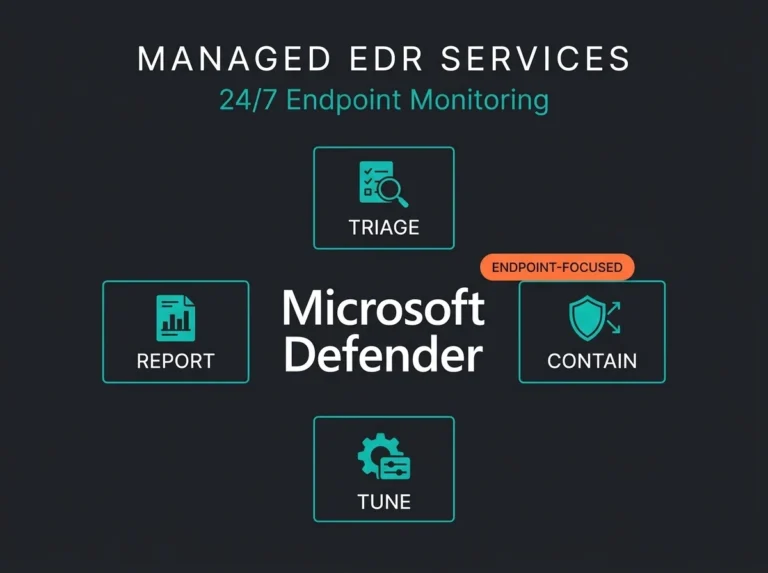
EDR is the right starting point if your main gap is shaky endpoint visibility, a legacy antivirus that nobody trusts, or a lack of any real way to investigate a weird alert on a workstation. It also pairs naturally with a managed EDR service when internal security capacity is thin (which, honestly, is most SMBs we meet).
What XDR adds beyond EDR
XDR does not replace the endpoint layer. It extends it. Microsoft says Defender XDR correlates signals from Defender for Endpoint, Defender for Office 365, Defender for Identity, Defender for Cloud Apps, and any other Microsoft security products licensed in the tenant.
The incidents where that correlation earns its cost look like this in practice:
- a phishing email lands, a user clicks, and minutes later the same payload shows up on other devices
- a compromised identity signs in from an unfamiliar location and starts poking at cloud apps before anything hits the endpoint
- a malicious OAuth app abuses Microsoft 365 data without ever dropping malware on a device
- a BEC attack that lives almost entirely in mailbox rules and identity telemetry
Microsoft also documents that Defender XDR shares threat information across products in real time and can fire cross-product actions on its own. The operational win is less about sophistication and more about stitching: one incident story instead of four alerts in four places.
XDR vs EDR comparison table
| Area | EDR | XDR |
|---|---|---|
| Primary focus | Endpoints (laptops, servers, workstations) | Endpoints plus identity, email, SaaS and cloud telemetry |
| Typical data sources | Device processes, files, registry, network activity | Endpoint signals plus Entra ID, mailboxes, SaaS and cloud workloads |
| Best at | Device-level detection and forensic investigation | Cross-layer correlation when an attack touches more than one surface |
| Blind spots | Email-only or identity-first attacks that never hit a device | Still depends on integrations being live and licenses being in place |
| Response scope | Mostly endpoint actions | Endpoint actions plus identity and email remediation |
| Best fit | Smaller environments, or endpoint-first security upgrades | Cloud-first or Microsoft-heavy orgs with a wider attack surface |
When EDR is enough
EDR is often the right answer when the business is still standing up its first real detection capability. In particular:
- most of the risk still lives on managed laptops and servers
- email and identity protections already exist and are being actively managed
- device-level containment speed matters more than cross-layer analytics
- budget or licensing makes a full XDR rollout a stretch this year
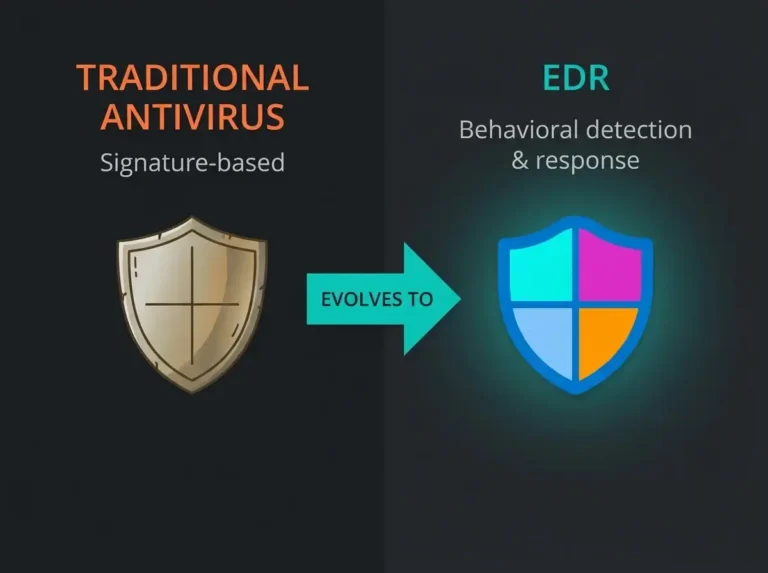
For SMBs at this stage, a solid endpoint program with a realistic operating model usually beats buying a bigger platform nobody has time to tune. If you are still untangling weak legacy controls, the groundwork in EDR vs antivirus is a better next step than shopping for XDR. Decide later whether your cloud and identity exposure justify going wider.
When XDR is worth it
XDR starts earning its cost when your investigations keep hopping across products. In Microsoft shops that threshold arrives sooner than people expect. Attackers go after Microsoft 365 mailboxes and Entra ID identities as often as they go after endpoints. Teams and SharePoint are in scope too.
XDR tends to be the better call when:
- the business runs heavily on Microsoft 365 and Entra ID
- phishing and identity compromise outrank commodity malware as the top worry
- analysts need one incident view instead of tab-hopping between consoles
- threat hunting and triage need to span more than one signal source
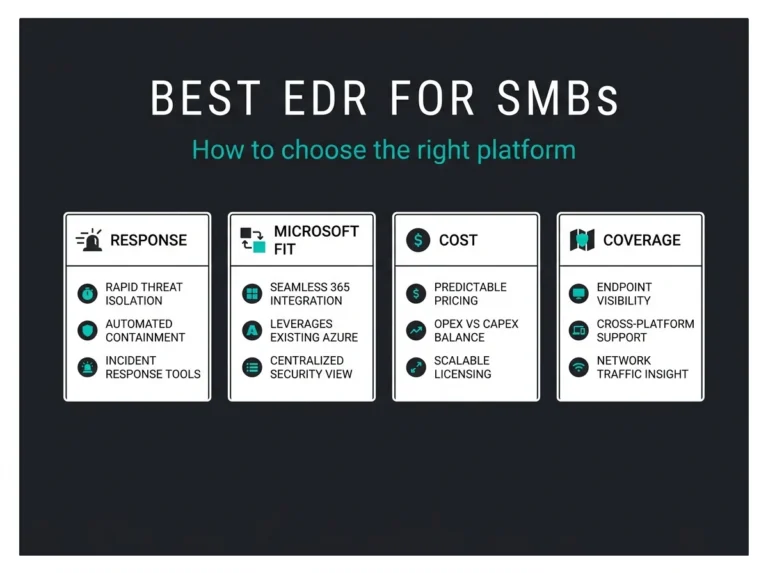
Licensing matters here too. Microsoft documents that Defender for Business is designed for orgs up to 300 users, while Defender for Endpoint Plan 2 is where you pick up the broader EDR depth, automated investigation and threat analytics that more mature teams rely on.
What most vendors gloss over
Here is the part vendor demos usually skip. Neither tool fixes an understaffed security operation on its own. Better telemetry is still just telemetry. Someone has to tune the detections and triage the incidents and decide what gets escalated at 2am.
Which is why we push SMBs to think in three layers:
- the platform: EDR or XDR
- the coverage: business-hours only, or 24/7
- the operating model: internal team, co-managed or outsourced
If you already know you need round-the-clock response, the sharper comparison is probably managed SIEM vs MDR vs MXDR, or a look at your managed SIEM services options. The product choice matters, but the service model usually decides whether the tooling produces clarity or just louder noise.
Our view for Microsoft-focused SMBs
For Swedish and Nordic SMBs that live mostly inside Microsoft 365, we treat EDR as the floor and XDR as the direction of travel. The reason is pretty simple. The Microsoft attack surface is not just endpoints. Email, identity, collaboration tools and cloud misconfigurations all sit inside the same incident chain.
If budget is tight, start with strong endpoint protection and a response process somebody can actually follow. If the environment is already cloud-first, or if the biggest risk is phishing and account compromise, skip ahead to XDR and pair it with a response model your team can sustain without burning out.
That is where an external partner tends to help. Falconer Security supports organisations that want Microsoft-native detection without hiring a full internal SOC. If you want a second opinion on endpoint-first vs cross-layer coverage, start with our Microsoft 365 security assessment, or talk to us about managed detection and response.
Conclusion
- EDR is device-focused. It is the baseline for modern endpoint security.
- XDR extends that visibility across identity, email, SaaS and cloud signals.
- For Microsoft-centric SMBs, XDR usually maps more honestly to how real attacks unfold.
The real failure mode is not picking the smaller platform. It is buying either one without a plan for who tunes it, who watches it, and who responds when it fires.
FAQ: XDR vs EDR
What is the main difference between XDR and EDR?
Scope. EDR watches endpoint telemetry and responds on the device. XDR pulls endpoints together with identity signals, mailbox activity and cloud telemetry so the full attack chain becomes visible in one place.
Can XDR replace EDR?
Not really. XDR usually builds on top of EDR, or ingests endpoint telemetry as one of its core feeds. If endpoint visibility is weak to begin with, XDR inherits that weakness.
Is XDR better than EDR for small businesses?
Not automatically. A small business with mostly endpoint-driven risk can do fine on EDR. A Microsoft 365-heavy business worrying about phishing and identity exposure will usually get more out of XDR.
Does Microsoft offer both EDR and XDR?
Yes. Microsoft Defender for Endpoint handles the EDR side. Microsoft Defender XDR correlates across Defender for Endpoint, Defender for Office 365, Defender for Identity, Defender for Cloud Apps, and the other Microsoft security products in the stack.
Is XDR relevant for NIS2?
Often, yes. NIS2 does not mandate a specific product category, but broader visibility and faster incident response map well to the risk management and detection maturity most covered organisations need to show. For Microsoft-led environments, XDR usually fits that picture better than endpoint-only tooling.