Spoofing vs Phishing: What Microsoft 365 Admins Need to Know

Email threats often get bucketed together, but spoofing vs phishing is not one problem. Knowing the difference changes what you fix first in Microsoft 365.
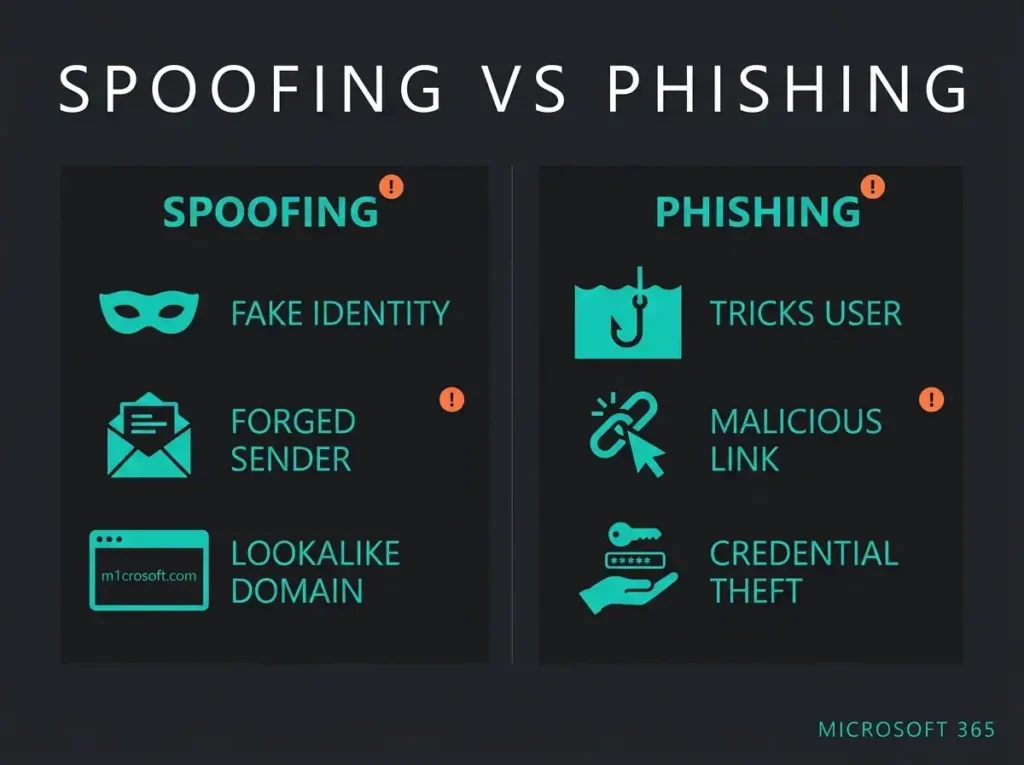
Spoofing is about faking identity. An attacker disguises an email address, sender name, phone number, or website so it looks legitimate. The FBI describes spoofing as disguising an email address, sender name, phone number, or URL to make you think you are dealing with a trusted source.
Phishing is about manipulating action. A message, site, or call tricks someone into clicking, sharing credentials, approving a payment, or handing over data. Microsoft defines phishing as an email attack that tries to steal sensitive information in messages that appear to come from legitimate or trusted senders.
Spoofing is the disguise. Phishing is the scam. They often appear together, but they are not interchangeable.
- Spoofing is the disguise, phishing is the scam. Spoofing fakes a trusted identity while phishing manipulates the victim into acting; most real attacks combine both, but the fixes differ.
- The fix depends on which one hit you. Spoofing calls for SPF, DKIM, DMARC, and sender validation; phishing calls for anti-phishing policies, MFA, and out-of-band payment verification.
- 193,407 complaints in one year. The FBI’s 2024 report logged phishing/spoofing as the top crime type by complaint count, with $70 million in reported losses.
- Your tenant already has spoof intelligence. Every Microsoft 365 cloud mailbox gets it; review detected spoofed senders at security.microsoft.com/spoofintelligence, which shows seven days of data.
- Legitimate senders spoof too. A misconfigured supplier platform sending on your domain is technically spoofing, so check the sending infrastructure context before blocking.
What is spoofing?
Spoofing happens when an attacker forges identity signals so a message or website looks real. Common examples:
- An email that appears to come from your CEO or finance lead
- A sender domain that differs from a real supplier by one character
- A fake login page that copies Microsoft 365 branding
- A phone call or SMS that appears to come from a trusted number
According to the FBI, criminals often change a single letter, symbol, or number to make a sender or URL look trustworthy. Quick visual checks miss those.
What is phishing?
Phishing is a social engineering attack designed to make someone do something unsafe. Usually that means:
- Entering credentials into a fake login page
- Opening a malicious attachment
- Approving a fraudulent invoice or bank-change request
- Replying with sensitive internal data
Microsoft notes that phishing also includes more targeted variants such as spear phishing, whaling, and business email compromise. Those attacks do not always rely on malware. They often succeed because the message looks credible enough to get past technical controls and human caution at the same time.
Spoofing vs phishing: the practical difference
| Factor | Spoofing | Phishing |
|---|---|---|
| Primary goal | Impersonate a trusted identity | Trick the victim into taking harmful action |
| Main tactic | Fake sender, number, or website | Social engineering message, form, or request |
| Can it happen alone? | Yes | Yes |
| Often combined? | Yes, to make the lure believable | Yes, to improve conversion |
| Best first controls | SPF, DKIM, DMARC, anti-spoofing, sender validation | Anti-phishing policies, user training, safe links, strong identity controls |
Why businesses keep confusing them
Most attacks blend the two: a phishing email arrives from a spoofed sender, or a spoofed domain hosts the phishing page. That overlap is why many teams treat both terms as synonyms in everyday conversation.
The split matters when you investigate an incident or harden Microsoft 365:
- If the issue is spoofing, you need to improve email authentication, sender validation, and domain protection.
- If the issue is phishing, you also need to reduce click risk, credential theft, impersonation success, and exposure to payment fraud.
How spoofing and phishing show up in Microsoft 365
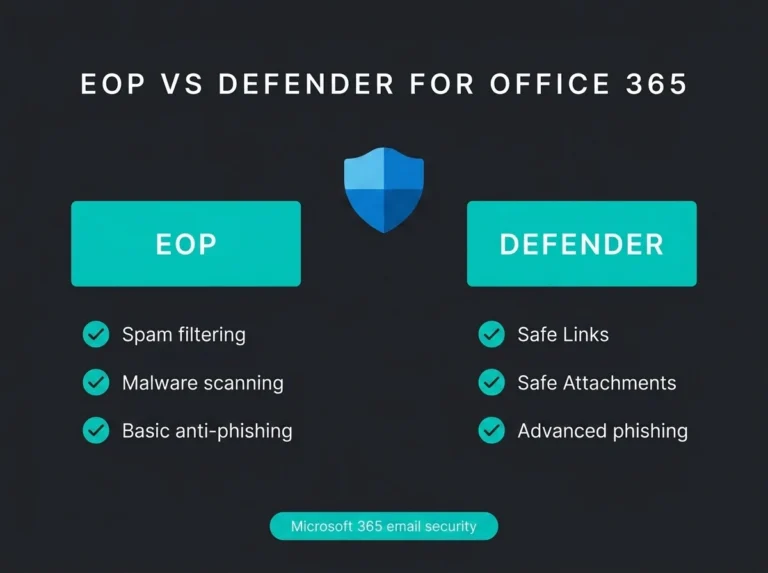
In Microsoft 365, spoofing and phishing overlap across Exchange Online Protection and Microsoft Defender for Office 365.
Microsoft states that all organisations with cloud mailboxes already have anti-phishing protections, including spoof intelligence, anti-phishing policies, support for DMARC-based handling, and inbound authentication checks (SPF, DKIM, DMARC) plus reputation and behavioural signals.
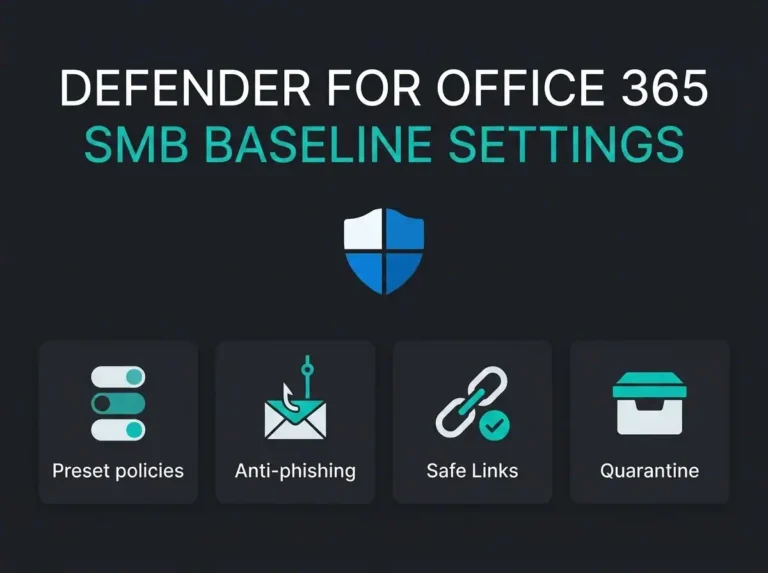
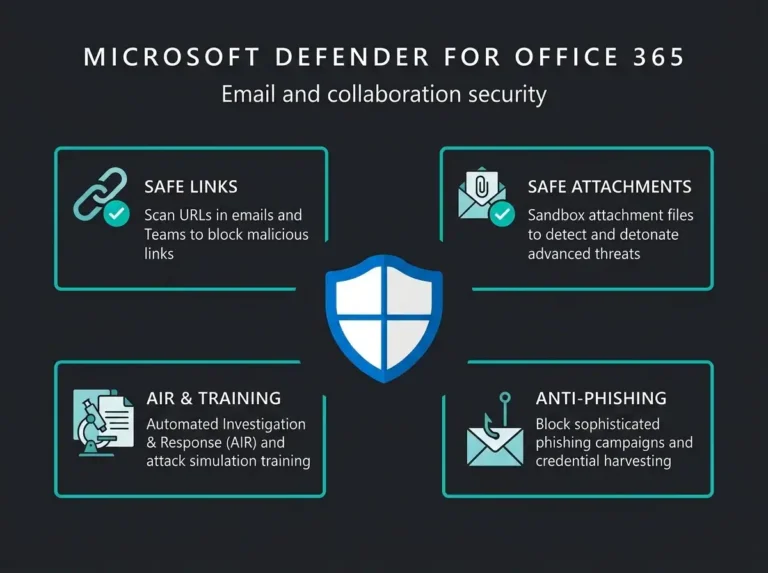
Tenants with Microsoft Defender for Office 365 get further controls layered on top: impersonation protection, mailbox intelligence, campaign views, and attack simulation training.
So Microsoft 365 can help detect both:
- Spoofing indicators, such as forged senders and failed authentication
- Phishing indicators, such as impersonation attempts, suspicious links, and coordinated campaigns
What Microsoft spoof intelligence actually does
Microsoft says inbound email is automatically protected against spoofing in organisations with cloud mailboxes, and that spoof intelligence is one piece of the wider phishing defence stack.
In the Microsoft Defender portal, the spoof intelligence insight lets admins review detected spoofed senders and manually allow or block them. Microsoft also notes that:
- The portal is available at
https://security.microsoft.com - The Spoof intelligence insight page is at
https://security.microsoft.com/spoofintelligence - The insight shows seven days of data in the portal
- When admins override verdicts, the sender is added to the Spoofed senders tab in the Tenant Allow/Block Lists
Many false positives and real attacks look similar at first glance, so the context of the sending infrastructure matters more than the display name on the message.
Examples: spoofing without phishing, phishing without spoofing
Spoofing without phishing
A supplier platform sends messages on behalf of your domain but has not been configured correctly for email authentication. The traffic is technically spoofed even when the underlying sender is legitimate. Microsoft explicitly calls out scenarios where legitimate senders spoof internal or external domains.
Phishing without classic spoofing
An attacker registers a fresh domain that does not pretend to be your exact domain. The content still pressures a user to reset a password or approve a payment. Not a perfect spoof, still phishing.
Both together
A criminal sends a finance request that appears to come from your CFO, uses a lookalike domain, and links to a fake Microsoft 365 login page. That is both spoofing and phishing, and it is the version that lands on incident-response calls.
Why this matters in real-world risk terms
The volume is not theoretical. The FBI’s 2024 Internet Crime Report logged 193,407 phishing/spoofing complaints and $70,013,036 in reported losses. Phishing/spoofing was the highest crime type by complaint count in that report.
The FBI also describes spoofing and phishing as regular ingredients in business email compromise. For any organisation that handles invoices, supplier changes, payroll data, or Microsoft 365 identities, this is a board-level risk rather than an email-hygiene one.
How to reduce spoofing risk
- Publish and maintain SPF, DKIM, and DMARC for every sending domain
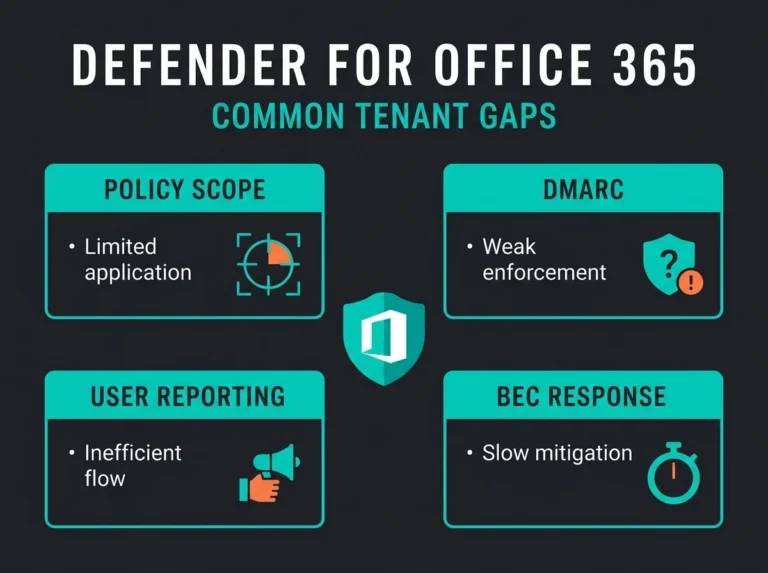
- Review Microsoft 365 anti-phishing policy settings and DMARC handling
- Monitor spoof intelligence and the Tenant Allow/Block List regularly
- Lock down third-party senders that use your domain
- Register and monitor lookalike domains where the risk justifies it
How to reduce phishing risk
- Turn on stronger Microsoft 365 anti-phishing and impersonation protection
- Require multifactor authentication so a stolen password is less useful on its own
- Train staff to verify payment and account-change requests out of band
- Run phishing simulations and review who still clicks
- Investigate why users trusted the messages that did get through
If you are not sure how exposed you are right now, start with a proper Microsoft 365 security audit, then map the gaps to hardening work in Microsoft 365 security assessment and email security. For the Microsoft control stack itself, the next two reads should be Defender for Office 365 for SMBs and our guide to spear phishing prevention.
The bottom line
Spoofing and phishing are related, but they solve different problems for the attacker. Spoofing makes the attack look legitimate. Phishing pushes the victim to act on it.
Treating them as one problem usually means underinvesting in the controls that stop the attack earlier. In Microsoft 365, the answer is layered protection: authentication, anti-phishing policy, impersonation detection, user verification, and incident response.
If you want a second pair of eyes on how your tenant handles sender authentication, impersonation, and mailbox protection, Falconer Security can review the current setup before a spoofed message becomes a real incident.