Benefits of EDR for Small Business

Most small businesses do not lose sleep because they lack another dashboard. They lose sleep because one compromised laptop can become a company-wide incident before anyone notices. That is where the benefits of EDR become practical rather than theoretical: better visibility, faster containment, and a cleaner path from suspicious activity to action.
For Microsoft-heavy SMBs, EDR matters because work no longer happens inside one trusted office network. Devices move between home Wi-Fi, client sites, shared cloud apps, and unmanaged identities. Microsoft describes Defender for Endpoint as an enterprise endpoint security platform designed to help organizations prevent, detect, investigate, and respond to advanced threats across Windows, macOS, Linux, Android, and iOS. The platform is mature. The question is whether your business is using those capabilities well enough to reduce real risk.
At Falconer Security, we usually see the same gap: companies buy endpoint tooling, but they still struggle to review alerts, isolate devices quickly, and connect endpoint findings to wider Microsoft 365 and identity risk. This guide breaks down the real benefits of EDR for small business teams, where EDR stops, and how to decide whether EDR alone is enough.
- SMBs are prime targets. Verizon’s 2025 DBIR finds small businesses targeted nearly four times more than large organizations, and IBM puts the average breach cost at $4.44 million.
- Containment beats detection alone. Defender for Endpoint can isolate a compromised device, restrict app execution, and collect an investigation package before one endpoint incident becomes a company-wide outage.
- Roll out prevention in audit mode. Microsoft recommends running attack surface reduction rules in audit mode first so enforcement does not break line-of-business apps.
- EDR has hard limits. It does not cover stolen Microsoft 365 accounts, mailbox rules, or cloud permission abuse, which is where MDR or broader managed services take over.
- Operational ownership decides the verdict. EDR alone is enough only if someone reviews and acts on alerts; unattended after-hours queues point to managed EDR or MDR instead.
What is EDR and why does it matter to small businesses?
EDR stands for endpoint detection and response. In plain language, it is a security capability that records endpoint activity, detects suspicious behavior, supports investigation, and enables response actions such as scans, quarantining, and device isolation.
That matters to SMBs because attackers do not need a large enterprise footprint to cause damage. Verizon’s 2025 Data Breach Investigations Report says SMBs are being targeted nearly four times more than large organizations in this year’s dataset. IBM’s Cost of a Data Breach Report 2025 puts the global average breach cost at $4.44 million. Most SMB incidents do not reach that exact figure, but the lesson is simple: delayed detection and weak containment get expensive fast.
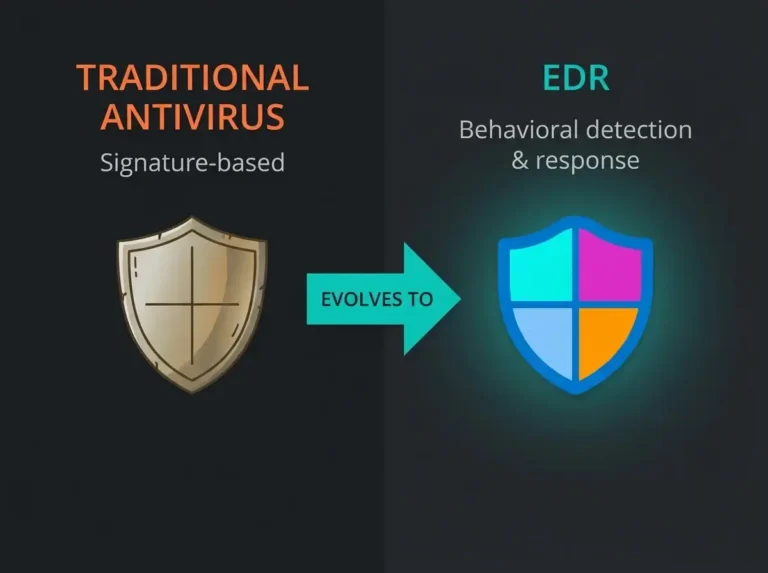
EDR is valuable because it improves the time between compromise and response. It gives defenders endpoint telemetry, investigation context, and response actions they do not get from traditional antivirus alone. If you want the detailed baseline comparison, start with our guide to EDR vs antivirus.
Benefits of EDR for small business teams
1. Faster detection of suspicious behavior
The first big benefit of EDR is not that it blocks everything. It is that it helps you see what antivirus alone often misses: suspicious process chains, unusual scripts, persistence attempts, and lateral movement indicators.
Competitor pages from Huntress, Palo Alto Networks, and Heimdal all emphasize visibility and faster breach detection. That part is fair. Where many of them stay vague is operational reality: visibility only helps if someone is reviewing it.
Microsoft’s endpoint documentation confirms that Defender for Endpoint includes endpoint detection and response plus advanced hunting capabilities. That matters for small businesses because modern attacks often involve valid credentials, living-off-the-land tooling, and low-noise behavior that looks normal until you correlate the evidence.
Direct answer: One of the clearest benefits of EDR for small business environments is earlier detection of suspicious behavior on endpoints. Earlier detection reduces the amount of time an attacker can move, persist, or escalate before someone intervenes.
2. Faster containment when a device is compromised
Detection without response is just better-informed panic. The second major benefit of EDR is containment. Current Microsoft guidance shows Defender for Endpoint supports device-level response actions including antivirus scans, automated investigation, investigation package collection, restricting app execution, and isolating devices from the network.
For an SMB, this is huge. If a laptop starts beaconing to suspicious infrastructure or a user runs malicious code, isolating the affected device can stop the problem spreading while the investigation continues. That can be the difference between one endpoint incident and a broader business outage.
This is also where EDR creates practical value for lean IT teams. You do not need to rebuild your whole security stack to get faster host-level response. You need a platform and runbooks that let someone act decisively.
3. Better evidence for investigation and recovery
Another benefit of EDR is investigative depth. Microsoft documents that defenders can collect an investigation package and use live response or automated investigation workflows to understand what happened on a device and what else may be affected. That is far more useful than a simple malware alert with no context.
When an incident happens, small businesses need answers to basic questions fast:
- Which user or device started the chain?
- What process or file triggered the alert?
- Did the activity spread?
- What needs to be contained or reimaged?
EDR does not magically answer all of that on its own, but it gives your team far better evidence than old-school endpoint protection.
4. More useful protection for remote and hybrid work
Traditional network-centric security assumes users sit inside a controlled perimeter. Small businesses do not work like that anymore. Staff use company laptops from home, while travelling, and from unmanaged networks. EDR follows the device rather than trusting the office boundary.
This is one reason competitor content ranks well on this topic: they all point to remote work risk. The part worth adding is that Microsoft-first SMBs also need endpoint visibility tied to identity and SaaS risk. A compromised device is often only one part of the incident. That is why endpoint telemetry should inform broader Microsoft 365 security assessments rather than operating in a silo.
Direct answer: EDR is especially useful for small businesses with hybrid work because protection stays with the endpoint even when users are outside the office. That makes detection and containment less dependent on network location.
5. Stronger control over risky software behavior
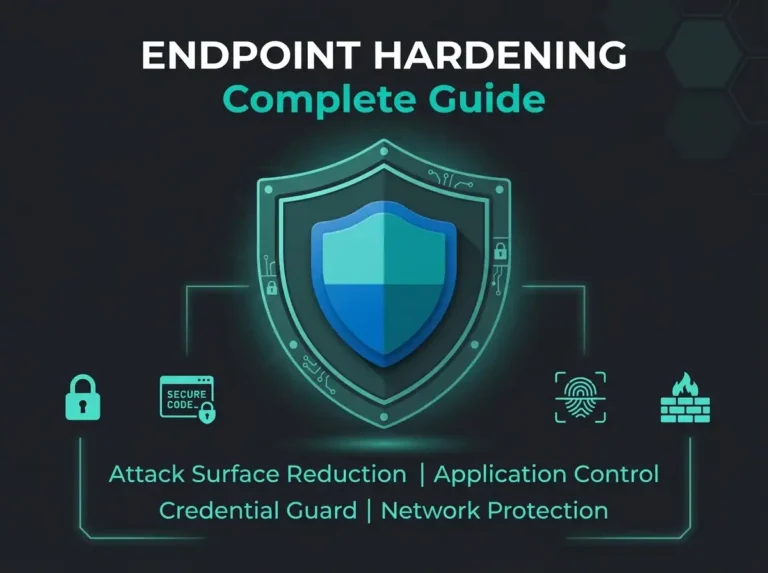
Good endpoint security is not only about spotting malware after it lands. It is also about reducing the number of risky behaviors attackers can abuse in the first place. Microsoft’s attack surface reduction guidance explains that these rules can block or constrain risky behavior such as suspicious scripts, downloaded executable content, and techniques commonly abused by malware.
There is an important operational detail here: Microsoft explicitly recommends running attack surface reduction rules in audit mode first, reviewing impact, and adding exclusions where needed before wider enforcement. That is exactly the kind of detail SMB buyers should care about. A rushed rollout creates business friction. A measured rollout reduces risk without breaking line-of-business apps.
So one of the benefits of EDR is not just detection after compromise. It is the ability to shrink the attack surface before an alert is ever generated.
6. Better use of automation when teams are understaffed
Most small businesses do not have a full SOC. They have an overstretched IT team, maybe an MSP, and too many alerts. That is why automation matters. Microsoft states that automated investigations can examine alerts, expand scope to related devices, assign verdicts, and trigger remediation actions such as quarantining files or stopping services.
Microsoft also notes that these capabilities significantly reduce alert volume. For small businesses, that is one of the most practical EDR benefits. Less time spent triaging obvious noise means more time spent on the incidents that actually matter.
That said, automation is not a substitute for judgement. It works best with approval logic, documented response paths, and someone accountable for high-impact actions.
7. Better support for compliance and operational resilience
EDR is not a compliance product, but it supports compliance outcomes. The NIS2 Directive raises expectations around cybersecurity risk management measures, incident handling, and the use of security in network and information systems. Endpoint visibility, detection, logging, and documented response all help organizations demonstrate that controls are operated rather than merely purchased.
For Nordic companies preparing for NIS2 scrutiny, EDR is useful because it creates operational evidence: alerts reviewed, actions taken, devices isolated, investigations documented. That does not remove the need for governance, backups, identity controls, or wider monitoring. It does make endpoint security more defensible.
Direct answer: EDR helps with compliance readiness by improving logging, incident handling, and evidence of operational control. It supports NIS2-style resilience objectives, but it does not replace broader governance and security monitoring requirements.
What EDR does not solve on its own
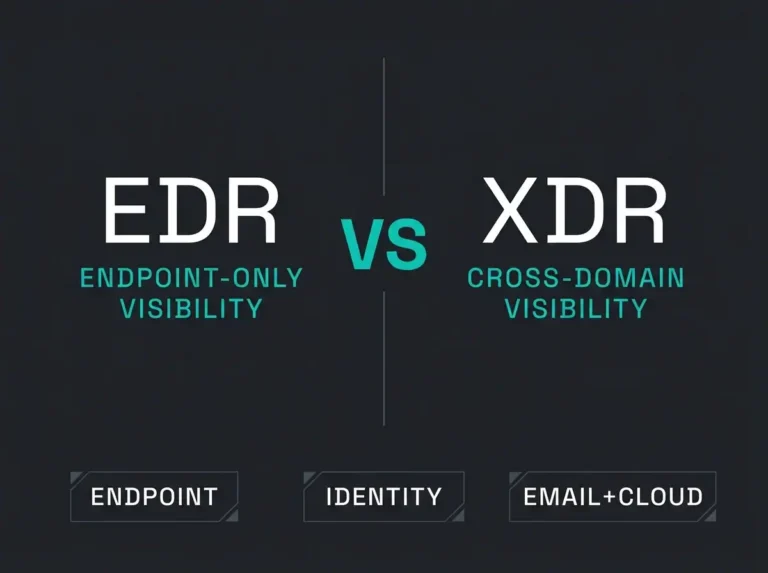
This is the part many vendor pages gloss over. EDR only sees the endpoint side of the story well. It does not fully replace email security, identity monitoring, cloud visibility, or SIEM-led detection engineering.
If an attacker uses a stolen Microsoft 365 account, creates mailbox rules, or abuses cloud permissions before doing anything noisy on a laptop, pure endpoint coverage may not tell you enough. That is why some organizations outgrow standalone EDR and move toward managed detection and response or broader managed security services.
For Microsoft-native environments, the stronger operating model is usually endpoint plus identity plus email plus SIEM context. If you are weighing those options, our comparison of managed SIEM vs MDR vs MXDR is the next logical read.
When EDR is enough, and when it is not
| Situation | EDR alone may be enough | You likely need more than EDR |
|---|---|---|
| Small internal IT team | Yes, if someone can review and act on alerts | No, if alerts sit untouched after hours |
| Hybrid work and mobile devices | Yes, EDR adds device visibility and response | No, if identity and SaaS risk are also key concerns |
| Compliance pressure | Helpful for endpoint evidence and response logs | Not enough for full governance and resilience coverage |
| Microsoft-first environment | Useful baseline | Better when tied to M365, Entra ID, and SIEM telemetry |
| 24/7 detection expectations | Only if operational coverage exists | Usually yes, move to managed EDR or MDR |
How to evaluate EDR for a small business
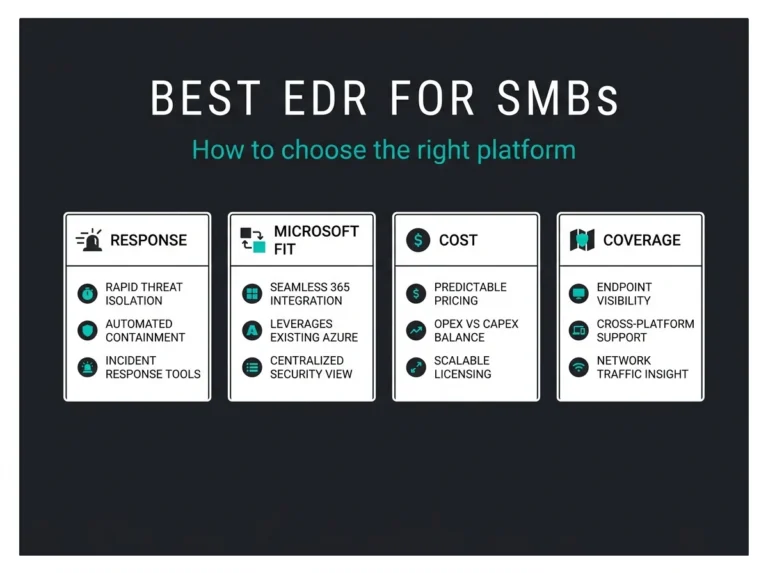
- Check platform support: Your endpoint mix probably includes Windows, mobile, and maybe macOS or Linux.
- Check response actions: Can the team isolate devices, collect evidence, and control suspicious execution quickly?
- Check operational ownership: Who reviews alerts at 02:00, and who approves high-impact actions?
- Check integration: Can endpoint findings feed identity, email, and SIEM workflows?
- Check rollout maturity: Are prevention controls rolled out in audit mode first where appropriate?
If those answers are weak, the problem is usually not the product category. It is the operating model around it.
Conclusion
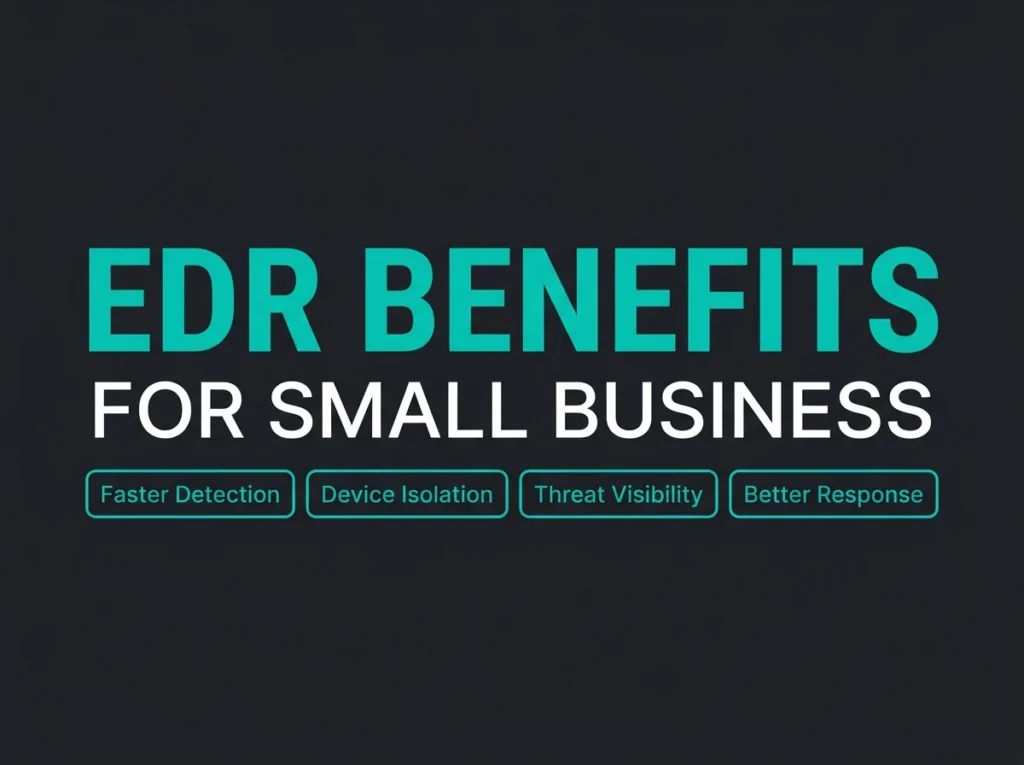
The benefits of EDR for small business teams are real: faster detection, faster containment, better investigation evidence, stronger support for hybrid work, and more practical control over risky endpoint behavior. Those gains matter because small businesses rarely fail for lack of tools. They fail because attacks move faster than the response process.
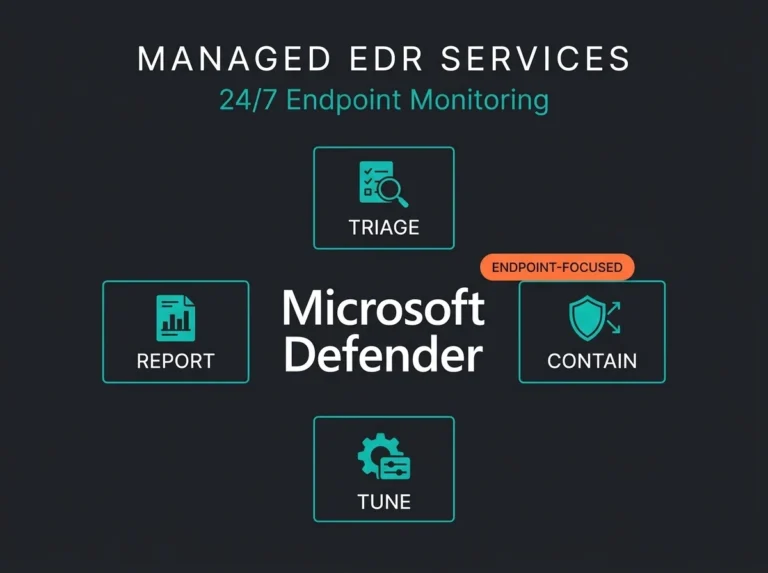
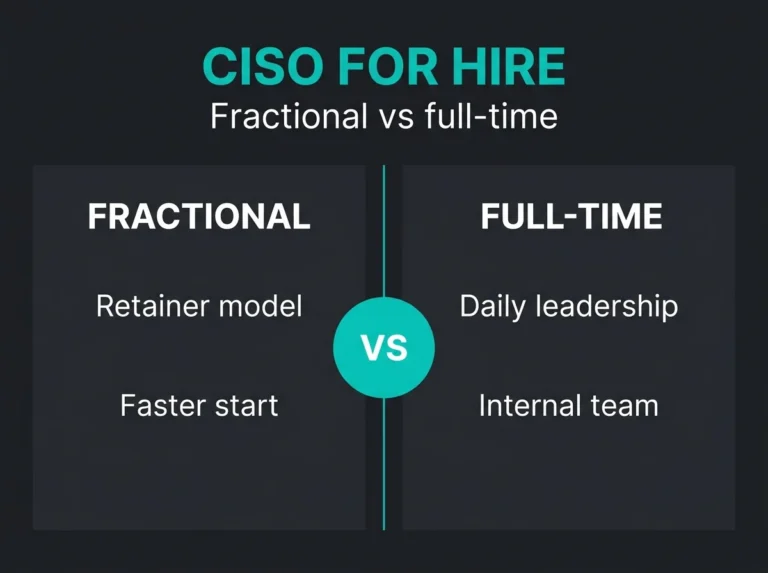
If you are already invested in Microsoft security, EDR is usually a sensible baseline. If you need someone to operate it well, start with our guide to managed EDR services. If you suspect the real problem extends beyond endpoints, the better next step is a broader security review across endpoint, email, identity, and cloud controls.
If you want that broader view, Falconer Security can assess how your Microsoft environment handles endpoint alerts, containment, identity exposure, and escalation paths before you commit to a bigger managed service model.
FAQ
What are the main benefits of EDR for small business?
The main benefits of EDR for small business are earlier threat detection, faster device containment, better investigation evidence, and stronger visibility for hybrid work environments.
Is EDR worth it for a small company?
Yes, if the company depends on laptops, cloud apps, and Microsoft 365 for daily operations. EDR reduces endpoint blind spots and shortens response time, which matters even more when internal security resources are limited.
Does EDR replace antivirus?
No. EDR goes beyond traditional antivirus, but most modern endpoint security platforms combine preventive and detective capabilities. The better question is whether your platform and team can both prevent and respond effectively.
Can EDR help with NIS2 readiness?
Yes, indirectly. EDR supports logging, detection, incident handling, and operational evidence. It helps with resilience objectives, but it does not replace governance, backup, supplier risk, or identity controls required for wider NIS2 readiness.
When should a business move from EDR to MDR?
Move beyond standalone EDR when incidents regularly involve identity, email, cloud workloads, or after-hours response expectations. That is when a broader managed detection and response model usually makes more sense.