Microsoft Secure Score: Beyond the Number

Every Microsoft 365 tenant comes with a Microsoft Secure Score. Some organisations never look at it. Others watch the number obsessively without thinking about what sits behind it. Both are a problem. An 80% Secure Score is still a compromised tenant if the missing 20% happens to contain the specific controls that matter for your environment.
Secure Score is a reasonable starting point for assessing M365 security posture. It isn’t a complete security assessment and shouldn’t be read as one. If you’re building a wider view of security posture reporting, you’ll need metrics that live outside the single number. This piece walks through what Secure Score actually measures, what it doesn’t, which improvements are worth your time, and when you should stop looking at the dashboard and start looking elsewhere.
- Know the benchmarks. Average tenants score between 30% and 45%; above 60% is strong and above 80% reflects advanced protections.
- Quick wins pay first. MFA for every user, blocking legacy auth, and cutting Global Admins to two typically deliver 15 to 25 points in the first month.
- It measures configuration only. Secure Score says nothing about alert response, policy scoping, third-party apps, or user behavior, so a perfect score can still be a compromised tenant.
- Do not chase 100%. Some recommendations will not apply to your environment; implement the controls that reduce your specific risk, not the ones that round out the number.
- It is not compliance evidence. NIS2, GDPR, and ISO 27001 mandate capabilities Secure Score never measures, and no regulator accepts the score on its own.
What is Microsoft Secure Score?
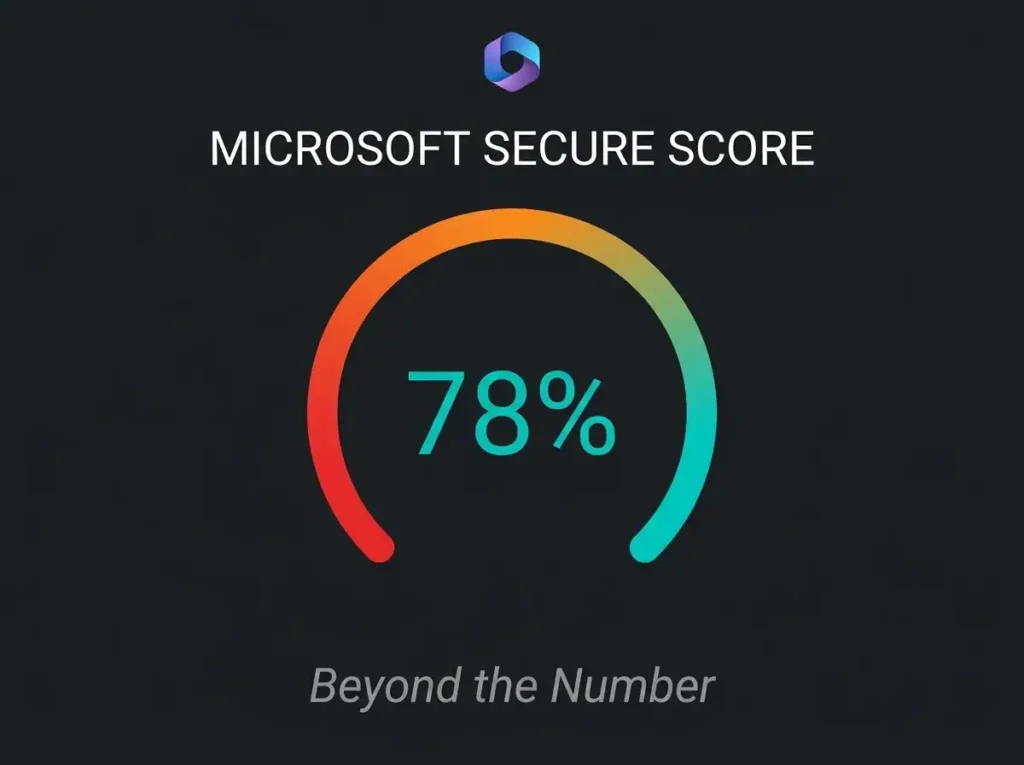
Microsoft Secure Score sits in the Microsoft Defender portal as a security analytics tool. The score reflects how you’ve configured Microsoft products against a list of Microsoft’s recommended security actions. Scale runs 0 to 100%, covering identity, devices, apps, data, and infrastructure.
Access it at security.microsoft.com/securescore with Security Reader permissions or above. You’ll see the current score, improvement actions ranked by potential point gain, historical trend over time, and a benchmark against tenants of roughly similar shape and size.
What Secure Score evaluates, grouped by workload:
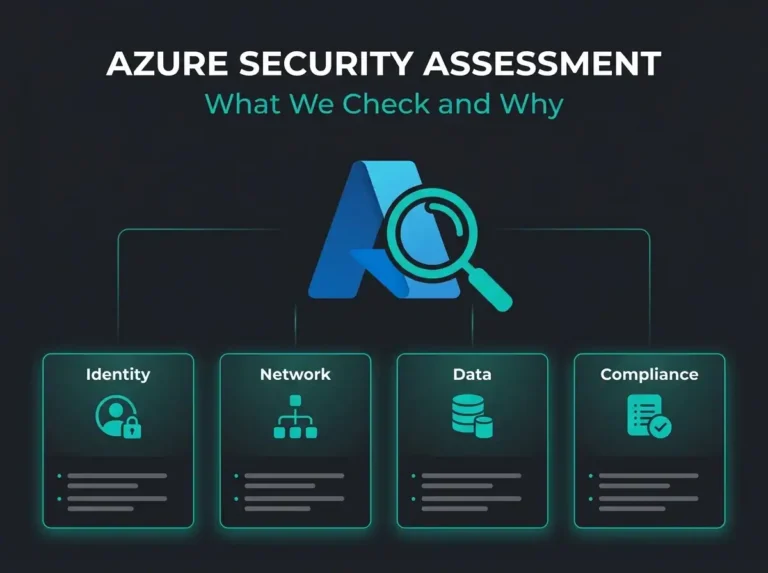
- Identity in Microsoft Entra ID. MFA enforcement, Conditional Access, admin role management, password policy, sign-in risk policies.
- Devices through Defender for Endpoint. Compliance state, OS update posture, attack surface reduction rules, endpoint protection coverage.
- Apps via Defender for Cloud Apps. OAuth permissions, third-party app governance, session policies.
- Data in Microsoft Purview. DLP policies, sensitivity labels, information protection settings.
- Infrastructure. Device compliance policies, Conditional Access enforcement, security baselines.
What is a good Secure Score?
Across the broader tenant population, averages typically land between 30% and 45%. Interpreting your own score against that benchmark:
| Score Range | Assessment | What It Means |
|---|---|---|
| 0-30% | High risk | Significant gaps. Usually defaults left untouched, MFA not enforced, legacy auth still on, too many admins. |
| 31-60% | Moderate | Some protections in place, substantial gaps remain. Common pattern for tenants an MSP set up and nobody hardened afterwards. |
| 61-80% | Strong | Core best practices implemented. MFA enforced, Conditional Access configured, Defender basics active. |
| 81%+ | Excellent | Advanced protections deployed. Ongoing refinement, data protection policies in place, Defender suite fully activated. |
A word of warning before you go hunting 100%. You’ll never get there, and you probably shouldn’t try. Some recommendations genuinely don’t apply to your environment. Some controls will clash with how the business actually operates. The goal isn’t a round number on a dashboard. It’s implementing the controls that reduce the most risk given your specific attack surface.
How to improve your Microsoft Secure Score
Step 1: quick wins with outsized impact
If you only have a week to spend on Secure Score, these are the moves that move the needle fastest and close the most exploited attack vectors in Microsoft 365.
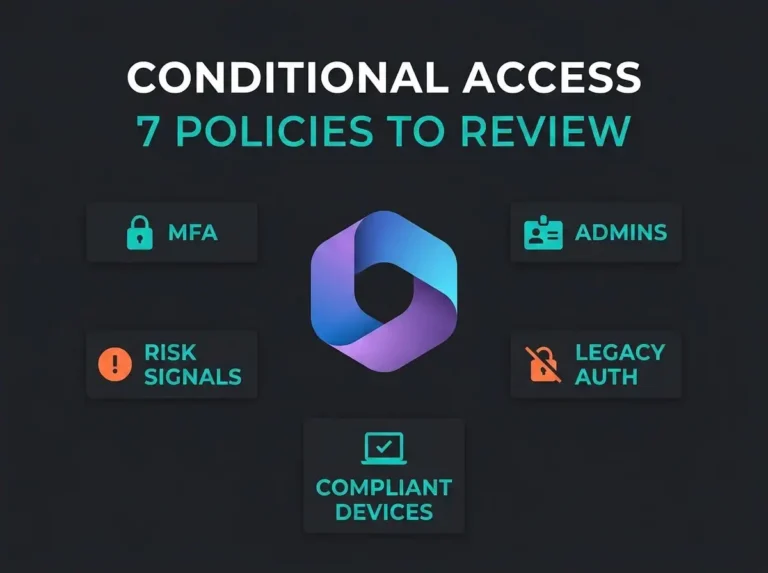
- Enforce MFA for every user. Every time we run a new assessment, this is still the single highest-impact recommendation. No exceptions, not even for the CEO, not even for service accounts. Where possible, go passwordless with FIDO2 keys or Windows Hello. Our M365 security best practices guide covers the rollout details.
- Block legacy auth. POP, IMAP, SMTP AUTH and the rest of the legacy stack walk straight past MFA. A Conditional Access policy blocking legacy authentication for all users closes one of the most-exploited entry points into M365 in a single configuration change.
- Cut Global Administrator accounts. We typically find three to five Global Admins in tenants that need two. One primary, one break-glass. Everything else gets demoted, and privileged operations run through Privileged Identity Management with just-in-time elevation.
- Turn on Security Defaults if Conditional Access isn’t configured yet. Security Defaults give you a baseline that scores full marks for MFA enforcement, admin role protection, and legacy auth blocking. It’s not the final destination, but it beats the alternative.
Step 2: core controls
- Build out Conditional Access policies beyond Security Defaults. Require MFA on risky sign-ins, block access from non-compliant devices, restrict by location where appropriate, apply app protection policies on mobile.
- Deploy Defender for Office 365 properly. Safe Links, Safe Attachments, anti-phishing with impersonation protection. These stop the email threats that slip through basic filtering.
- Onboard managed devices to Defender for Endpoint (or Defender for Business if you’re on the SMB SKU). An unmanaged device is a blind spot, and that’s where attacks go unnoticed.
- Turn on DLP for the data types that matter to your business. Financial records, personal identifiers, health data (if you handle PHI in Teams, see our guide on configuring Microsoft Teams for HIPAA compliance), and whatever custom patterns your industry cares about. Generic DLP policies produce generic results.
Step 3: advanced protections
- Sensitivity labels applied by auto-labelling policies. Classifying sensitive data without asking users to make the call keeps the classification consistent.
- App governance for OAuth apps. Many third-party apps request permissions that persist long after a user walks away, and those permissions deserve a review process rather than a rubber stamp.
- Attack surface reduction rules in Defender for Endpoint. ASR rules block the mechanics behind common attacks: Office macro execution, credential theft from LSASS, and script-based attacks.
What Secure Score does not measure
Most Secure Score guides stop at the improvement list. Ours doesn’t. A number can only measure what it’s designed to look at, and a long list of things that matter for real-world security sit entirely outside Secure Score’s field of view. When we run a security assessment, the critical gaps almost always sit in these categories.
Detection and response capability
Secure Score measures configuration. That’s it. Configuration is necessary. Configuration on its own isn’t sufficient. A tenant can show a perfect Secure Score while critical alerts sit unreviewed in Defender for three weeks. It won’t tell you that. It also won’t tell you that your SIEM is missing half its expected data sources, or that the specific controls cyber insurers test for at underwriting aren’t implemented. For detection and response you need a SIEM platform with trained analysts watching it, or an MDR service doing that work for you.
Configuration context
Secure Score checks whether a policy exists. It does not check whether the policy is scoped correctly. You can build a Conditional Access policy that technically satisfies Microsoft’s recommendation while being scoped to a test group of three accounts. Secure Score credits you the points. An attacker finds the gap and walks through it. Existence is not enforcement.
Third-party and custom application risks
Microsoft-native configurations are what Secure Score sees. Anything outside that perimeter is invisible: third-party applications, custom integrations, shadow IT running in finance or marketing without anyone flagging it to IT. OAuth apps with excessive permissions and unmanaged SaaS tools create risks Secure Score has no way to detect.
Security awareness and human factors
No amount of configuration stops a user from entering credentials on a convincing phishing page that proxies the MFA challenge through an adversary-in-the-middle kit. Secure Score has nothing to say about phishing simulation results, the completion rate on security awareness training, or how well your users actually recognise social engineering when it arrives.
Compliance alignment
Secure Score recommendations follow Microsoft’s best practices. Your regulatory requirements may follow a different set of rules entirely. NIS2, GDPR, and ISO 27001 all mandate controls that extend well beyond anything Secure Score measures. Improving your Secure Score contributes to compliance. It doesn’t achieve it, and nobody at the regulator will accept it as evidence on its own.
Using Secure Score as part of a security program
Secure Score works best as one input into a wider security program, not as the programme itself. A practical approach that keeps the number useful without letting it become the whole story:
- Establish your baseline. Record today’s score and extract the top 10 recommendations ranked by point value. That list becomes your first improvement roadmap.
- Knock out the quick wins first. MFA enforcement, legacy auth blocking, and Global Admin cleanup usually deliver 15 to 25 points in the first month and close the entry points that get exploited most often.
- Schedule monthly reviews. Microsoft adds new recommendations as new features ship, so the dashboard shifts over time. Assign an owner to each open improvement and review progress monthly.
- Commission a professional security assessment. A proper security audit covers what Secure Score can’t: configuration context, detection coverage, compliance alignment, organisational readiness. Secure Score says a policy exists. An assessment says whether the policy actually protects the business.
- Map to compliance frameworks. Tie Secure Score improvements back to your regulatory obligations (NIS2, GDPR, ISO 27001). The CISA M365 security baseline works well as a secondary benchmark covering controls Secure Score doesn’t touch.
Frequently asked questions
What is Microsoft Secure Score?
Microsoft Secure Score is a security analytics tool inside the Microsoft Defender portal. It rates your tenant’s security posture on a 0 to 100% scale based on how you’ve configured Microsoft 365 services across identity (Entra ID), devices (Defender for Endpoint), apps, and data protection. A higher score reflects more recommended security actions implemented.
What is a good Microsoft Secure Score?
The average M365 Secure Score across tenants generally falls between 30% and 45%. Scores above 60% are usually considered strong, with core best practices in place. Scores above 80% reflect advanced protections. The number alone isn’t the full picture, though: a 75% score with controls tuned to your environment offers better protection than an 85% score that ignores your actual risk areas.
How often should I check my Secure Score?
Review monthly at minimum. Microsoft publishes new recommendations as new features ship, so the dashboard changes. Assign someone (either an internal team member or your security provider) to review the dashboard, track progress on open actions, and decide whether each new recommendation applies to your environment.
Does a high Secure Score mean my organization is secure?
No, and anyone who tells you otherwise is selling something. Secure Score measures configuration against Microsoft’s best practices. It does not measure whether anyone is watching the alerts, whether policies are scoped correctly, or whether your organisation has any detection and response capability. A tenant with a perfect Secure Score and no one watching Defender remains vulnerable to anything that gets past preventive controls.
Does Secure Score help with NIS2 compliance?
Partly. Improving Secure Score strengthens your security posture, which supports NIS2 compliance in general terms. NIS2 also mandates capabilities Secure Score never measures: incident detection and response (Article 21), 24-hour incident notification, supply chain risk management, documented security policies. Secure Score contributes to compliance. It has to sit inside a wider security programme that actually meets those requirements.