Spear Phishing Prevention: Protection Strategies for Microsoft 365

Spear phishing prevention starts with understanding what happens when an ordinary phishing campaign grows up, does its homework, and picks one person who can do real damage. In a Microsoft 365 tenant that usually means finance staff, admins, executives, and anyone who can approve a payment or reset access. We see the same pattern on assessment after assessment: the attacker does not need to beat every control you own. One believable email and one rushed click is enough.
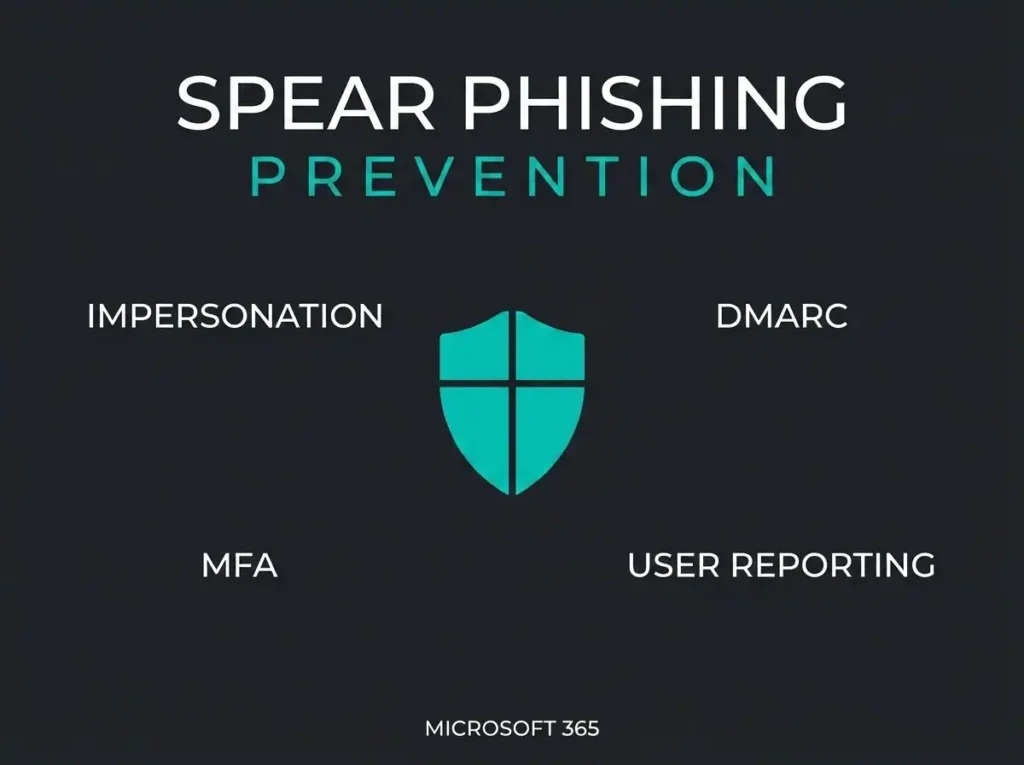
Effective spear phishing prevention takes more than spam filtering and an annual awareness slide deck. It needs identity controls, Microsoft Defender for Office 365 policies, domain authentication, user reporting, and response playbooks that actually work together when something slips through.
Assume the email will look legitimate, because the good ones do. The goal is not to train every user into a human spam filter. The goal is to shrink what a single compromised inbox or stolen password can reach.
- Assume the click happens. Targeted mail is built to look legitimate, so the real goal is capping what one compromised inbox or stolen password can reach, not perfect user vigilance.
- MFA blocks 99.2 percent of takeovers. Microsoft says MFA stops more than 99.2% of account compromise attacks, making it the highest-value control after a phishing click.
- DMARC must reach enforcement. Most companies stall in monitoring mode, which gives visibility into spoofing of their domain without stopping any of it.
- Configure impersonation, not just spam. Defender for Office 365 impersonation protection for executives, finance, and supplier domains is what defaults never cover; check whether your licensing already includes it.
- A breach averages $4.4 million. IBM’s 2025 figure is the ceiling; for SMBs the realistic bill is invoice fraud, downtime, and a week-long Microsoft 365 cleanup.
What spear phishing prevention actually means
Spear phishing prevention is the stack of controls that make a targeted email harder to deliver, harder to trust, and less damaging when someone does interact with it. That covers email filtering, impersonation protection, DMARC, multifactor authentication, user reporting, mailbox monitoring, and incident response. No single one of those carries the load on its own.
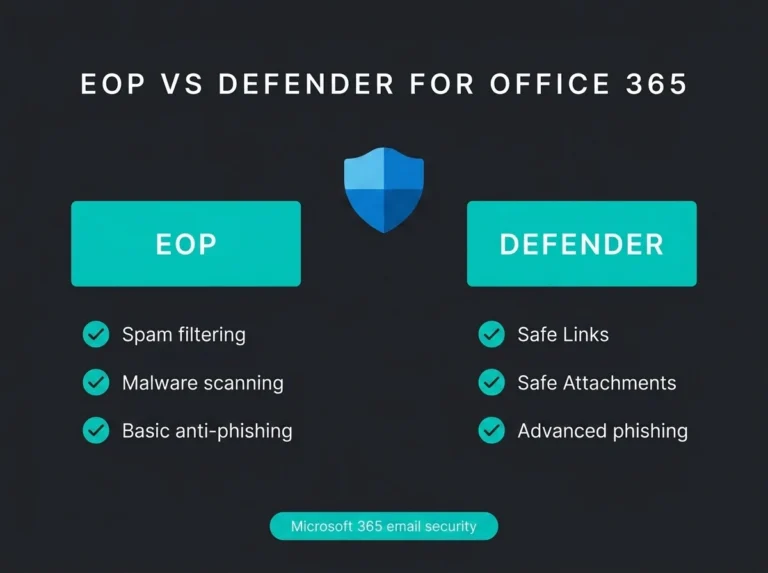
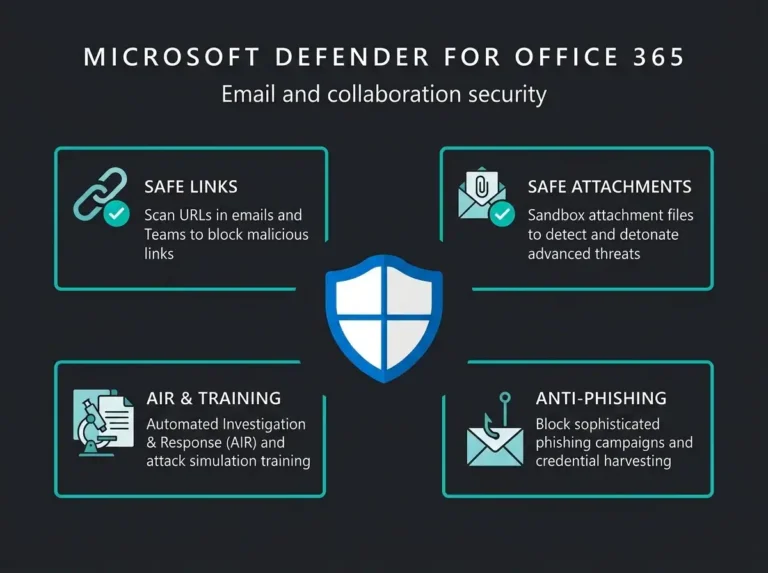
Microsoft documents that anti-phishing policies in Microsoft 365 can detect spoofed senders and impersonation attempts, and Defender for Office 365 layers on impersonation protection, phishing thresholds, and more advanced detection. That combination matters because a targeted email is built specifically to slip past the generic controls, not to trip them.
Why spear phishing is still one of the fastest ways into an SMB
It keeps working because it attacks business context, not a technical flaw. Attackers read LinkedIn, company sites, public filings, and recent news, then write something that fits the moment: a payroll change, an invoice approval, a vendor renewal, a shared file, an urgent request that appears to come from a director.
Verizon’s 2025 Data Breach Investigations Report is blunt about the counter-measures that actually help, naming MFA, timely patching, and phishing-aware staff. The IBM Cost of a Data Breach 2025 report puts the global average breach at $4.4 million. Most SMBs never face a headline-sized loss, and that number is not the point. The realistic damage is downtime, invoice fraud, a compromised account, an emergency remediation bill, and a long cleanup inside Microsoft 365 that pulls your whole team off their actual jobs for a week.
Spear phishing prevention in Microsoft 365: the controls that matter most
Configure anti-phishing policies for impersonation, not just spam
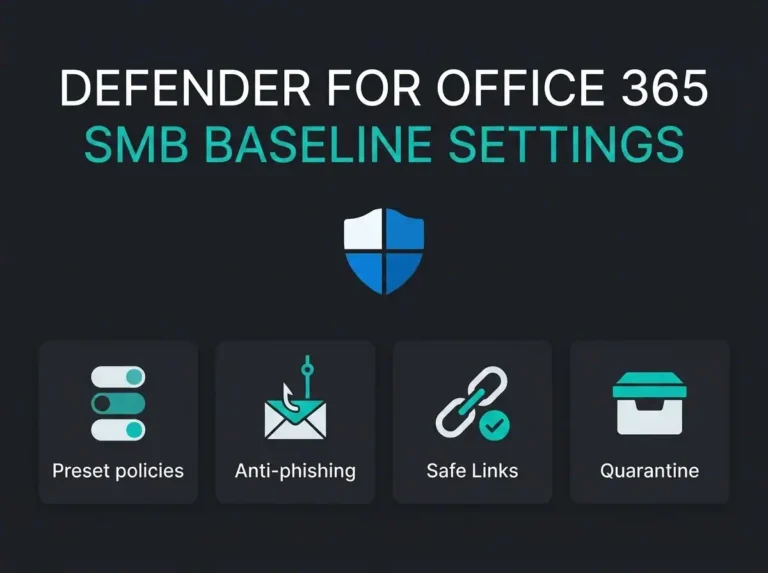
Default mail hygiene is not targeted-attack protection, and the two get confused constantly. Microsoft Learn is clear that anti-phishing policies in Microsoft 365 give every cloud mailbox a baseline, while Defender for Office 365 adds user, domain, and sender impersonation protection along with phishing thresholds you can tune.
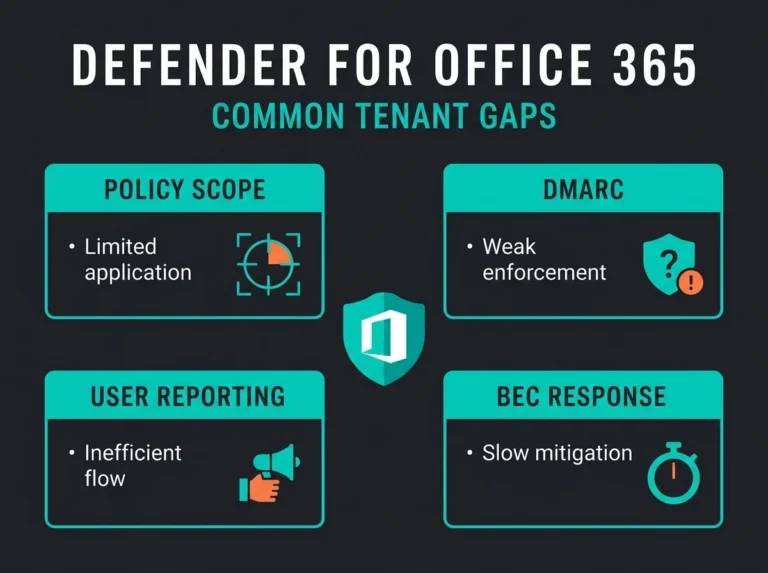
Prioritise a few things: impersonation protection for your executives and finance team, coverage for your own domains and your trusted supplier domains, mailbox intelligence wherever the licensing supports it, and strict handling of the high-confidence phishing and impersonation detections. If your tenant runs Business Premium, E3, or E5, it is worth checking whether the licensing you already pay for matches the risk you actually carry. Plenty of SMB tenants coast on basic defaults while quietly assuming Microsoft is handling the advanced side for them. It is not.
Enforce DMARC so your own domain is harder to abuse
Attackers do not always need to break into your tenant. Sometimes they just need to look like they did. Microsoft Learn explains that DMARC validates mail sent from your organisation and helps shut down the spoofed senders used in business email compromise and ransomware lures.
DMARC only earns its keep once SPF and DKIM are in order and your policy is deliberate rather than accidental. This is where most companies stall. They switch on monitoring mode, get a dashboard, and never move to enforcement, which gives you visibility into spoofing without actually stopping it. And if spoofed mail can still pass as your business, your customers and suppliers become targets right alongside you.
Assume one password will be stolen, then cap the blast radius
Microsoft says MFA can block more than 99.2% of account compromise attacks. MFA does not stop spear phishing on its own, but it does break the link between a stolen password and tenant access, which is the outcome most targeted campaigns are chasing.
In practice this means MFA for everyone, with stronger protection on admin accounts; Conditional Access that reacts to risky sign-ins and unfamiliar locations; separate admin accounts instead of daily-driver logins carrying privileged rights; and legacy authentication switched off wherever it still lingers. This is one reason we usually fold email security work into a wider Microsoft 365 security assessment, and why teams that need deeper inbox-focused work bring in our email security service for the controls around delivery, impersonation, and response. The email is rarely the whole problem. It is the first link in a longer chain.
Turn user reporting into a security signal
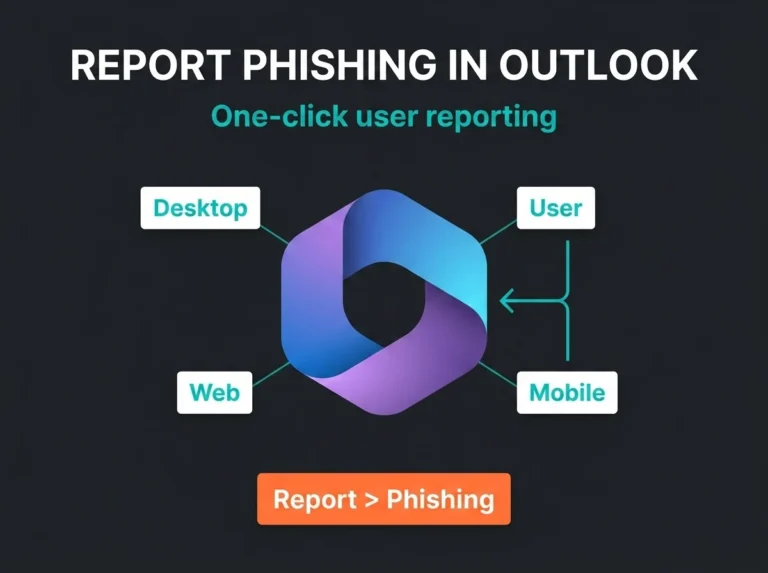
Users often spot a strange email before the security team does. Microsoft documents how to configure user reported settings in Defender for Office 365 so suspicious messages route to an internal mailbox, to Microsoft, or to both.
Treat that as an operational feed, not an awareness metric. When someone flags a dodgy invoice, a fake SharePoint share, or a credential-harvest lure, a good analyst can immediately trace whether it hit one inbox or twenty, whether copies are still sitting unopened elsewhere in the tenant, and whether the sender should be blocked everywhere before the next person clicks.
Run realistic simulations instead of checkbox training
Microsoft Learn notes that Attack simulation training in Microsoft 365 E5 and Defender for Office 365 Plan 2 lets you run benign phishing simulations to test policies and reduce how often users take the bait. Useful, but only when the simulations resemble your real attack surface. The ones that teach an SMB anything are not the cartoonish “Nigerian prince” emails. They are the quiet ones: an invoice review, a shared document, a password reset, a voicemail notice, a supplier request. Make every test obvious and the reporting data you get back is worthless.
A practical spear phishing prevention stack for Nordic SMBs
| Control area | What to implement | Why it matters |
|---|---|---|
| Email filtering | Defender for Office 365 anti-phishing and impersonation policies | Stops more targeted mail than default filtering alone |
| Domain protection | SPF, DKIM, DMARC | Reduces spoofing of your own domain |
| Identity security | MFA and Conditional Access | Limits damage from stolen credentials |
| User workflow | One-click reporting in Outlook | Turns users into early warning sensors |
| Awareness | Realistic phishing simulations | Builds habits against current attack patterns |
| Response | Mailbox triage, session revocation, message hunting | Contains a successful click before it spreads |
What most spear phishing prevention advice misses
Most competitor content parks the entire problem on end-user vigilance. Vigilance is necessary and it is nowhere near sufficient. Good users still click, and senior people are often the easiest to fool convincingly, because an attacker can imitate their suppliers, their board contacts, and their peers with details pulled straight from public sources. So the question worth asking is not whether one of your people could be tricked. Assume they will be. The question is what your environment lets the attacker do in the ten minutes after.
Which is why we look at mailbox forwarding rules, impossible-travel alerts, MFA coverage, and privileged-role use right alongside the mail defences. If a compromised mailbox can still auto-forward externally, if MFA prompts get approved on reflex, if everyday accounts carry broad admin rights, then the attacker never needed a second trick in the first place.
For the wider Microsoft 365 picture, our guides on Office 365 email security failures, Microsoft 365 security best practices, Microsoft 365 security audits, Microsoft 365 security and compliance, and the CISA Microsoft 365 security baseline go deeper on the controls that sit around the inbox.
How to improve spear phishing prevention this quarter
You do not need a transformation programme to make real progress. Six moves, in rough priority order:
- Review Defender for Office 365 policy coverage, and confirm executive impersonation, domain impersonation, and user targeting are genuinely configured rather than assumed.
- Audit SPF, DKIM, and DMARC so every business-critical sending domain is actually covered.
- Close MFA and Conditional Access gaps, starting with finance, admins, and anyone external-facing.
- Enable user reporting and wire it into a response process that a person owns.
- Run one realistic simulation, a supplier invoice or a shared-document lure, then measure both reporting and click behaviour.
- Rehearse the response, so it is settled in advance who revokes sessions, resets credentials, hunts for similar messages, and checks forwarding rules.
For organisations under customer pressure to prove they take security seriously, this same control set does double duty. Even where NIS2 does not apply directly, showing that email, identity, and incident response are handled as one joined-up risk, rather than three unrelated checkboxes, is exactly the kind of evidence buyers and auditors ask for.
FAQ: Spear phishing prevention
What is the best way to prevent spear phishing?
The best way to prevent spear phishing is to combine anti-phishing email policies, DMARC, MFA, Conditional Access, user reporting, and tested response playbooks. Training alone is not enough because spear phishing is designed to look legitimate.
Does Microsoft 365 include spear phishing protection?
Yes, Microsoft 365 includes baseline anti-phishing protections for cloud mailboxes, and Defender for Office 365 adds stronger impersonation protection, phishing thresholds, and advanced detection features. The exact protection level depends on licensing and configuration.
Can MFA stop spear phishing?
MFA cannot stop a malicious email from arriving, but it can stop many account takeovers after credentials are stolen. Microsoft says MFA can block more than 99.2% of account compromise attacks, which makes it one of the highest-value controls after a phishing click.
Is DMARC necessary for spear phishing prevention?
Yes. DMARC helps stop attackers from spoofing your domain in phishing and business email compromise campaigns. It does not replace inbox filtering or MFA, but it closes an important trust gap.
What should an SMB do after a user clicks a spear phishing email?
An SMB should immediately revoke active sessions, reset the password, confirm MFA status, investigate mailbox rules, hunt for similar messages across the tenant, and review whether the account accessed files, mailboxes, or admin portals after the click.