Microsoft Sentinel Pricing: Cost Optimization Guide

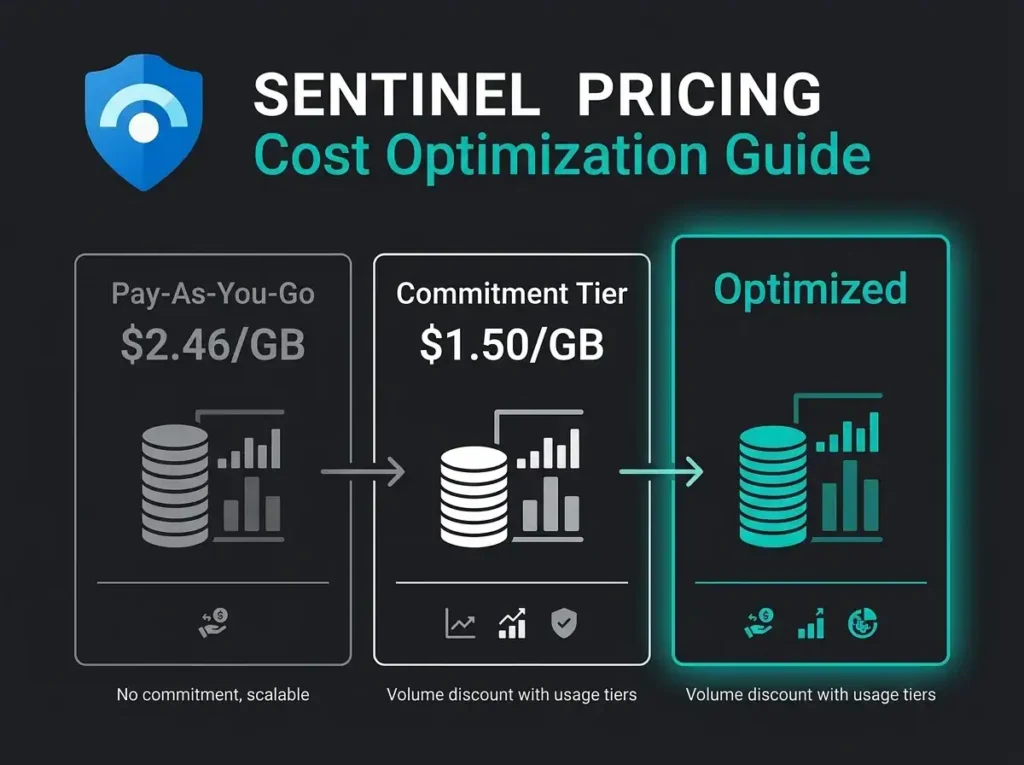
I see overspent Sentinel workspaces on almost every assessment I run. Two times, three times, sometimes five times what the workload needs. The reasons are boring and almost always the same: wrong tier, wrong log plan, free data grants left unclaimed, or a single chatty connector nobody remembers turning on. Sentinel cost optimization almost always starts by fixing those four things.
This is the guide I wish I’d had five years ago. Current Sentinel pricing, real monthly costs for SMB-shaped environments, and the seven cost levers that actually move the bill. Falconer Security uses the same playbook to pull 30-40% out of client workspaces without touching detection coverage. If you’re still working out whether Sentinel is the right SIEM in the first place, start with our overview of what Microsoft Sentinel is and how cloud SIEM works.
- Pay per gigabyte ingested. Pay-as-you-go costs $4.30/GB in East US, and commitment tiers starting at 50 GB/day cut the effective rate to $3.23/GB or less.
- Typical monthly bills. A small business ingesting 3 to 8 billed GB/day pays $387 to $1,032 per month; a mid-size org at 50 GB/day pays about $4,838 on the 50 GB tier.
- 30-40% is recoverable. Right-sized commitment tiers, log tiering, and Data Collection Rule filtering routinely cut Sentinel bills by a third without touching detection coverage.
- Claim your free data. M365 E5 grants 5 MB per user per day, Defender for Servers Plan 2 grants 500 MB per server per day, and Azure Activity, Office 365 audit logs, and Defender alerts ingest free.
- Tier the noisy logs. Basic Logs at $1.12/GB and the data lake at $0.05/GB beat full analytics rates; moving 20 GB/day of firewall logs to the data lake saves roughly $2,500 per month.
How Microsoft Sentinel pricing works
Consumption. That’s the whole mental model. You pay for the volume of data you ingest and analyze in your Log Analytics workspace.
Since July 2023, Microsoft merged the old two-meter setup (Sentinel analysis plus Log Analytics ingestion) into simplified pricing. One meter, clearer math. There are two data tiers now, each with its own structure: the analytics tier for real-time detection, and the data lake tier for lower-cost long-term storage.
Analytics tier: where most costs live
Analytics is the full-fat tier. Every log type supported, full detection, full alerting, full KQL querying, full hunting. Two payment models to pick between.
- Pay-As-You-Go: $4.30 per GB ingested (East US). No commitment. Best for workloads under 100 GB/day or environments where ingestion is unpredictable.
- Commitment Tiers: Pre-commit to a daily volume starting at 100 GB/day (or 50 GB/day on the current promotional preview) for a discounted rate. Overage above the committed tier gets billed at the same discounted rate, not the pay-as-you-go rate.
The commitment discount is meaningful, and the overage detail matters more than people realize. Here’s the current East US pricing for the tiers most relevant to SMBs and mid-market:
| Tier | Daily Cost (USD) | Effective Per-GB Price | Savings vs. Pay-As-You-Go |
|---|---|---|---|
| Pay-As-You-Go | Varies | $4.30/GB | Baseline |
| 50 GB/day (Preview) | $161.25 | $3.23/GB | ~25% |
| 100 GB/day | $296 | $2.96/GB | ~31% |
| 200 GB/day | $548 | $2.74/GB | ~36% |
| 300 GB/day | $800 | $2.67/GB | ~38% |
| 500 GB/day | $1,265 | $2.53/GB | ~41% |
| 1,000 GB/day | $2,480 | $2.48/GB | ~42% |
Source: Microsoft Sentinel Pricing, East US region, March 2026. Prices vary by region.
50 GB Commitment Tier (Preview): Microsoft launched a 50 GB/day commitment tier in public preview on October 1, 2025. Organizations that enroll during the promotional period (through June 30, 2026) lock in the promotional rate until March 31, 2027. This tier finally fits the SMBs that sat awkwardly between pay-as-you-go and the 100 GB minimum.
Data lake tier: low-cost storage for high-volume logs
Data lake is where your noisy, low-fidelity sources go. Firewall logs. Network flow data. Proxy logs. The stuff you keep for forensics but almost never query in real time.
- Ingestion: $0.05 per GB
- Data processing: $0.10 per GB
- Query: $0.005 per GB analyzed
- Storage: $0.026 per GB/month
The trade-off is honest. Data lake logs don’t feed real-time analytics rules or scheduled alerts. You can search them, restore them, use them for investigations and compliance retention. But they will not page you when something suspicious happens at 3am. If you need detection on it, it’s analytics. Full stop. For more on why the tiering model exists in the first place, see our guide on why cloud-native SIEM matters for modern security.
Additional log types and costs
Within the analytics tier there are three log plan types with different price points. Most teams only use Analytics Logs and never realize Basic Logs exist.
- Analytics Logs: Full capabilities at commitment or pay-as-you-go rates (above)
- Basic Logs: $1.12 per GB. Supports ad-hoc querying and investigation but not real-time detection rules. Good for verbose data that only occasionally gets searched
- Auxiliary Logs (Preview): $0.19 per GB. For very high-volume, low-fidelity data. Still in preview
What does Microsoft Sentinel actually cost? Real-world scenarios
Per-GB pricing without context is useless. Here’s what Sentinel actually costs three different shapes of organization, based on Falconer Security’s work across SMB and mid-market environments.
Scenario 1: Small business (50-100 employees)
Typical shape: Microsoft 365 Business Premium, some Azure for a few internal apps, one or two firewalls. When you filter properly, you end up somewhere around 5-15 GB/day of security-relevant logs.
| Component | Estimated Daily Volume | Monthly Cost (Pay-As-You-Go) |
|---|---|---|
| Microsoft Entra ID sign-in/audit logs | 1-3 GB | $129-$387 |
| Microsoft 365 audit logs | Free | $0 |
| Defender for Endpoint alerts | Free | $0 |
| Azure Activity logs | Free | $0 |
| Firewall/network logs | 2-5 GB | $258-$645 |
| Total | 3-8 GB/day billed | $387-$1,032/month |
At this volume, pay-as-you-go is almost always the right answer. The 50 GB commitment tier would cost $4,838/month. That’s paying for capacity you’ll never use.
Scenario 2: Mid-size business (200-500 employees)
Shape: M365 E5, a few Azure subscriptions, some on-prem still alive. Expect 30-80 GB/day.
| Component | Estimated Daily Volume |
|---|---|
| Entra ID logs | 5-15 GB |
| Microsoft 365 audit logs | Free (with E5 data grant) |
| Defender for Endpoint/Identity/Cloud Apps (raw logs, not alerts) | 5-15 GB (alerts are free; raw advanced hunting data is billed) |
| Azure diagnostics and resource logs | 5-20 GB |
| Firewall and network logs | 10-25 GB |
| Windows Security Events | 5-10 GB |
| Total | 30-80 GB/day |
At 50 GB/day: $4,838/month on the 50 GB commitment tier, or $6,450 at pay-as-you-go. The commitment tier saves roughly $1,600/month. At 80 GB/day on the 100 GB commitment tier ($296/day, $8,880/month), you’re paying for 20 GB of capacity you’re not using. If you consistently use less than about 74 GB/day, the 50 GB tier with pay-as-you-go overage usually comes out cheaper. Run the math monthly, not yearly.
Scenario 3: Larger mid-market (500+ employees, multi-cloud)
Complex environments, 100-300 GB/day. At this point, commitment tiers and log tiering stop being a nice-to-have.
- 100 GB/day at 100 GB tier: $8,880/month
- 200 GB/day at 200 GB tier: $16,440/month
- 300 GB/day at 300 GB tier: $24,000/month
Every unnecessary gigabyte at this scale costs $80-90 a month. A single misconfigured Windows Event collection that adds 10 GB/day of noise can cost you $10,000 a year in ingestion you didn’t notice.
Free data sources: money you are leaving on the table
Microsoft gives away several ingestion sources for free. They don’t count against your commitment tier. They don’t count against pay-as-you-go. I still find clients not using them.
- Azure Activity logs: Free ingestion into Sentinel
- Office 365 audit logs: Free, including Exchange, SharePoint, and Teams activity
- Alerts from Microsoft security products: Alerts (not raw logs) from Defender for Cloud, Defender for Endpoint, Defender for Identity, Defender for Cloud Apps, and Microsoft Entra ID Protection are all free to ingest
- Microsoft Entra ID Protection alerts: Risky sign-ins and risky users are free to ingest. Entra ID sign-in and audit logs themselves are not free and get billed at standard rates
Microsoft 365 E5 data grant
If you have M365 E5 or E5 Security, you qualify for a data grant of up to 5 MB per user per day of free Sentinel ingestion for specific security data types. For a 500-user E5 tenant that works out to 2.5 GB/day of free ingestion, or roughly $225-325/month depending on your tier.
Source: Microsoft Sentinel M365 E5 Benefit
Defender for Servers data grant
Every server running Defender for Servers Plan 2 gets 500 MB/day of free ingestion into your Log Analytics workspace. 20 servers means 10 GB/day free. Roughly $900-1,300/month depending on your tier. Not trivial.
7 cost optimization strategies that actually work
Falconer Security pulls 30-40% out of new-client Sentinel bills with the following seven levers. The underlying principle is simple: ingest the right data at the right tier, not everything at the highest tier.
1. Right-size your commitment tier
Run pay-as-you-go for two to four weeks before you commit to anything. The Azure Cost Management view and the Sentinel workspace usage report both show daily ingestion. Pick a tier that covers 80-90% of your daily average, not your peaks. Overage is billed at the same discounted rate, so slight overages cost the same as if you’d picked the bigger tier, just without paying for unused capacity on slow days.
Common Mistake: Picking a commitment tier based on peak day volume instead of average. If your average is 60 GB/day with occasional 90 GB spikes, the 50 GB commitment plus overage at $3.23/GB almost always beats the 100 GB tier at $296/day for capacity you rarely touch.
2. Use log tiering strategically
Not every log type needs full analytics capabilities. Route high-volume, low-value logs to cheaper tiers.
- Analytics Logs ($4.30/GB or commitment rate): Identity logs, security alerts, authentication events, privileged access events
- Basic Logs ($1.12/GB): Verbose application logs, DNS query logs, network connection logs that only need ad-hoc investigation
- Data Lake ($0.05/GB ingestion): Raw firewall logs, full network flow data, compliance archives
Moving 20 GB/day of firewall logs from analytics to data lake saves roughly $2,500/month at pay-as-you-go rates. That’s a single change.
3. Filter logs before ingestion with data collection rules
Data Collection Rules (DCRs) let you filter, transform, and reduce volume before data crosses the billing boundary. The wins come from a few specific patterns.
- Drop informational Windows Security Events (4688 process creation, 5156 and 5158 network filtering) unless you have a specific detection using them
- Filter verbose Azure diagnostic logs down to the security-relevant categories
- Strip duplicate fields and reduce log verbosity at the source
I typically see 40-60% volume reduction on Windows Security Events through targeted DCRs. Zero impact on detection coverage, because the noise being dropped wasn’t feeding any rules in the first place.
4. Audit your data connectors
Every enabled connector costs money. Review them quarterly. For each one, ask three questions.
- Do we have active detection rules using this data source?
- Have our analysts queried this table in the past 90 days?
- Is this data available through a free path instead?
Classic waste sources: connectors for services that were decommissioned two years ago, duplicate data from overlapping connectors, and dev or test environment logs piped into the production Sentinel workspace because someone copied a config.
5. Separate non-security data
Sentinel charges apply to everything in a Sentinel-enabled workspace. If your Log Analytics workspace also receives APM data or IT operations logs, you’re paying Sentinel analysis rates on data Sentinel never analyzes. That’s a direct 1:1 overspend.
Split it. Put non-security telemetry in its own Log Analytics workspace. If 30% of what’s in your workspace is non-security, you’re overpaying by 30%. This is one of the easiest wins on the list and the one that gets skipped most often because “it’s already there and it works”.
6. Optimize data retention policies
90 days of interactive retention is included. Beyond that, retention is billed at standard Azure Monitor rates. Review what you actually need.
- Most threat detection and IR work lives inside 90 days of interactive retention
- Compliance regimes (NIS2, HIPAA, industry regs) may require 1-2 years, but that data belongs in total retention (formerly archive), which is much cheaper
- Total retention data is still accessible through search jobs and restoration when you need it for an investigation
7. Claim all available data grants
Check your Microsoft licensing entitlements and verify you’re claiming every free ingestion grant you’re entitled to.
- M365 E5/E5 Security data grant (5 MB per user per day)
- Defender for Servers Plan 2 (500 MB per server per day)
- Free data sources (Azure Activity, Office 365 Audit, security alerts)
- 31-day free trial for new workspaces (10 GB/day)
Falconer Security’s onboarding includes a data grant audit for this exact reason. In one engagement, a 400-user E5 tenant had never enrolled in its data grant. Roughly $1,200/month of free ingestion just sitting unclaimed. That one conversation paid for a year of managed service.
The hidden costs beyond ingestion
Per-GB ingestion is the headline number. It isn’t the whole bill. Budget for the following.
- Logic Apps (Playbooks): SOAR playbooks run on Azure Logic Apps, billed per action. Complex multi-step playbooks on high-frequency triggers land around $50-200/month
- Extended data retention: Beyond the included 90 days, interactive retention is billed at Azure Monitor log retention rates
- Cross-workspace queries: Querying across multiple workspaces is free, but the underlying ingestion into each workspace is billed separately
- SAP solution: The Microsoft Sentinel solution for SAP is billed separately at $2/SID/hour
Managed Sentinel vs. DIY: the cost equation
Raw licensing is one line on a much longer invoice. Running Sentinel well requires specialist skills: KQL, detection engineering, cost optimization, incident response, and the judgment to know when a “suspicious” sign-in is a false positive your CFO traveling. For SMBs, the staffing line usually dwarfs the platform line. Understanding the differences between managed SIEM, MDR, and MXDR helps you figure out which level of service matches your team’s capability.
The build-it-in-house math is unkind. Two to three security analysts at $85-150K each, plus a senior engineer for detection rule development and platform optimization. $300K-600K per year before you touch Sentinel licensing.
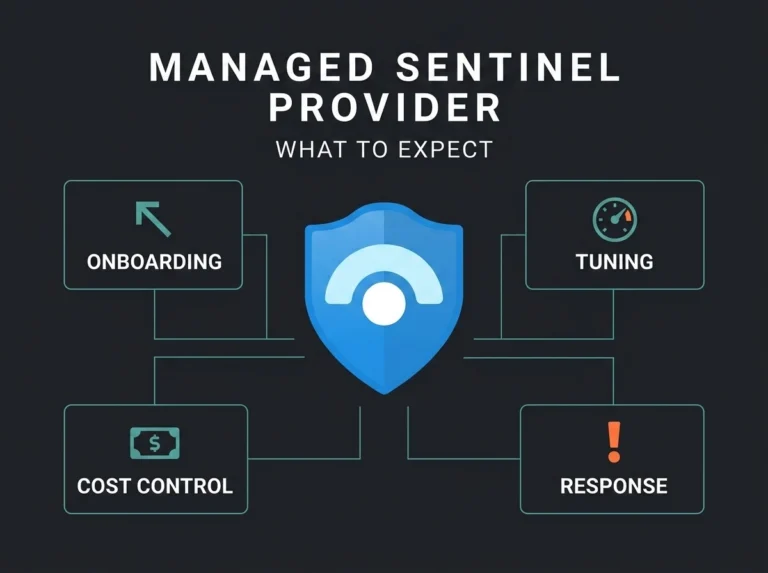
A managed Sentinel service folds platform management, detection engineering, cost optimization, and ongoing tuning into a fraction of that number. For a worked example of what I typically find when I inherit a workspace, read our Sentinel cost autopsy. Our managed Sentinel service includes quarterly cost optimization reviews, which consistently identify another 15-25% of savings as client environments evolve.
Key Insight: The biggest Sentinel cost driver is not the per-GB rate. It is paying for the expertise to configure and tune the platform properly. Organizations that skip the expertise routinely spend 2-3x more on ingestion than they need to while detecting fewer threats. For a side-by-side of how MDR and SIEM complement each other, read MDR vs SIEM: why you need both.
Portal migration: Azure Portal to Defender Portal
Quick heads-up for anyone still running Sentinel inside the Azure Portal. Microsoft has announced that after March 31, 2027, Sentinel will no longer be supported there. Everything moves to the Microsoft Defender portal as part of the unified security operations experience. The pricing and billing models stay identical in the Defender portal, which is the good news. The less-good news is that if you haven’t already started your transition, it needs to go on the roadmap.
Source: Microsoft Learn: Microsoft Sentinel Pricing and Billing
Frequently Asked Questions
How much does Microsoft Sentinel cost per month?
It depends on daily ingestion volume. A small business at 10 GB/day lands around $1,290/month at pay-as-you-go rates. A mid-size org at 50 GB/day comes in near $4,838/month on the 50 GB commitment tier. Volume discounts compound as ingestion grows, so the effective per-GB price drops as you move up tiers.
Is there a free tier for Microsoft Sentinel?
Microsoft offers a 31-day free trial with up to 10 GB/day for new workspaces. After the trial there’s no permanent free tier, but several data sources (Azure Activity logs, Office 365 audit logs, and security alerts from Microsoft Defender products) are ingested at no cost in perpetuity.
What is the cheapest way to run Microsoft Sentinel?
Combine three moves. Claim every free data grant you’re entitled to (M365 E5, Defender for Servers). Push high-volume logs to Basic Logs ($1.12/GB) or the data lake tier ($0.05/GB) instead of full analytics. And use Data Collection Rules to filter low-value events before they reach your workspace. The 50 GB/day commitment tier (preview) is also a real win for smaller deployments that previously had to pick between pay-as-you-go and the 100 GB minimum.
How does Sentinel pricing compare to other SIEM platforms?
Consumption-based pricing is structurally different from traditional SIEMs, which charge per EPS or fixed annual licenses. For Microsoft-heavy environments, the free data sources and E5 data grants make Sentinel materially cheaper than most third-party SIEMs. Shops ingesting mostly non-Microsoft data will find the cost advantage narrower, and in some cases a traditional SIEM will still win on price.
Can a managed service provider reduce my Sentinel costs?
Yes. An experienced MSSP like Falconer Security typically reduces Sentinel costs by 30-40% through log tiering, DCR optimization, right-sized commitment tiers, and data grant audits. The first-pass savings often cover the managed service fee outright.