What is Microsoft Sentinel (Azure Sentinel)? Cloud SIEM Explained

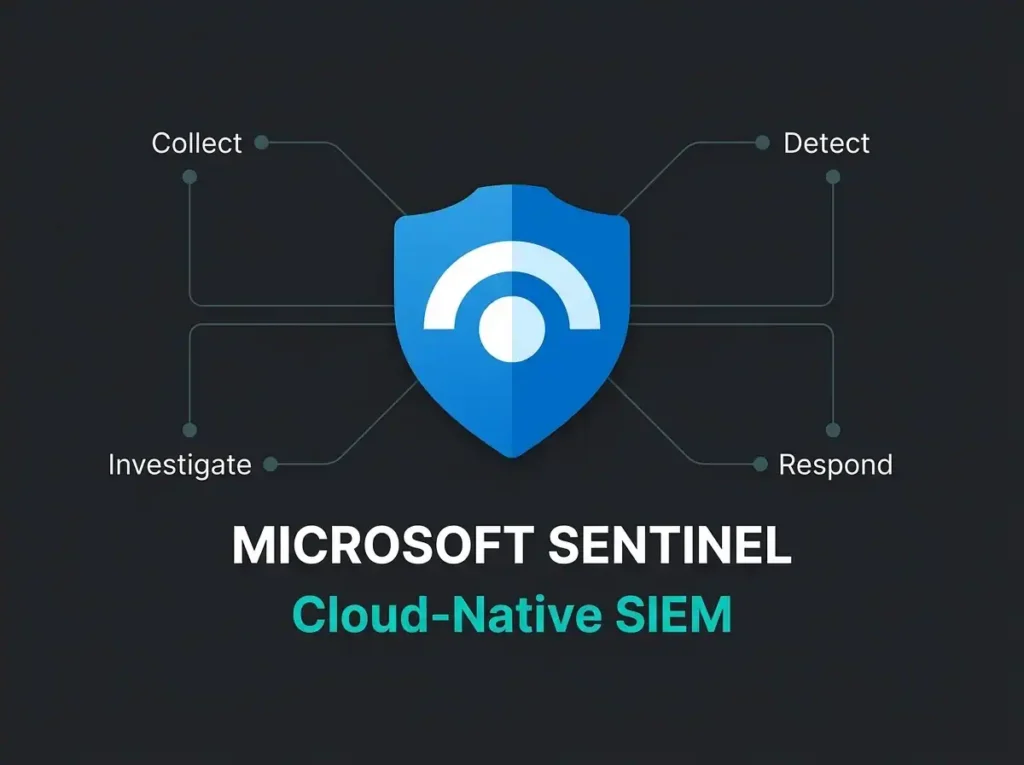
Microsoft Sentinel is Microsoft’s cloud-native SIEM and SOAR platform, built for detecting, investigating, and responding to threats across hybrid and multicloud environments. Falconer Security deploys and manages Sentinel for organizations that need enterprise-grade threat detection without building an internal SOC team. This guide explains what Sentinel does, how it works, what it costs, and where the gap between owning the license and getting real security value actually sits.
- Cloud SIEM plus SOAR. Sentinel runs entirely on Azure with over 350 data connectors and 300+ built-in analytics rules, so there are no on-premises SIEM servers to maintain.
- Consumption pricing. Pay-as-you-go starts around $4.30 per GB; a typical SMB ingesting 5 to 10 GB/day pays roughly $650 to $1,300 per month, and a 31-day trial covers 10 GB/day free.
- License is not coverage. Organizations running Sentinel without specialist tuning typically see a 95% false positive rate and pay 40-60% more for ingestion than necessary.
- Portal deadline. Azure portal access retires on March 31, 2027; all Sentinel work moves to the Microsoft Defender portal.
- Best fit. Microsoft-heavy and multi-cloud environments get the deepest value, and Sentinel can replace Splunk or QRadar for most use cases.
What is Microsoft Sentinel?
Microsoft Sentinel (formerly Azure Sentinel) is a cloud-native Security Information and Event Management (SIEM) solution with built-in Security Orchestration, Automation, and Response (SOAR) capabilities. It runs entirely in the cloud on Azure infrastructure, removing the need for on-premises SIEM servers, storage arrays, and the teams required to maintain them.
Microsoft describes Sentinel as an “AI-first, end-to-end SIEM and security platform.” In practical terms, that means it collects security logs from across your environment, uses analytics and machine learning to detect threats, and provides tools to investigate and respond to incidents, all from one platform.
Key Fact: Microsoft Sentinel processes over 6.5 trillion security signals daily across its global customer base, according to Microsoft’s official Sentinel product page. That threat intelligence feeds directly into your detection rules.
How Microsoft Sentinel works: the four pillars
Sentinel’s architecture follows four core capabilities: collect, detect, investigate, and respond. Knowing each pillar helps you judge what the platform can actually do for your organization.
1. Collect: data ingestion at scale
Sentinel ingests security data from almost any source. Microsoft currently offers over 350 out-of-the-box data connectors, according to the Microsoft Sentinel documentation, covering:
- Microsoft services: Microsoft 365, Entra ID (formerly Azure AD), Defender XDR, Azure Activity logs, Intune, and Purview
- Other cloud platforms: Amazon Web Services (AWS) and Google Cloud Platform (GCP)
- Third-party solutions: Palo Alto, Cisco, CrowdStrike, Barracuda, Symantec, and hundreds of others
- Custom sources: Syslog, Common Event Format (CEF), REST API, and custom connectors for proprietary systems
Data flows into a Log Analytics workspace where Sentinel normalizes it using the Advanced Security Information Model (ASIM). Normalization means a “failed login” event looks the same whether it came from Entra ID, a Linux server, or a firewall, which makes writing detection rules across sources far simpler.
2. Detect: AI-powered threat detection
Sentinel provides multiple detection mechanisms that work together. For a detailed look at how these AI and machine learning capabilities work in practice, see our guide on AI-powered threat detection in Microsoft Sentinel.
- Scheduled analytics rules: KQL (Kusto Query Language) queries that run on a schedule, looking for specific patterns in your logs
- Microsoft threat intelligence: Built-in correlation with Microsoft’s global threat intelligence, covering known malicious IPs, domains, file hashes, and attack patterns
- UEBA (User and Entity Behavior Analytics): Machine learning models that baseline normal behavior for users and devices, then flag anomalies like impossible travel, unusual resource access, or privilege escalation
- MITRE ATT&CK mapping: Every detection rule maps to MITRE ATT&CK tactics and techniques, giving your security team a visual view of which attack stages your rules actually cover
Sentinel groups related alerts into incidents automatically. Instead of reviewing 500 individual alerts, your analysts see 15 correlated incidents with full context.
3. Investigate: contextual threat analysis
When an incident fires, Sentinel provides investigation tools that go beyond basic log search:
- Investigation graph: A visual map showing how entities (users, IPs, devices, files) relate to an incident, with a timeline of events
- Threat hunting: Proactive search capabilities using KQL and built-in hunting queries aligned to MITRE ATT&CK
- Notebooks: Jupyter notebooks for deep-dive forensic analysis using Python and KQL together
- Sentinel graph: A newer capability that models relationships across assets, identities, and threat intelligence using graph analytics for advanced reasoning about attack paths
4. Respond: automated incident response
Sentinel’s SOAR capabilities let you automate response actions through two mechanisms:
- Automation rules: Lightweight rules that trigger actions when incidents match certain criteria (assign to analyst, change severity, run playbook)
- Playbooks: Azure Logic Apps workflows that can execute complex response sequences, from revoking user sessions and disabling accounts to creating tickets in ServiceNow and sending Teams notifications
Automated response cuts containment time from hours to seconds. When Sentinel detects a compromised account, a playbook can revoke all active sessions, force MFA re-registration, and alert the security team, all within two minutes of detection.
Sentinel vs traditional on-premises SIEM
Organizations still running on-premises SIEM solutions like Splunk Enterprise, IBM QRadar, or ArcSight face a fundamentally different operational model. Here is how cloud-native Sentinel compares to traditional SIEM deployments:
| Capability | Microsoft Sentinel (cloud-native) | Traditional on-premises SIEM |
|---|---|---|
| Infrastructure | Fully managed by Microsoft in Azure | Physical or virtual servers you maintain |
| Scaling | Automatic, pay for what you ingest | Manual capacity planning and hardware upgrades |
| Deployment time | Minutes to enable, hours to configure | Weeks to months for full deployment |
| Maintenance | Platform updates handled by Microsoft | Patching, upgrades, and storage management on you |
| Microsoft integration | Native connectors for all M365 and Azure services | Custom integrations required, often limited |
| Pricing model | Per-GB ingestion (pay-as-you-go or commitment tiers) | Annual license plus hardware plus FTE staff |
| Multi-tenant support | Azure Lighthouse for MSP/MSSP management | Separate instances per tenant, complex management |
For a deeper comparison of cloud-native SIEM architecture and its advantages, see our guide on cloud-native SIEM and why it matters for modern security. If you’re weighing delivery models rather than just platform architecture, pair that with cloud SIEM vs on-prem SIEM and SIEM vs SOC.
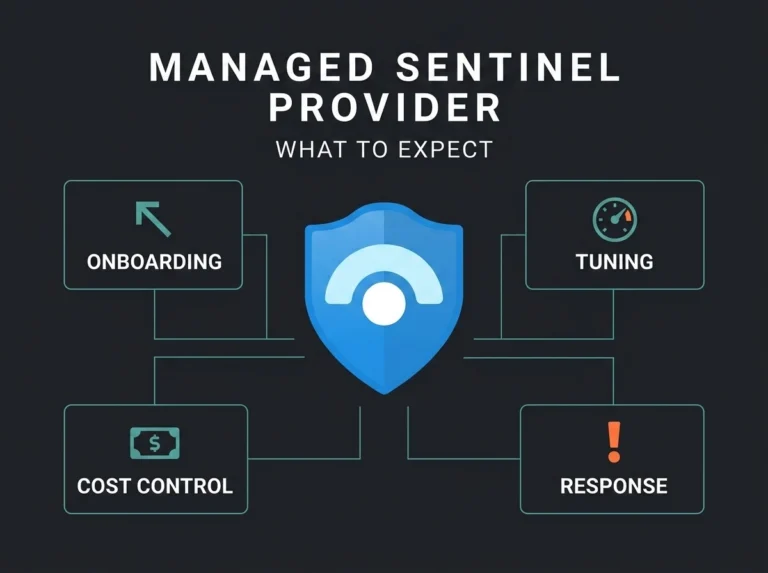
What Sentinel provides out of the box vs what needs a managed provider
This is where the gap between “having Sentinel” and “getting value from Sentinel” matters. Microsoft provides a powerful platform, but the platform alone does not equal effective security operations.
What you get out of the box
- 350+ data connectors (configuration and optimization still required)
- 300+ built-in analytics rules and detection templates
- Content Hub with pre-packaged solutions for common vendors and use cases
- UEBA and anomaly detection capabilities
- Investigation and hunting tools
- Playbook framework (Logic Apps infrastructure)
- MITRE ATT&CK coverage visualization
- 31-day free trial (10 GB/day)
What requires expertise (and where managed providers add value)
- Data ingestion strategy: Deciding which logs to ingest, at what verbosity, and in which tier (analytics vs data lake) directly controls your costs. Poor decisions can inflate your monthly bill by 3-5x with no improvement in detection coverage.
- Detection rule tuning: Those 300+ built-in rules generate thousands of false positives in real environments. Effective detection requires custom KQL rules tuned to your specific environment, users, and workflows.
- Playbook development: The playbook framework exists, but building effective automated response workflows requires Logic Apps expertise, security domain knowledge, and integration with your ticketing and communication tools.
- Cost optimization: Sentinel’s consumption-based pricing means costs can spiral quickly. Managed providers typically achieve 30-40% cost reductions through log filtering, tiered retention, and commitment tier optimization.
- 24/7 monitoring: The platform can generate alerts around the clock, but someone needs to triage, investigate, and respond. That requires a staffed SOC or a managed provider.
- Continuous improvement: Attack techniques keep shifting. Detection rules need regular updates, new connectors need integration, and analytics rules need refinement as your environment changes.
The Reality: Falconer Security reports that organizations attempting to run Sentinel without specialized expertise typically see a 95% false positive rate in their alerts, average ingestion costs 40-60% higher than necessary, and critical threats missed because generic rules do not cover their specific attack surface. A managed Sentinel provider closes these gaps by bringing detection engineering, KQL expertise, and continuous tuning from day one.
For a detailed breakdown of managed SIEM service models and what they include, read our guide on managed Microsoft Sentinel services.
Microsoft Sentinel pricing overview
Sentinel uses consumption-based pricing tied to the volume of data you ingest. According to the Microsoft Sentinel billing documentation, there are two pricing models:
Pay-as-you-go
You pay per GB of data ingested into the analytics tier. This is the default model and works best for smaller or variable workloads. Current pricing starts at around $4.30 per GB (combined Log Analytics and Sentinel charges under simplified pricing).
Commitment tiers
Pre-commit to a daily ingestion volume starting at 100 GB/day for a lower effective per-GB rate. Commitment tiers offer substantial savings versus pay-as-you-go and make sense once your daily ingestion is predictable. You can raise your commitment tier at any time, but lowering it is only allowed every 31 days.
Data lake tier
A newer pricing tier designed for high-volume, long-retention data that does not need real-time analytics. Data lake tier storage costs significantly less than the analytics tier, making it suitable for compliance retention, forensic investigation, and historical threat hunting.
Free trial
New workspaces receive 10 GB/day of free ingestion for 31 days, covering both Log Analytics and Sentinel charges. That is enough to evaluate the platform with a limited set of data connectors. See our guide to SIEM integration with Sentinel for a full walkthrough of connecting your security stack.
Cost Control Tip: Sentinel costs are driven by data volume, not user count. The single biggest factor in controlling costs is choosing the right data connectors and log verbosity levels. Many organizations overspend by 40-60% because they ingest verbose diagnostic logs that provide minimal security value. For a deep look at the tradeoffs, see our Microsoft Sentinel pricing and cost optimization guide.
The Defender portal migration
Microsoft is consolidating Sentinel into the Microsoft Defender portal as part of its unified security operations platform. According to the official documentation, key dates are:
- July 2025: New customers can only access Sentinel through the Defender portal
- March 31, 2027: Azure portal access for Sentinel is fully retired; all customers must use the Defender portal
This migration unifies Sentinel SIEM with Defender XDR in a single interface, combining security alerts, incidents, threat hunting, and automation in one place. For organizations already using Microsoft Defender for Endpoint, Defender for Office 365, or Defender for Identity, the integration removes the need to switch between portals.
Where Sentinel fits in the Microsoft security stack
Microsoft Sentinel does not operate in isolation. It is designed as the central hub that aggregates signals from the entire Microsoft Defender ecosystem:
- Microsoft Defender XDR: Provides endpoint, email, identity, and cloud app protection. Sentinel ingests Defender XDR alerts and correlates them with data from other sources for broader visibility.
- Microsoft Entra ID: Identity and access management. Sentinel monitors sign-in logs, audit logs, and risky user behavior from Entra ID.
- Microsoft Purview: Data governance and compliance. Sentinel can correlate data loss prevention (DLP) alerts with other security events.
- Microsoft Intune: Device management. Sentinel monitors device compliance status and configuration changes.
- Security Copilot: Microsoft’s AI assistant for security operations. Copilot integrates with Sentinel to help analysts investigate incidents using natural language queries and generate hunting queries automatically.
Knowing how these components interact is essential for getting full value from Sentinel. For a breakdown of managed service tiers that overlay these tools, see our managed SIEM vs MDR vs MXDR comparison.
Who is Microsoft Sentinel for?
Sentinel works across organization sizes, but certain profiles get the most value:
- Microsoft-heavy environments: Organizations already using Microsoft 365 E3/E5, Azure, and Defender products get the deepest integrations and the best cost efficiency because many connectors are included
- Organizations without a SOC: When paired with a managed provider or MDR service, Sentinel delivers enterprise-grade detection without hiring a full security team
- Multi-cloud environments: Native connectors for AWS and GCP mean Sentinel can serve as a centralized SIEM across cloud providers
- MSSPs and MSPs: Azure Lighthouse enables multi-tenant management, making Sentinel a natural choice for security service providers managing multiple client environments
- Compliance-driven industries: Healthcare, finance, and organizations subject to NIS2 benefit from Sentinel’s immutable audit logging, long-term data retention, and automated compliance reporting. For more detail, see our guide on NIS2 detection requirements mapped to Sentinel.
Sentinel is less suited for organizations with no Azure presence, legacy-only infrastructure, or environments heavily dependent on a single non-Microsoft security vendor with its own tightly integrated SIEM.
Getting started with Microsoft Sentinel
Deploying Sentinel requires three things:
- An Azure subscription (any tier)
- A Log Analytics workspace (created in Azure portal or Defender portal)
- Data connectors configured for the sources you want to monitor
From there, the work shifts to security engineering: picking the right detection rules, building automation playbooks, tuning alert thresholds, and setting up operational processes for incident response, the process we walk through in our SIEM implementation guide.
For most SMBs (50-500 employees), the fastest path to effective Sentinel operations is working with a managed provider who handles deployment, configuration, and ongoing tuning. That avoids the 6-12 month learning curve of building internal KQL expertise and the cost of staffing a 24/7 SOC.
Frequently asked questions
Is Microsoft Sentinel the same as Azure Sentinel?
Yes. Microsoft rebranded Azure Sentinel to Microsoft Sentinel in November 2021. The product is identical; only the name changed. Some documentation and third-party references still use the older name.
How much does Microsoft Sentinel cost per month?
Sentinel costs depend on data ingestion volume. Pay-as-you-go pricing starts at around $4.30 per GB. A typical SMB ingesting 5-10 GB/day pays roughly $650-$1,300 per month for the Sentinel platform alone (not including managed services). Commitment tiers reduce per-GB costs for predictable workloads.
Can Microsoft Sentinel replace Splunk or QRadar?
Yes, for most use cases. Sentinel provides comparable SIEM and SOAR functionality with the advantage of native Microsoft integration and no infrastructure management. Organizations with heavy Splunk SPL investments may need to rewrite queries in KQL, which is a migration consideration but not a blocker.
Do I need Microsoft 365 E5 to use Sentinel?
No. Sentinel works with any Azure subscription. Microsoft 365 E5 does include Defender XDR components that provide richer signal data for Sentinel ingestion. E3 licenses work well for core security monitoring; E5 adds advanced threat protection features.
What is the difference between Sentinel and Defender XDR?
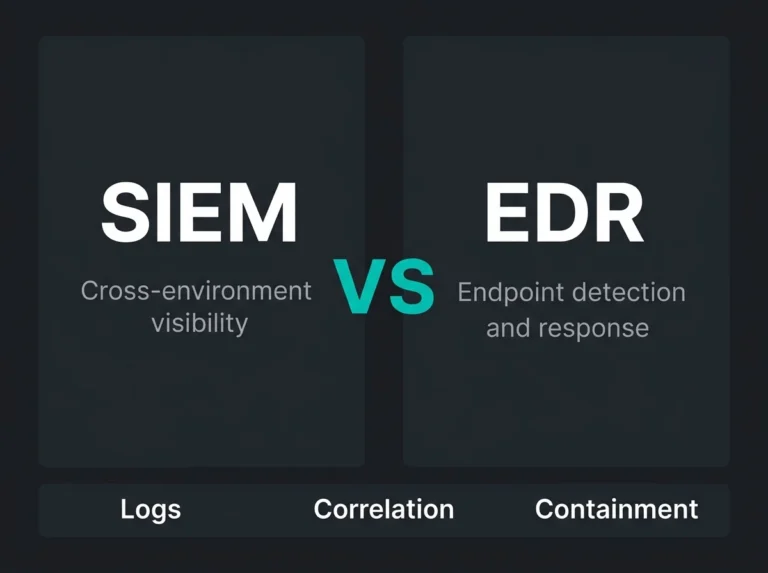
Defender XDR protects specific workloads (endpoints, email, identity, cloud apps) and generates alerts. Sentinel is the SIEM layer that aggregates alerts from Defender XDR and other sources, correlates them into incidents, and provides investigation and response capabilities. Most organizations benefit from using both together. For a detailed comparison, see our MDR vs SIEM guide.