





Microsoft Teams Phishing: How Attackers Abuse External Chat

In the first four months of 2026, phishing alerts from collaboration tools made up 42% of all phishing alerts in Palo Alto Networks’ Cortex telemetry, up from 30% in the preceding four months, according to Unit 42. The campaigns behind that number largely run through Microsoft Teams.
Microsoft Teams phishing works because the chat window still carries the internal trust that email lost years ago, and because the defaults in most tenants let any stranger with a Microsoft 365 tenant start a conversation with your staff. I think external chat now deserves a standing place in every SMB’s threat model, and the good news is that the strongest fixes are settings you already own.
- Teams is now a phishing channel. Collaboration tools generated 42% of phishing alerts in Unit 42’s telemetry in early 2026, up from 30% in the four months before.
- Defaults do the attacker’s work. Microsoft 365 tenants accept chat from all external domains out of the box, so any throwaway tenant can message your staff.
- Helpdesk impersonation is the playbook. Attackers pose as IT support, then talk users into approving MFA prompts or opening Quick Assist.
- The fix is configuration. A domain allowlist, Teams message reporting and a ticket-number rule close most of this attack surface without new licenses.
Phishing moved into the chat window
Email security matured. Secure gateways, DMARC enforcement and a decade of awareness training made the classic phishing email harder to land, so attackers went looking for a channel your users still trust by default. They found Teams.
The chat window works so well for attackers because nobody trained your users to distrust it. The suspicion an unknown email sender triggers took years of security awareness programs to build. A Teams message carrying the same lure sails past those instincts, because Teams is where colleagues live, where IT genuinely does send messages, and where an external tenant name can look close enough to internal. I don’t think this trend reverses; a channel with weaker filtering and higher default trust is too useful for attackers to abandon.
How a Microsoft Teams phishing attack works
The pattern repeats across the campaigns documented this year. The attacker registers a Microsoft 365 tenant, often keeping the free .onmicrosoft.com fallback domain, and names it something plausible – "IT Support Services" or a close copy of a vendor you actually use. Chat requests then go out to a batch of your employees at once.
From there, Rapid7’s MDR team describes the sequence: once a user accepts the chat, the "technician" claims there is a technical issue or a pending security update, then asks the user to open Quick Assist. That single step hands the attacker remote control of the endpoint, and everything after it – malware deployment, data theft, lateral movement – happens on a machine you own.
The credential-focused variant skips remote access tools. Microsoft has documented the Russia-based threat actor Midnight Blizzard using previously compromised Microsoft 365 tenants to send Teams messages that attempt to steal credentials by eliciting approval of MFA prompts. The sender identity games involved are close cousins of the techniques covered in our guide to spoofing vs phishing for Microsoft 365 admins, relocated to a channel with weaker filtering.
One thing worth underlining: none of this exploits a vulnerability in Teams. Every step uses the product as designed, which is why the defense is configuration rather than patching.
Your tenant probably allows this by default
External access, or federation, is the Teams feature that lets people in different Microsoft 365 organizations chat with each other. It is genuinely useful for working with partners and suppliers. The problem sits in the defaults: according to Microsoft’s external access documentation, allowing all external domains is the default setting, and both the organization settings and the user policies are turned on from day one. In practice, an attacker with a freshly created tenant can message any of your users with no prior relationship.
Rapid7 calls unrestricted external Teams messaging the functional equivalent of running an email server without a gateway filter, and I think that comparison is exactly right. External access sits in the same family as the other Microsoft 365 defaults that quietly expose companies: shipped for ease of use, then never revisited because nothing visibly breaks.
You have four configuration options for federation with other Microsoft 365 organizations:
| Setting | What it does | Risk |
|---|---|---|
| Allow all external domains | Anyone with a Microsoft 365 or Teams tenant can contact your users | High, and it is the default |
| Block specific external domains | Everything allowed except a blocklist you maintain | High, since attackers register new tenants faster than you can list them |
| Allow only specific external domains | Only partners on your allowlist can reach your users | Low, and the right choice for most SMBs |
| Block all external domains | No external chat or federated meetings at all | Lowest, at the cost of legitimate collaboration |
Separate from federation, there is a toggle for chat with Teams accounts not managed by any organization. Attackers like personal accounts because they are free and disposable, so turn that off unless you have a specific business case for it.
The settings that shut it down
Everything in this section lives in the Teams admin center or the Microsoft Defender portal. Restricting external domains is a configuration change, not a license purchase.
Start with the allowlist. In the Teams admin center, open External access under Users and switch from "Allow all external domains" to "Allow only specific external domains", then add the partners, suppliers and MSPs you actually chat with. Someone will occasionally ask you to add a new domain. That small request is the entire running cost of closing the biggest hole, and it beats triaging a Quick Assist compromise. While you are in that screen, disable chat with unmanaged Teams accounts, and if external chat has no business case at all in your organization, the same documentation covers blocking all external domains entirely.
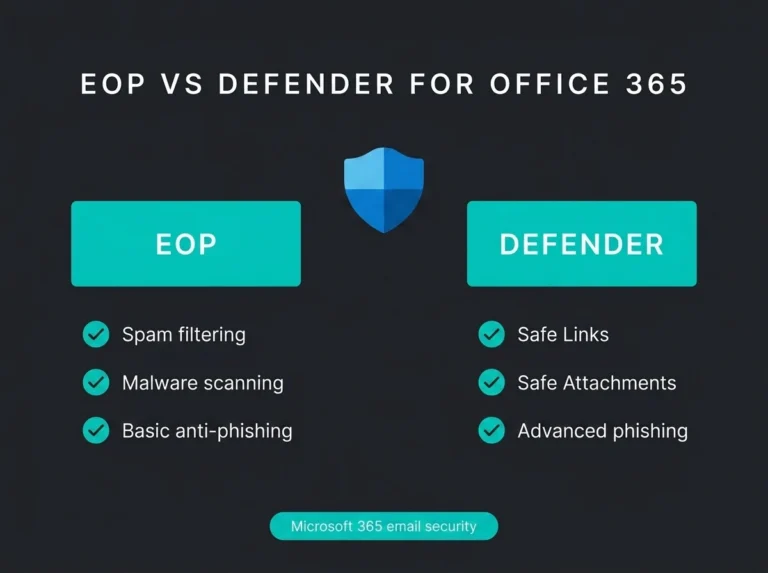
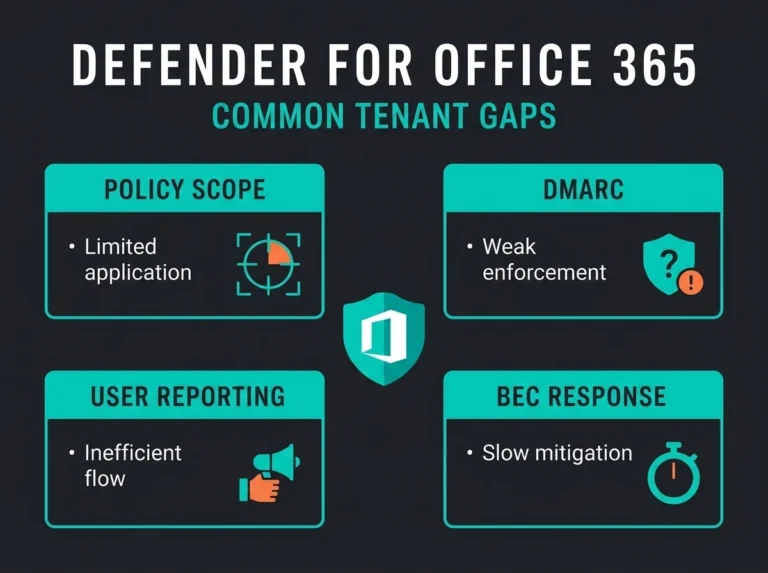
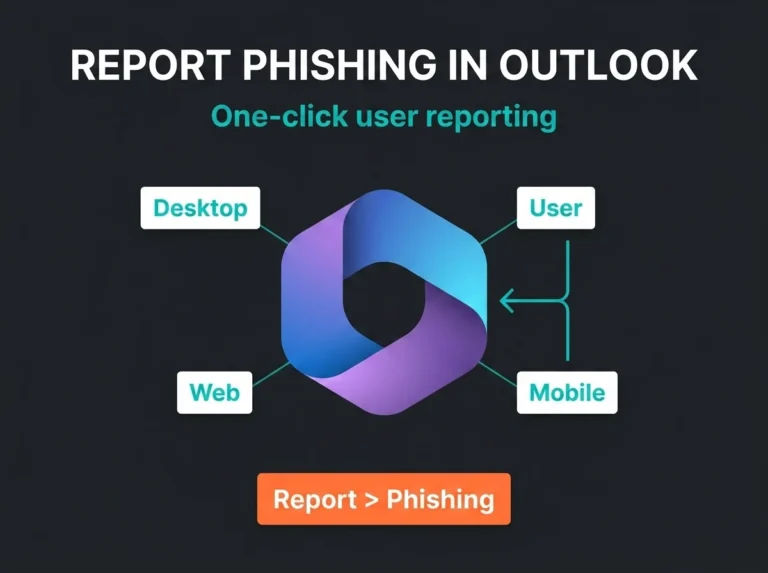
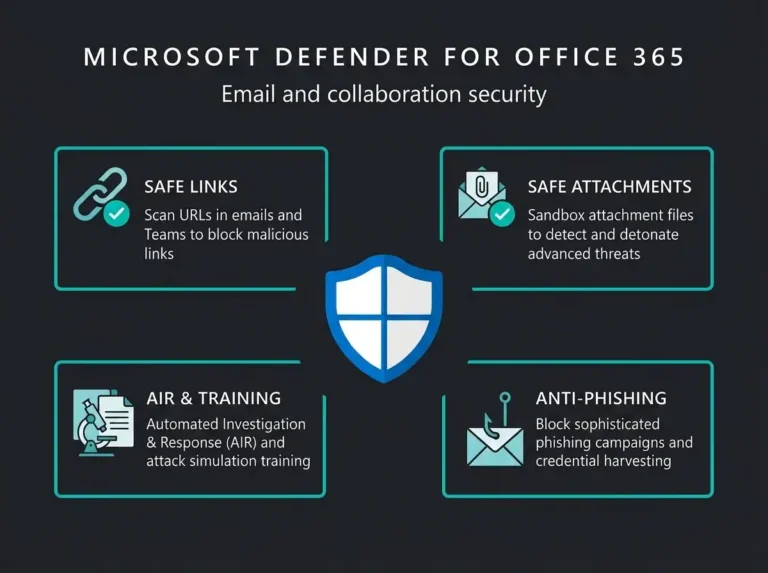
Then give users a reporting path. Users in organizations with Microsoft Defender for Office 365 Plan 1 or Plan 2, or Microsoft Defender XDR, can report suspicious Teams messages the same way they report phishing email. The Teams side of that pairing, the "Report a security concern" setting in messaging policies, is on by default, but existing tenants need to enable the matching setting in the Defender portal before reports reach the User reported tab. Half-enabled reporting means users report messages and the reports go nowhere, so check both ends. Our guide to Defender for Office 365 for SMBs breaks down what each plan includes, and our step-by-step guide to reporting phishing in Outlook covers the email side of the same habit.
Finally, deal with Quick Assist. Rapid7 recommends disabling it via GPO, blocking network traffic to the Quick Assist domain, or uninstalling the package on endpoints that do not need it. Teams itself warns users when it suspects impersonation in an external chat request and offers a preview before accepting, but that warning only helps if users know what it means, which brings us to training.
Extend phishing training to the chat window
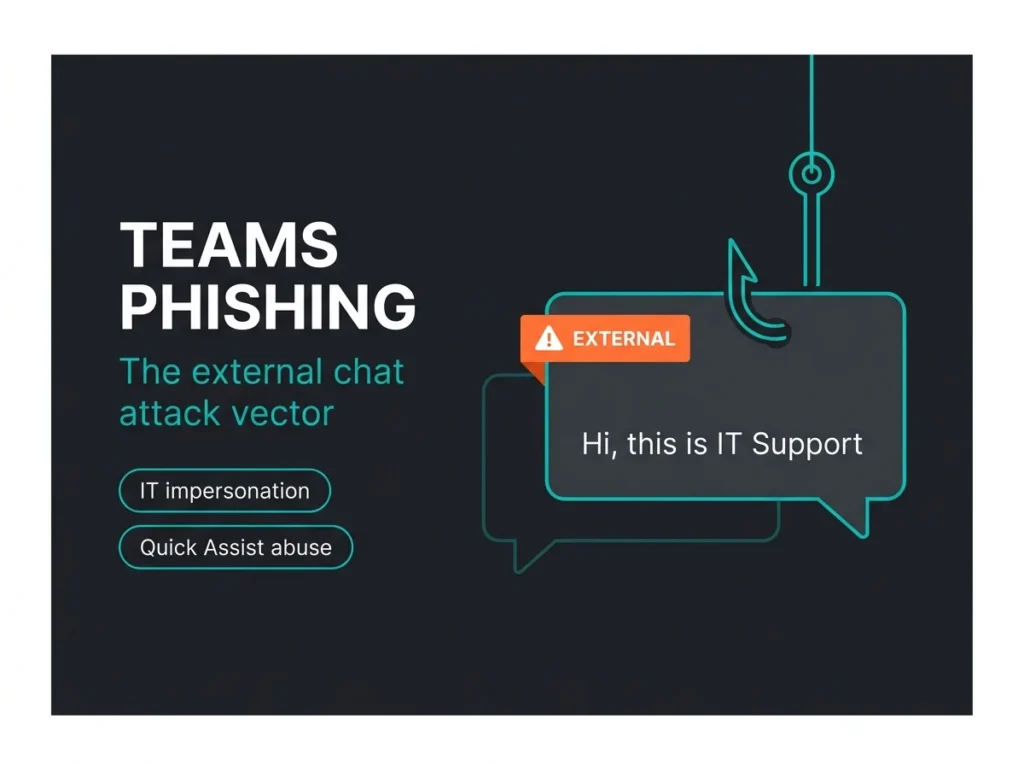
Your phishing simulations probably all arrive by email, and attackers know it. Extend awareness training to collaboration tools and make it concrete. The "external" label next to a sender’s name is the tell that matters most; genuine internal IT never carries that tag. Urgency is the second tell: a technician who needs an MFA approval right now, before the weekend, to avoid losing access, is reading from a social engineering script.
I think the strongest control here is procedural. Set a rule that IT never initiates a support session through a cold Teams chat without an existing ticket number, and give staff a known channel to verify support requests out of band. When anyone in the company can check "is this really IT?" in ten seconds, impersonation stops working. Our spear phishing prevention guide for Microsoft 365 covers the same lures in their email form; only the delivery channel changed.
For companies in scope for NIS2, this is more than polish. The directive’s risk management measures include basic cyber hygiene practices and cybersecurity training, and a Teams-delivered compromise at an essential or important entity is exactly the kind of incident that triggers its 24-hour early warning obligation. Our article on NIS2 Article 21 mapped to Microsoft Sentinel covers what the directive’s detection requirements mean in a Microsoft environment.
What your SOC should watch
Configuration and training reduce the noise; detection catches what gets through. Teams activity lands in the Microsoft 365 unified audit log, and the events worth hunting are new one-on-one chats created by external users from domains your organization has never talked to before. Security teams running Microsoft Sentinel can correlate ChatCreated events carrying foreign tenant identifiers against a baseline of known partner domains, then alert when an unknown tenant contacts multiple users in a short window. One external sender, many recipients, new domain: that shape is the signature of every campaign described above.
Pair that with alerts for remote access tool launches shortly after an external chat, and you cover the Quick Assist path too. None of this ships as a default analytics rule, which is the broader point our guide to detection engineering for Microsoft Sentinel makes: built-in templates do not know what normal looks like in your tenant. We manage Microsoft Sentinel environments for customers, including hybrid setups, and building this kind of environment-specific coverage is what that work is for.
The question to put to your team this week: if an unknown tenant messaged twenty of your employees tomorrow morning, would anyone notice before the first Quick Assist session started?
Frequently asked questions
What is Microsoft Teams phishing?
Microsoft Teams phishing is a social engineering attack that uses Teams external chat to contact employees, usually impersonating IT support or a trusted vendor. The goal is stolen credentials, fraudulent MFA approvals, or remote access through tools like Quick Assist. It works because most tenants accept chat from any external domain by default.
Why do attackers prefer Teams over email?
Because external Teams chat faces far less filtering than email and inherits the trust of an internal tool. Email passes through mature defenses like secure gateways, SPF, DKIM and DMARC, while a chat message lands with none of that scrutiny. Unit 42 measured collaboration tools at 42% of phishing alerts in early 2026, which shows how fast attackers have shifted.
How do I block external Teams messages from unknown senders?
In the Teams admin center, open External access under Users and change "Allow all external domains" to "Allow only specific external domains", then add your trusted partner domains. Also disable chat with Teams accounts not managed by an organization. Tenant-level restriction is the control that actually removes the attack surface, since individual users accepting or blocking requests does not scale.
Can users report phishing messages in Teams like they do in Outlook?
Yes, in organizations with Defender for Office 365 Plan 1 or Plan 2, or Microsoft Defender XDR. Two settings must both be on: "Report a security concern" in Teams messaging policies, which is on by default, and the user reported message settings in the Defender portal, which existing tenants usually need to enable manually.
Does NIS2 require protection against Teams phishing?
Not by name, but its risk management measures require basic cyber hygiene, cybersecurity training and incident handling that cover your real attack surface. A successful Teams-delivered intrusion at an essential or important entity would fall under the directive’s incident reporting obligations, including the 24-hour early warning. Restricting external chat and training users on chat-based lures are straightforward measures to evidence.