What Is Vishing? Voice Phishing Explained


The phone rings at 08:12. The caller says they’re from Microsoft, your bank, or your CEO’s assistant. There’s a problem, and it needs fixing now. By 08:16, somebody has approved an MFA prompt, read out a reset code, or paid a fake invoice.
That’s vishing. Voice phishing. What is vishing, exactly? It is still phishing, just without the fake login page doing all the work. The attacker uses a live call, voicemail, or robocall to create pressure, borrow trust, and get a human being to make a bad decision.
For Microsoft 365-heavy SMBs, vishing is rarely an isolated nuisance. The phone call is often the first move in an account takeover, helpdesk bypass, payment fraud attempt, or business email compromise chain. If your users treat phone calls as more trustworthy than email, you have a gap. A big one.
Vishing is a phone-based social engineering attack in which a scammer impersonates a trusted organization and tries to extract credentials, payment details, verification codes, or some other action they can use against you later. The FDIC describes vishing as scammers using live phone calls, robocalls, or voicemail to trick people into providing personal information while sounding like a legitimate business or government official. That definition is still the cleanest starting point.
- Vishing is phishing over the phone. An attacker uses a live call, voicemail, or robocall to impersonate a bank, Microsoft support, or an executive and pressure someone into sharing codes, payments, or remote access.
- The numbers are not small. The FBI’s 2025 IC3 report counted 191,561 phishing and spoofing complaints, the most reported crime type, with overall reported losses passing 20 billion dollars.
- Live pressure beats mail filtering. A phone call corners a receptionist or finance lead in real time, often as the first move in account takeover, helpdesk bypass, or business email compromise.
- Adopt one non-negotiable callback rule. No password resets, MFA resets, payment changes, or remote access on an inbound call. Verify through a number you already know, exactly as FTC guidance advises.
- Harden the human attack paths. Train reception, finance, helpdesk, and executive assistants with a ready script, require phishing-resistant MFA for admin roles, and keep reporting fast and blame-free.
Why vishing matters more than most teams think
People still picture phishing as an email problem. That is too narrow. CISA’s public guidance explicitly includes phone calls alongside email, texts, and social messages as common phishing channels. CISA says phishing bait often shows up as a phone call, not just a message in the inbox.
The scale is not small. In the FBI’s 2025 IC3 Annual Report, phishing and spoofing were the most reported crime type at 191,561 complaints. Overall losses reported to IC3 passed $20 billion in 2025. The current IC3 annual reports page and the linked 2025 report are worth bookmarking, because they give you current complaint counts instead of the recycled numbers that keep floating around older blog posts.
Here’s the bit many SMBs miss: vishing works because it borrows urgency from the real world. A fake email can sit in a queue while someone thinks. A phone call can corner a receptionist, finance lead, or junior admin in real time. I’ve seen teams with decent mail filtering still get dragged into trouble because nobody had a rule for what to do when the “vendor” or “security team” calls unexpectedly.
What vishing is, in plain English
Vishing is phishing over voice channels. The attacker usually does one of five things:
- pretends to be a bank, supplier, courier, or government body
- claims a payment, login, or device issue needs immediate action
- asks for credentials, MFA codes, account details, or remote access
- spoofs caller ID to look familiar
- keeps the victim talking long enough to override normal caution
Washington University summarizes the pattern well: a visher poses as a legitimate organization, uses urgency, may spoof caller ID, and asks for personal information or login credentials. Their checklist of common characteristics matches what most real incidents look like.
The attack does not have to end on the call. Sometimes the caller wants money right away. Sometimes they want a verification code. Sometimes they want you to visit a site, install remote access software, or trust a follow-up email from the same fake brand. The phone is the hook.
How a vishing attack usually unfolds
One common pattern starts with reconnaissance. The attacker checks LinkedIn, your website, leaked contact data, and maybe a breached mailbox from another service. Then comes the call. They use just enough real context to sound credible: a colleague’s name, a recent order, a Microsoft license reference, a bank name, an invoice amount.
After that, the script gets tighter. They create urgency. They keep control of the pace. They try to stop the target from hanging up and verifying the request somewhere else. If they can push the person into reading out a one-time code or approving an authentication prompt, they may not need much else.
That is why basic anti-phishing advice still matters here. The FTC tells people to contact the company using a phone number or website they already know is real, not the details in the suspicious message. FTC guidance says to verify through a known channel. The same rule applies to suspicious calls.
Common vishing scenarios in Microsoft 365 environments
In Microsoft-heavy SMBs, the storyline often bends toward identity and email.
A fake Microsoft or IT support call
The caller claims your account is under attack, your mailbox is sending spam, or your MFA setup must be “re-synced”. They ask you to approve a sign-in, read a code, or start a remote support session. Once they have the session or the code, the rest goes fast.
A finance callback scam
The attacker pretends to be a supplier, courier, or executive contact and pushes for invoice confirmation or a payment change. Sometimes the first contact came by email, and the call is there to make the scam feel real. This is where weak finance verification habits turn into real losses.
A helpdesk bypass attempt
The caller impersonates a user who is locked out, traveling, under pressure, and unable to use normal verification. The goal is a password reset, MFA reset, or some other exception. If your helpdesk process is loose, the phone call becomes the attack path.
An executive impersonation call
The attacker uses public org chart details and a bit of confidence to pressure somebody junior. These calls work because nobody wants to be the person slowing down the CEO. That human instinct causes a lot of bad security decisions.
How vishing differs from phishing, smishing, and spoofing
| Attack type | Main channel | What the attacker wants | Why it works |
|---|---|---|---|
| Phishing | Clicks, credentials, malware execution | Brand imitation and fake links | |
| Smishing | SMS or messaging | Clicks, codes, payments | Short messages and phone trust |
| Vishing | Voice call or voicemail | Codes, payments, remote access, exceptions | Live pressure and social manipulation |
| Spoofing | Any channel | Trust through impersonation | Fake caller ID, sender, domain, or identity |
Vishing and spoofing overlap a lot. Caller ID spoofing is common, but spoofing is the technique, not the whole attack. If you want the email side of that distinction, our post on spoofing vs phishing breaks it down from a Microsoft 365 angle.
Red flags your staff should catch on the call
Not every red flag shows up at once. A good caller keeps things plausible. Still, certain patterns show up again and again.
- unsolicited call about security, payments, or account recovery
- demand for immediate action
- pressure to stay on the line while a change is made
- request for passwords, one-time codes, card numbers, or remote control
- caller insists normal process is too slow for this case
- caller ID looks right, but the behavior feels wrong
CISA’s consumer guidance points to urgent language, emotionally loaded claims, and requests for personal or financial information as common warning signs. That pattern maps neatly to voice attacks too. Once the tone shifts from helpful to pushy, you should assume the call is hostile until proven otherwise.
What to do if your organization gets hit with vishing
Hang up first. Then verify. That sounds obvious until somebody is halfway through the scam and feels embarrassed. Make it easy for staff to stop the interaction without needing permission.
After that, your response depends on what was exposed:
- If credentials or reset codes were shared, reset the account and revoke active sessions immediately.
- If an MFA prompt was approved, treat it like possible account compromise and review sign-in logs right away.
- If a mailbox is involved, check forwarding rules, inbox rules, recent admin actions, and suspicious OAuth grants.
- If payment data was shared, contact the bank and freeze the transaction path as fast as possible.
- If remote access was granted, isolate the affected device and review for persistence.
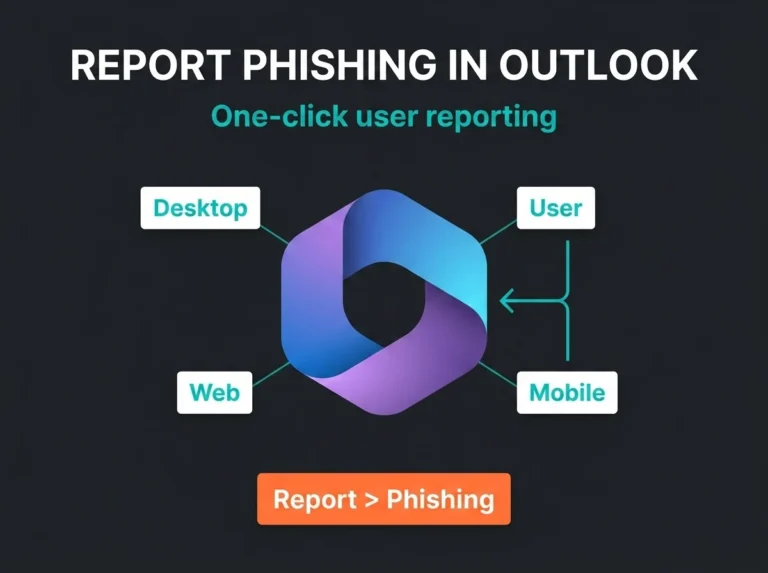
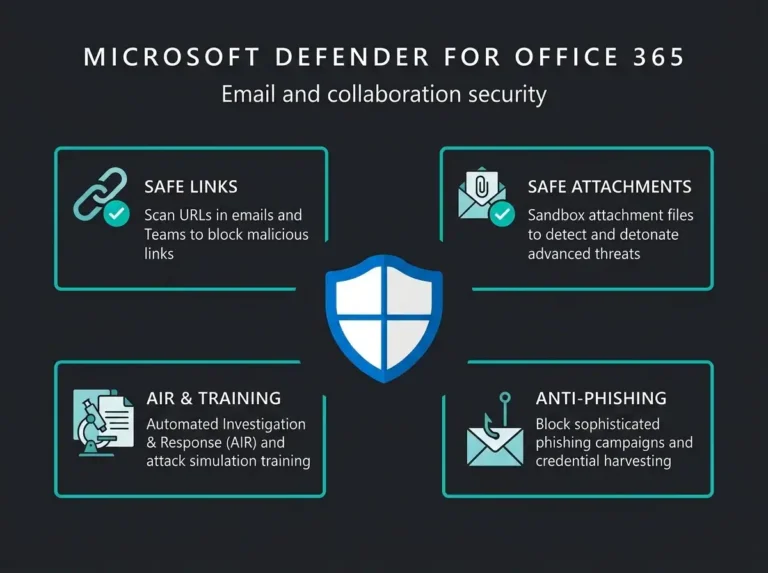
For Microsoft 365 specifically, give users a clean way to report suspicious mail and follow-up messages. Microsoft says users in Exchange Online can report phishing and suspicious mail through the built-in Report button in supported Outlook versions, and admins can review those submissions in the Microsoft Defender portal. Microsoft’s current Outlook reporting documentation is useful if you want the workflow to be consistent instead of improvised.
How to reduce vishing risk without making everyone paranoid
You do not need a theatrical security culture where every phone call feels like a hostage negotiation. You need a few non-negotiable habits.
Build a callback rule
No sensitive action on an inbound call. None. Password resets, bank changes, MFA resets, supplier payment changes, remote access requests: all of it should require a callback to a known number or a second trusted channel.
Lock down identity recovery paths
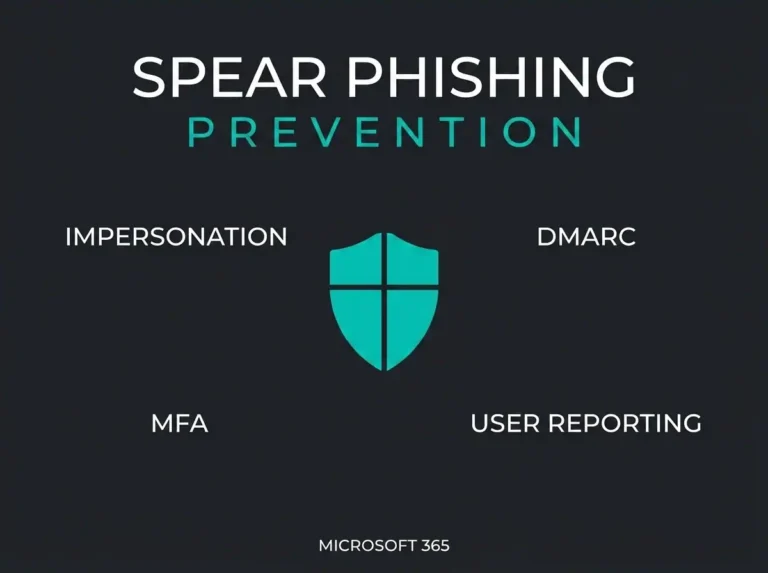
If attackers know the email gateway is hard to beat, they pivot to the helpdesk and the phone. Your identity processes need the same discipline as your mail filtering. That includes admin accounts. Microsoft recommends phishing-resistant MFA for privileged administrator roles because those accounts are frequent targets. Microsoft’s current Conditional Access guidance is explicit on that point.
Train the people who actually get these calls
Reception, finance, customer service, IT support, and executive assistants need stronger call-handling rules than the average user. Those are the roles attackers probe first. Generic annual awareness training rarely goes deep enough here. If your current baseline is weak, start with practical controls from a Microsoft 365 security checklist and the email hardening steps covered in our guide on why Office 365 email security fails.
Give people a script
People freeze when they have to improvise. Give them a standard line: “I can’t process this on an inbound call. I’ll call back using the number on file.” That one sentence stops a shocking number of scams.
Make reporting low-friction
If staff think reporting a suspicious call creates paperwork and blame, they will keep quiet. Bad idea. You want a fast path to report the incident, check whether a related email arrived, and warn the rest of the team.
Where Falconer usually sees the gap
It is rarely a pure technology failure. More often, the company has decent controls on paper, but nobody connected them to phone-based social engineering. Finance has one process. IT has another. The helpdesk knows what not to do with email, but not with inbound calls. Then somebody makes an exception because the caller sounded confident.
That is fixable. It usually starts with a small process review, not a large tool purchase. For Microsoft-centric environments, the bigger wins often come from tightening identity, user reporting, and email response workflows around the same service desk reality. Our Microsoft 365 security assessment and focused email security assessment work exist for exactly that reason.
Slow the call down
Vishing is phishing with a human voice and a tighter time window. The attacker wants urgency, trust, and an exception to normal process. If your staff know how to slow the call down, verify through a known channel, and refuse sensitive actions on inbound calls, most of the attack falls apart.
If they do not, your next incident may start with a phone call nobody thought counted as a security event.
FAQ: what is vishing?
What is vishing in cybersecurity?
Vishing is voice phishing. An attacker uses a phone call, voicemail, or robocall to impersonate a trusted person or organization and trick the victim into sharing information or taking an action that helps the attacker.
How is vishing different from phishing?
Phishing usually arrives through email, while vishing uses voice channels. The goal is similar in both cases: steal credentials, codes, money, or trust. Vishing adds live pressure, which is why people often act faster and verify less.
What are common signs of a vishing call?
Red flags include unsolicited calls, urgency, threats, requests for passwords or one-time codes, caller ID that looks trustworthy, and pressure to stay on the line while you make a change.
Can vishing lead to Microsoft 365 account compromise?
Yes. A visher can talk a user into approving an MFA prompt, reading out a verification code, or accepting a fake support workflow. That can lead directly to account takeover if the attacker already has the password or reset path.
What should a business do after a suspected vishing incident?
End the call, verify the claim through a known contact path, reset any exposed credentials, review sign-in activity, check for mailbox abuse or payment fraud, and alert internal teams who might receive the next call. If the incident touches regulated operations or supplier obligations, document it properly for governance and NIS2 readiness as well.