What Defender for Office 365 Misses: Findings from Real Assessments

Most Microsoft 365 tenants do not get breached because Defender for Office 365 is missing. They get breached because of Defender for Office 365 gaps: the tenant owns the license, somebody enabled a few defaults, and the hardening work stopped there.
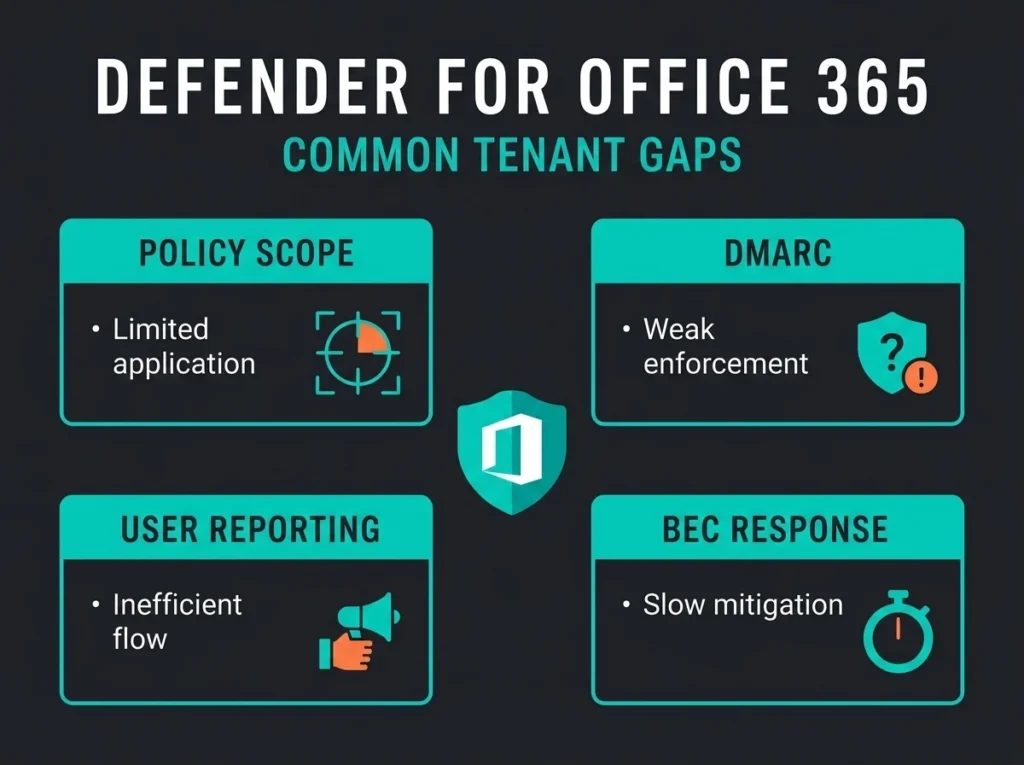
That is the awkward part of most email security assessments. The product is usually present. The gaps sit in policy scope, user reporting, domain authentication, executive impersonation protection, and response workflow.
If you are reviewing Defender for Office 365 for an SMB, this is the question to ask: does the platform cover your attack paths, or did you only switch on enough to feel better? Falconer Security usually finds the same handful of problems, and they are fixable without ripping out Microsoft.
Short version: Defender for Office 365 is strong when it is paired with preset or custom policies, DMARC enforcement, user reporting, and a response process. It is weak when it is treated like a license checkbox.
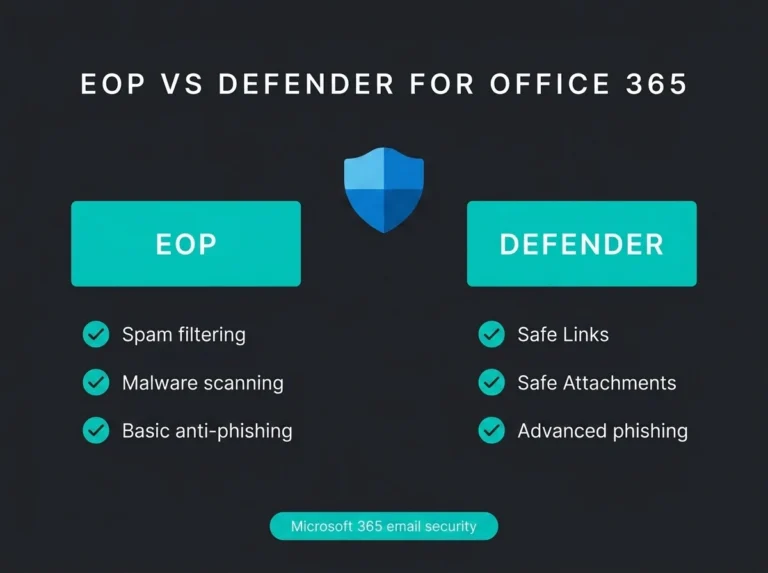
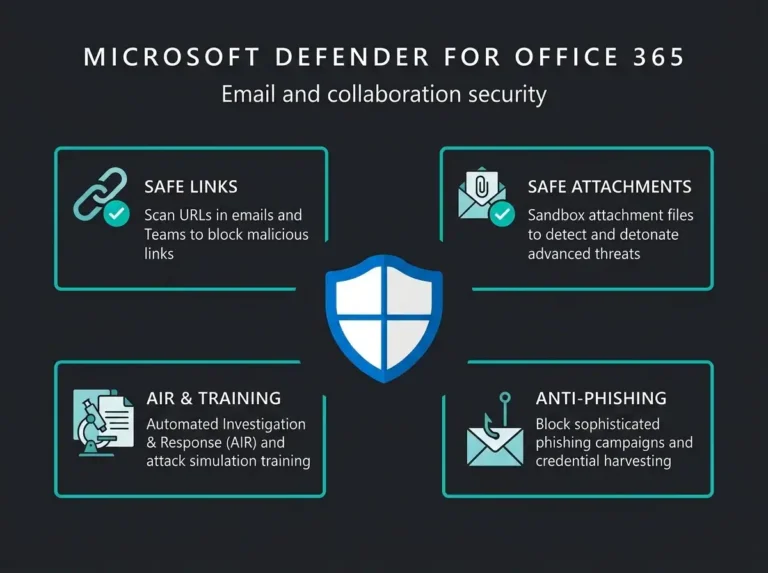
Microsoft says Defender for Office 365 Plan 1 protects email and collaboration workloads from phishing, business email compromise, and zero-day malware, while Plan 2 adds attack simulation, automation, and deeper investigation workflows. That sounds tidy on paper. Real tenants are messier. A tenant can own good tooling and still leave obvious holes in the inbox.
- The license is present, the hardening is not. Most tenants get breached through half-configured Defender for Office 365, not a missing product: policy scope, DMARC, reporting, and response are where the gaps sit.
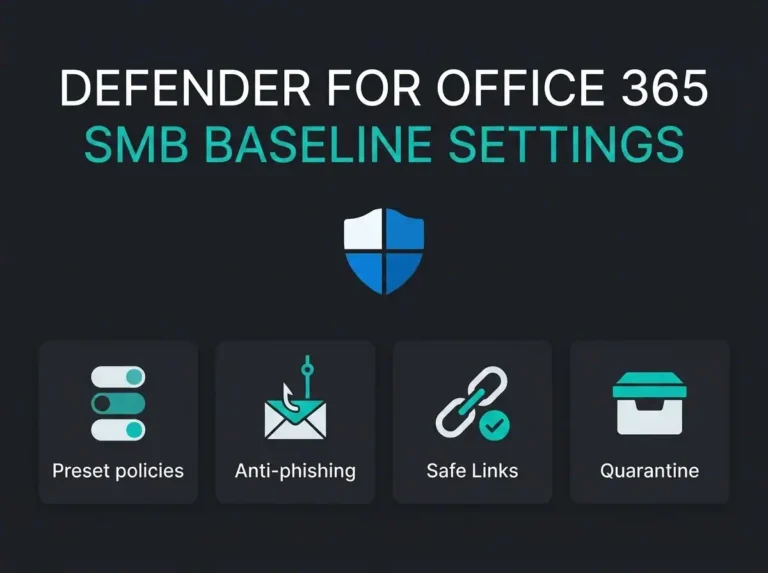
- Presets are a floor, not a design. Built-in and Standard or Strict policies give a sensible baseline, but executive impersonation lists, forwarding controls, and coverage scope still need a human review.
- BEC is a process problem. Filtering cannot approve payments or confirm a supplier bank change; finance workflows and privileged user protection belong in the same review as the mail pipeline.
- Unfinished email authentication is the most common gap. SPF alone or DMARC stuck at p=none leaves your domain spoofable and pushes the burden onto post-delivery filtering.
- Reporting without triage is theater. The user report button only matters if someone owns the mailbox, reviews submissions, and escalates real phishing fast enough to act on it.
Where Defender for Office 365 usually falls short
The pattern is not that Microsoft forgot to build the feature. It is that tenants leave the feature half-configured, scoped too narrowly, or disconnected from the people who need to act on it.
Safe Links and Safe Attachments are present, but nobody checked the actual policy coverage
Microsoft documents that the built-in protection preset can provide Safe Links and Safe Attachments protection even when no custom policy exists. That helps. It does not replace a proper review of who is covered, how internal mail is handled, and whether Teams, Office apps, SharePoint, and OneDrive protections are configured the way your business expects.
One assessment detail I keep seeing: security teams assume “we have Defender” means every mailbox, collaboration surface, and file workflow is equally protected. It rarely is. Safe Links has edge cases. Microsoft notes that it does not protect mail-enabled public folders, does not support every link format, and can fail open in some client or wrapping scenarios. Safe Attachments also depends on the selected action and policy scope.
That matters because attackers do not care that the marketing team has one policy and finance has another. They care about the unguarded route.
Business email compromise is still a process problem, not just a filtering problem
Microsoft’s own service description for Defender for Office 365 calls out business email compromise protection. Good. It should. But BEC is not always a malware problem, and it is often not a payload problem at all. It is a trust problem inside finance, procurement, and executive workflows.
The 2025 IC3 annual report keeps BEC near the top of loss-driving cybercrime categories, and Verizon’s 2025 DBIR still treats phishing and social engineering as routine entry points. That lines up with what operators see in practice. A clean-looking message asking for an invoice change or urgent transfer can slip past technical controls if the surrounding process is weak, which is also why we tell clients to read this together with our breakdown of spoofing vs phishing.
What this means in practice: Defender for Office 365 can reduce malicious links, bad attachments, and obvious impersonation attempts. It cannot approve payments, confirm a supplier bank change, or stop a rushed employee from trusting the wrong message.
That is why an email security review needs to reach beyond the mail pipeline. Your finance approval path, privileged user protection, and reporting workflow belong in the same conversation.
DMARC, DKIM, and SPF are still unfinished in too many tenants
Microsoft’s email authentication guidance is blunt on this point: SPF, DKIM, and DMARC are part of the overall email authentication strategy. Yet plenty of tenants still sit on SPF alone or leave DMARC at p=none for months because nobody wants to break outbound mail.
That hesitation is understandable. It is also expensive. If your domain can be spoofed, Defender for Office 365 ends up carrying more of the burden after the message arrives instead of preventing the impersonation problem upstream.
For SMBs, this is one of the most common and least glamorous gaps. Nobody likes the DNS cleanup. Everybody likes the idea of fewer spoofed invoices and fewer fake messages pretending to come from the CEO. If you want the broader Microsoft-side context, our post on why Office 365 email security fails covers where default protection tends to stop.
User reporting exists, but the mailbox behind it is ignored
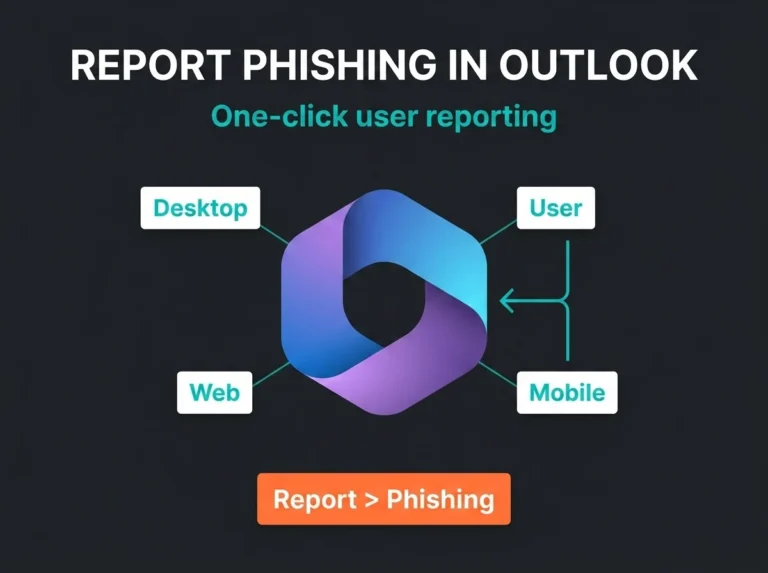
Microsoft lets administrators configure user reported settings in the Defender portal under Settings > Email & collaboration. That feature is more important than it looks. It turns end users into an early-warning sensor network, especially for messages that were not malicious at delivery time or were convincing enough to deserve a second look.
Here is the problem: enabling the report button is easy. Building a review habit is not. I have seen tenants with reporting turned on, a custom reporting mailbox configured, and nobody checking it with any urgency. At that point the feature becomes theater.
A useful reporting pipeline needs ownership. Someone has to triage reported mail, feed false positives back into tuning decisions, and escalate genuine phishing or BEC attempts fast enough to matter.
Anti-phishing settings are left at a comfortable baseline
Microsoft publishes recommended settings for Exchange Online Protection and Defender for Office 365, including Standard and Strict preset security policies. Those presets are there for a reason. They give smaller teams a sensible floor.
Still, presets are a floor. They are not the final design. Executive impersonation lists, mailbox intelligence, external sender tagging, forwarding controls, and transport rule exceptions need a human review. If you never adapt the defaults to your tenant, you are asking Microsoft to guess your risk appetite, your VIP accounts, and your operational tolerance for false positives.
That guess is usually conservative. Attackers are not. The same pattern shows up outside email too, which is part of why our Microsoft 365 security defaults review keeps coming back to partial hardening.
What stronger Defender for Office 365 coverage looks like
A solid tenant does not chase every exotic email threat feature. It gets the boring foundations right, then tunes from there.
| Control area | What good looks like | What we usually find instead |
|---|---|---|
| Policy baseline | Standard or Strict presets reviewed and adjusted for the tenant | Built-in protection only, with no validation of scope |
| Link protection | Safe Links checked for email, Teams, and supported Office apps | Assumed active everywhere because licensing exists |
| Attachment protection | Safe Attachments action, scope, and SharePoint or OneDrive coverage reviewed | Default behavior left untouched and never tested |
| Domain protection | SPF, DKIM, and DMARC moved toward enforcement | SPF only, or DMARC stuck on monitoring |
| User reporting | Report button enabled, mailbox monitored, admin review process defined | Reporting enabled but operationally ignored |
| Response | Escalation path for phishing, BEC, forwarding abuse, and account takeover | Alerts arrive, but ownership is fuzzy |
That middle column is not fancy. It is just disciplined. Most email security wins come from discipline, not magical detection.
Where Plan 2 helps, and where it still does not save you
Plan 2 is the point where Defender for Office 365 becomes more interesting for teams that want deeper security operations. Microsoft adds capabilities such as attack simulation training, automated investigation and response, and richer hunting workflows in the broader Defender stack.
Those are useful features. They also get oversold. Buying Plan 2 without someone owning the workflow is like buying a better fire alarm and leaving the building without a response plan.
If you run a lean internal IT team, Plan 2 helps most when you actually use the extra telemetry and automation to shorten response time. If nobody tunes detections, reviews reported messages, or follows the incidents through to containment, the tenant still drifts.
Honest answer: Plan 2 closes capability gaps. It does not close staffing gaps.
The Falconer assessment checklist for Defender for Office 365
When Falconer reviews a tenant, we are not looking for a mythical perfect state. We are trying to answer a practical question: if a phishing or BEC attempt lands today, what happens next?
- Are Standard or Strict preset policies in place, and were they intentionally chosen?
- Are Safe Links protections checked for email, Teams, and supported Office apps?
- Are Safe Attachments actions and scope appropriate for the highest-risk users?
- Is external forwarding blocked or tightly controlled?
- Are SPF, DKIM, and DMARC configured and moving toward enforcement?
- Are executive and finance users covered by impersonation protection?
- Do users have a working report button, and does someone review the submissions?
- Is there a response path for suspicious inbox rules, account takeover, and supplier payment fraud?
Notice what is missing from that list: vendor drama. This is not really a “Microsoft versus third party” argument. It is an operations argument. Some organizations can get what they need from Microsoft’s stack. Others need another layer. Either way, if the foundations above are weak, the expensive conversation about tools starts too early.
What to fix first if your tenant is messy
Start with the controls that change the attack surface fastest.
First, review your preset and custom policies in the Microsoft Defender portal. Confirm who is covered and where the protection applies. Microsoft keeps changing names and admin experiences, so this part is worth checking against the current documentation instead of muscle memory.
Next, clean up email authentication. It is tedious work. Do it anyway.
Then look at reporting and response. If a user reports a phishing message today, who sees it, how fast, and what happens after that? Most SMBs do not need a giant SOC process here. They do need an actual one.
Finally, connect the inbox conversation to identity. Microsoft says multifactor authentication blocks more than 99.2% of account compromise attacks in Entra ID, which is why the inbox and sign-in stack need to be reviewed together. Defender for Office 365 works much better when it is paired with stronger tenant controls such as the identity recommendations covered in our Microsoft 365 security best practices guide and the broader review process in our Microsoft 365 security audit breakdown.
Defender for Office 365 gaps are usually operational gaps
That is the main conclusion. Most SMBs do not need to panic about Defender for Office 365 being useless. They need to stop treating it like a self-driving control.
Used properly, it is a serious email security platform. Used lazily, it becomes another dashboard that makes people feel busy while attackers work around the edges.
If you want a second set of eyes on the tenant, Falconer can review the policy baseline, authentication setup, reporting flow, and escalation path, then map the findings to your real risk rather than Microsoft’s marketing copy. That usually leads to a much shorter list than people expect, and a much more useful one.
For organizations that want help beyond the inbox, our Microsoft 365 security assessment and email security assessment services are designed to find the tenant-level gaps before an attacker does.
FAQ
Does Defender for Office 365 stop business email compromise?
It helps, especially with impersonation protection, malicious links, and suspicious attachments. It does not remove the need for payment verification, vendor-change controls, and fast review of reported messages.
Is Microsoft Defender for Office 365 Plan 1 enough for SMBs?
For some SMBs, yes. Plan 1 covers important email and collaboration protections. The bigger issue is whether the tenant is configured and reviewed properly. Plan 2 adds useful investigation, simulation, and automation capabilities, but those features still need owners.
What is the biggest Defender for Office 365 gap you see in assessments?
Usually it is not one feature. It is the combination of partial policy coverage, weak DMARC enforcement, and a reporting workflow that exists on paper but not in daily operations.
Should we add a third-party email security tool on top of Microsoft?
Sometimes. That depends on your threat profile, compliance needs, and internal resourcing. It is worth fixing the core Microsoft configuration first, otherwise you end up layering products on top of basic hygiene problems.
How often should Defender for Office 365 settings be reviewed?
At minimum, review them after major licensing changes, mailbox migrations, domain additions, policy exceptions, or phishing incidents. For most SMBs, a quarterly review is sensible.