The 5 Microsoft Sentinel Playbooks We Deploy for New Clients First

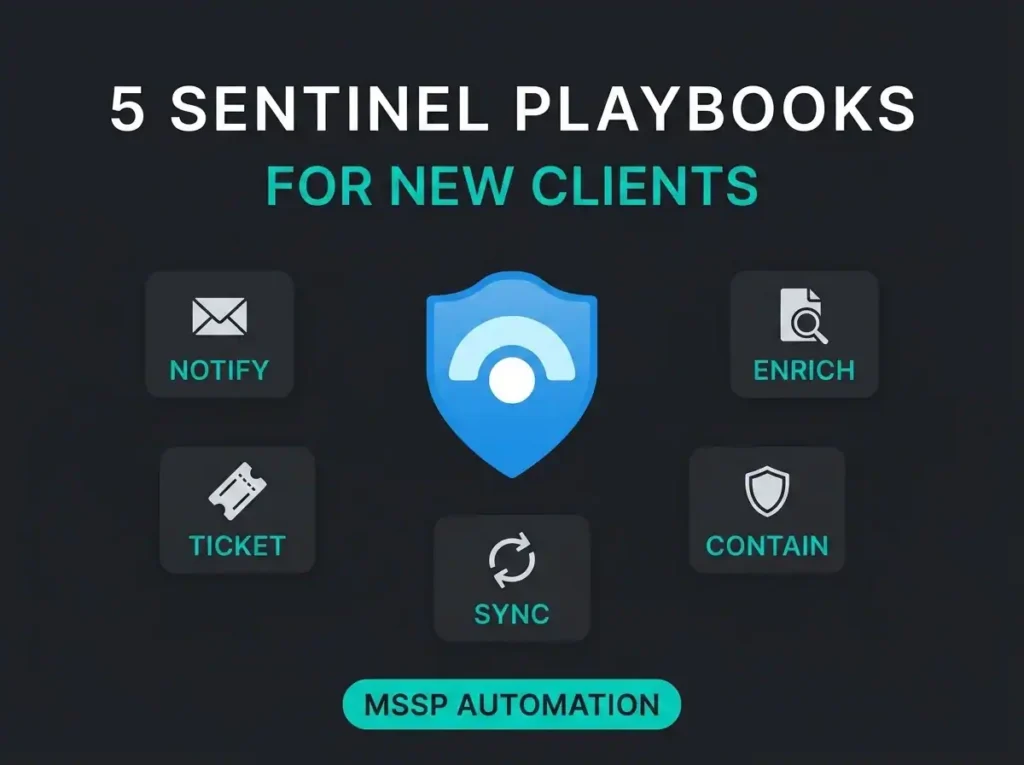
You can buy Microsoft Sentinel, connect a few data sources, and still end up with a slow, very human SOC. The alert fires. Someone sees it ten minutes later. Someone else opens Teams. A third person starts the containment step manually. By then, the attacker has already moved on.
That gap is where Sentinel playbooks matter. Microsoft describes playbooks as workflows built on Azure Logic Apps that can run automatically from Microsoft Sentinel in response to alerts or incidents. In plain English: they turn a detection into an action instead of another ticket in a queue.
For SMBs and MSP-led environments, that matters more than most buyers expect. Microsoft says phishing and social engineering accounted for 28% of breaches observed by Microsoft Incident Response in the 2025 Microsoft Digital Defense Report. CrowdStrike’s 2026 Global Threat Report puts the fastest recorded eCrime breakout time at 27 seconds. You do not have time for a nice clean handoff between analyst, sysadmin, and ticket queue.
At Falconer, the first automation question is rarely “what can Sentinel do?” It’s usually “which actions are safe enough, useful enough, and repeatable enough to run every time?” That’s a better way to build. Start with the routines your analysts repeat every week. Then automate those, not the fantasy workflow you drew on a whiteboard six months ago.
- Playbooks are Logic Apps. A Sentinel playbook is an Azure Logic Apps workflow wired into security operations, and extra Logic Apps charges apply on top of Sentinel.
- Speed is the whole point. CrowdStrike’s fastest recorded eCrime breakout time is 27 seconds, so a detection that waits in a ticket queue is already too slow.
- Build in this order. Start with analyst notification and enrichment, then case sync, and only add containment actions once a detection is tuned and high confidence.
- Use automation rules. Microsoft is deprecating the older method of calling playbooks directly from analytics rules, so new builds should trigger through automation rules.
- The Azure portal is a shrinking runway. Sentinel in the Azure portal reaches end of support after March 31, 2027, and automation behavior changes in the Defender portal.
What a Sentinel playbook actually is
A Sentinel playbook is an Azure Logic Apps workflow connected to Microsoft Sentinel. It can run automatically through automation rules or manually on incidents, alerts, or entities, depending on the trigger and context. They are not separate from Logic Apps. They are Logic Apps, wired into security operations.
That distinction matters for buyers because the playbook itself is only half the job. The rest is permissions, trigger design, and workflow hygiene. Microsoft documents separate roles for running playbooks manually and for allowing Sentinel to execute them through automation rules, including the Microsoft Sentinel Automation Contributor role. If that sounds fiddly, it is. Most failed automation projects do not fail because the idea was bad. They fail because the identity model and resource permissions were an afterthought.
| Playbook | What it does | Best trigger | Why we like it |
|---|---|---|---|
| Analyst notification | Sends the right context to Teams or ticketing | Incident created | Fast win, low risk |
| Threat enrichment | Adds IP, URL, user, or asset context | Incident created or updated | Improves triage quality |
| Account containment | Revokes sessions or disables a user | High confidence credential incident | Stops lateral movement early |
| Host or network isolation | Calls a control to contain a device or IP | Confirmed endpoint compromise | Good for high severity cases |
| Case sync and evidence capture | Creates or updates tickets and incident comments | Incident created, updated, closed | Keeps operations tidy |
The five Sentinel playbooks we would deploy first
1. Analyst notification with enough context to act
This is the one nearly every team should build first. Sending incident details into Teams or Slack sits right at the top of the orchestration use cases in the official playbook guidance. That sounds basic. It is basic. Good. Basic is what sticks.
The useful version is not “send a message when something happens.” The useful version includes severity, incident title, affected user, affected host, related analytics rule, and a direct link back to the incident. If the analyst still has to open three portals just to figure out what happened, the playbook saved almost nothing.
I see this one neglected all the time. Teams gets a vague alert, the SOC still opens Sentinel, then Entra, then Defender, then the ticketing system. That is not automation. That is just moving the noise to another pane.
2. Threat enrichment before a human touches the case
Enrichment is a core playbook use case in the documentation, and it deserves the billing. Enrichment is where automation starts earning trust because it improves a decision without taking a destructive action. Pull IP reputation. Look up user details. Add device owner, geo data, previous alert history, or related incident notes. Then write the result back into the case.
Competitor content covered this unevenly. Bridewell focused on extracting incident data for reporting. CyberMSI emphasized ticketing and response actions. OneUptime leaned into how-to build steps. The gap across all three was buyer-side guidance on which playbooks are safest to deploy first. Enrichment deserves to be near the top because it improves triage without locking an account or blocking production traffic.
3. Account containment for high-confidence identity incidents
When the signal quality is strong enough, identity containment should be fast. A playbook can isolate a machine or block an account before the SOC team is even notified, a pattern Microsoft itself documents in its response guidance. That is exactly the kind of response path worth building for risky sign-ins, impossible travel paired with follow-on activity, or known compromised credentials.
The trick is confidence. Do not wire a blunt auto-disable action to a noisy analytics rule and hope for the best. Pair this playbook with tuned detections, good exclusions, and a clear rollback path. If your detections are still noisy, fix that first. Our guide to noisy default Sentinel rules gets into why generic rules often produce the wrong trigger conditions for heavy automation.
4. Host or network containment for confirmed compromise
Some teams jump to this because it feels dramatic. In reality, it should come after notification and enrichment, not before. CyberMSI’s example of moving compromised VMs into an isolated NSG gets the general idea right: containment actions belong in playbooks when the business impact of waiting is worse than the risk of acting.
For Microsoft-heavy environments, this often means isolating a device through connected controls, blocking a malicious IP in a firewall workflow, or kicking off a defined containment path after endpoint confirmation. Not every SMB needs full autonomous isolation on day one. Many do need a playbook that packages evidence, prompts for approval, and cuts the manual steps from fifteen to three.
5. Ticket sync, case notes, and audit trail
This one is boring, which is part of why it matters. Bi-directional sync with ticketing systems is another standard use case for Sentinel playbooks. If your MSSP or internal team works in ServiceNow, Jira, Halo, or another ITSM tool, a playbook should create the case, update status, and write back the key incident notes automatically.
It also helps with auditability, since automation rules can create task lists for analysts and control the order of actions. That is useful when you need consistent evidence capture, especially in regulated environments. If you are dealing with NIS2 planning, the value is not just speed. It is repeatability. The process should look the same at 10:00 on a Tuesday and 02:00 on a Sunday.
What good playbook design looks like in practice
Start with automation rules, not legacy alert wiring. Microsoft states that the older method of calling playbooks directly from analytics rules for alert response is being deprecated, and recommends using automation rules instead. That matters if you are rebuilding an inherited Sentinel workspace right now.
Then keep the first wave narrow:
- Low-risk notifications
- Enrichment actions
- Case creation and sync
- One containment action tied to a high-confidence detection
Do not build five destructive playbooks before you have one reliable enrichment workflow. That is backwards. The first question is not whether the playbook can do something. It is whether your detection is accurate enough to deserve that action.
There is also a portal issue people miss. Sentinel in the Azure portal reaches end of support after March 31, 2027, and everything moves to the Microsoft Defender portal. That changes how some automation behaves, including manual playbook support for certain objects and some trigger nuances. If you are still designing around old Azure-portal-only habits, you are already building on a shrinking runway.
Where Sentinel playbooks fit in a managed service
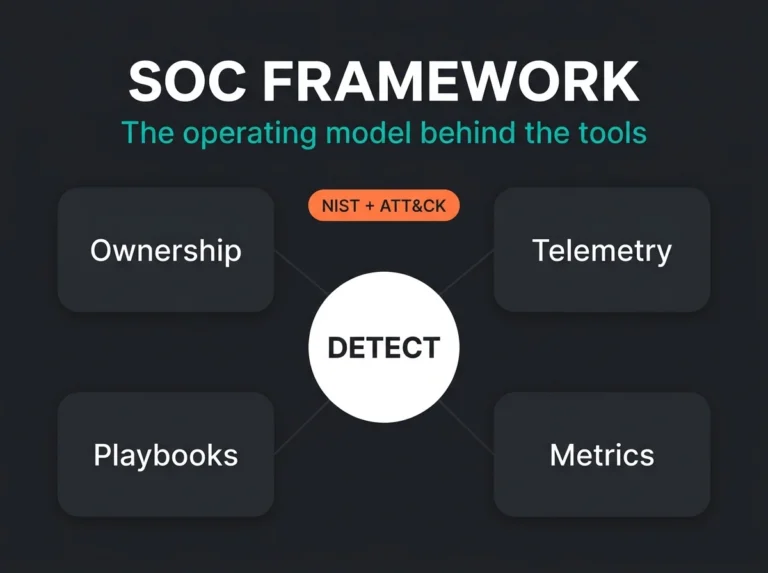
Playbooks do not replace detection engineering. They depend on it. If your team has not tuned analytics, cleaned up noisy connectors, or defined what counts as high confidence, automation just lets you make mistakes faster. That is why we treat playbooks as part of a broader managed Sentinel service, not an isolated add-on.
A healthy build sequence looks more like this:
- Define the telemetry and use cases
- Tune detection logic
- Map the analyst workflow
- Automate the steps that repeat
- Review false positives and business side effects
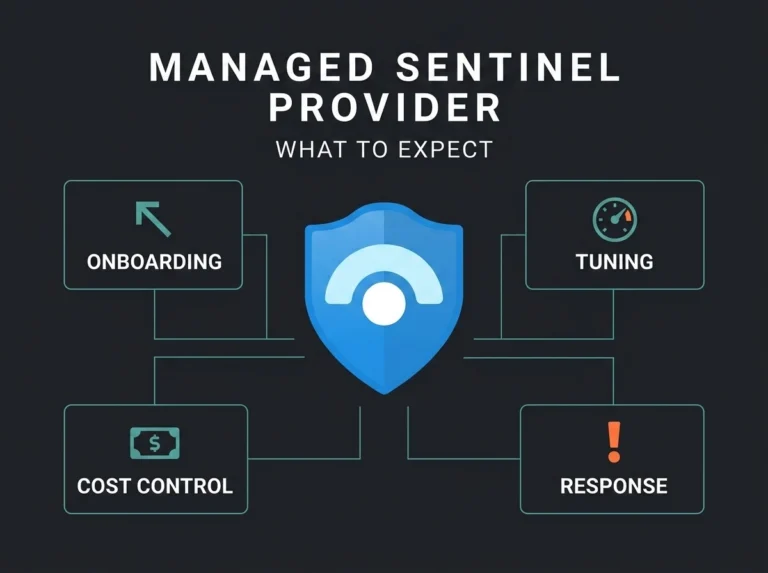
If you are still deciding whether Sentinel is the right fit, start with what Microsoft Sentinel actually is. If you already run it and the rules are too noisy to automate safely, read our pieces on Sentinel detection engineering, cost optimization, and MSSP onboarding. Those are usually the three problems sitting behind “we want more automation.”
The short version: the best first playbooks are not the flashiest ones. They are the ones your analysts would quietly miss if you turned them off tomorrow.
What usually goes wrong
Most failed Sentinel automation projects break in familiar ways. The rule fires too often, so nobody trusts the playbook. The permissions are incomplete, so the workflow fails halfway through. The message lands in Teams, but without enough context to be useful. Or the workflow is technically successful and operationally useless because it created two extra places for analysts to check.
That is why we prefer short, opinionated playbooks over sprawling incident-response machines. One trigger. One purpose. Clear ownership. If a workflow needs a paragraph to explain when it should run, it probably is not ready to run automatically.
FAQ
What is the difference between a Sentinel playbook and an automation rule?
An automation rule decides when something should happen in Microsoft Sentinel. A playbook performs the workflow itself. Automation rules can run playbooks, tag or assign incidents, close incidents, and control action order. The rule is the trigger logic. The playbook is the action path.
Which Sentinel playbook should an SMB build first?
Start with analyst notification or enrichment. Both are low risk and immediately useful. They improve triage without disabling accounts or isolating systems based on a noisy rule.
Can Sentinel playbooks run automatically?
Yes. Playbooks can run automatically through automation rules when incidents are created or updated, or when alerts are created, depending on the trigger. They can also run manually for specific incidents, alerts, or entities.
Do Sentinel playbooks add extra cost?
Yes. Microsoft states that Sentinel playbooks are built on Azure Logic Apps and that additional Logic Apps charges can apply. That is another reason to avoid messy, chatty workflows and focus on targeted automations with real operational value.
Are Sentinel playbooks relevant for NIS2?
Indirectly, yes. NIS2 does not tell you to build Sentinel playbooks, but it does push organizations toward stronger incident handling, repeatable security operations, and quicker response. If your environment depends on Microsoft security tooling, structured automation helps turn those obligations into something operationally real. Our NIS2 and Microsoft Sentinel guide covers that angle in more detail.