The Only 5 Microsoft Sentinel Data Connectors an SMB Actually Needs

Most Microsoft Sentinel content treats every data connector as equally important. That is not how small and mid-sized businesses should deploy it.
If you are an SMB or an MSP building a cost-conscious Microsoft Sentinel rollout, the goal is not to turn on everything. The goal is to connect the data sources that answer the incidents you will actually investigate: account compromise, email-borne attacks, endpoint alerts, suspicious admin actions, and high-signal infrastructure changes.
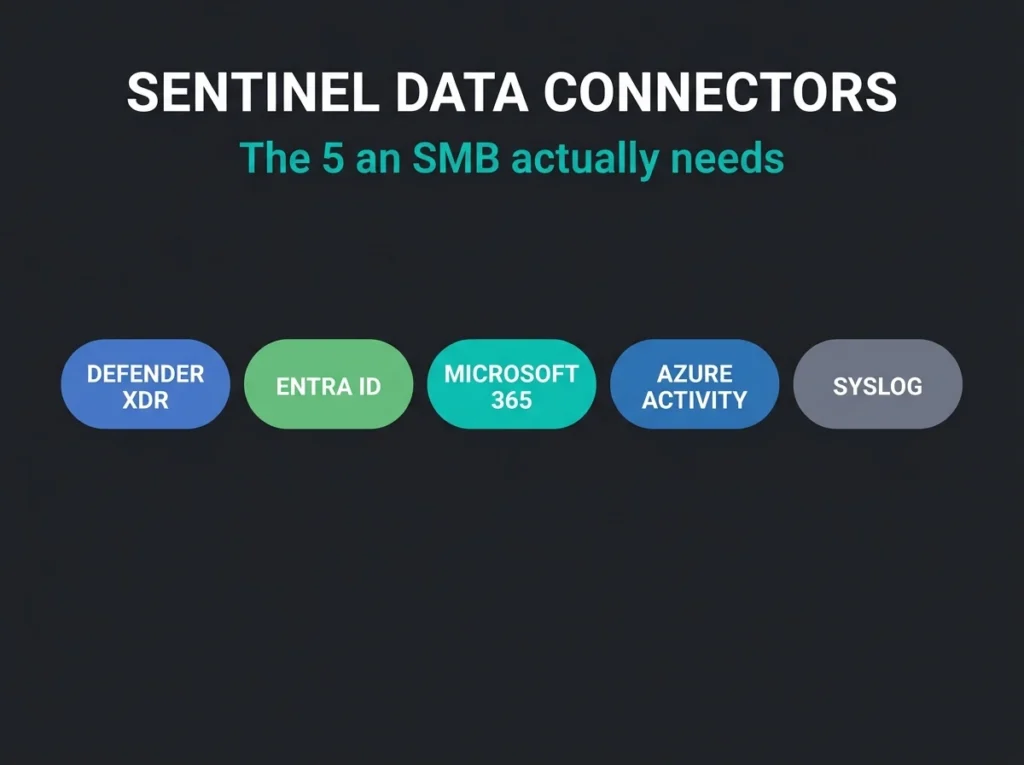
For most SMB environments, five connectors do the heavy lifting. Start with these, tune them properly, and only then expand.
- Five connectors do the heavy lifting. Microsoft Defender XDR, Microsoft Entra ID, Microsoft 365, Azure Activity, and Syslog via AMA cover most SMB attack paths without an unmanageable ingestion bill.
- Defender XDR is effectively free to start. Alerts and incidents landing in the SecurityAlert and SecurityIncident tables through this integration are ingested at no charge.
- Entra ID pays the highest rent. Per gigabyte ingested, identity data is usually the highest-value telemetry an SMB can enable, since most investigations start with a sign-in question.
- Scope Syslog or pay for noise. Sending every facility and severity from every device inflates costs and buries signal, so filtering matters as much as the connector.
- Delay everything else. Add second-wave connectors only when they support a defined use case, compliance requirement, or customer environment need.
The short list: the 5 Sentinel data connectors an SMB actually needs
- Microsoft Defender XDR for incidents, alerts, and high-value Defender telemetry
- Microsoft Entra ID for sign-ins, audit activity, and identity risk visibility
- Microsoft 365 for Exchange, SharePoint, and Teams audit activity in the
OfficeActivitytable - Azure Activity for subscription and management-plane changes in Azure
- Syslog via AMA for firewalls, VPNs, Linux systems, and anything else that still matters outside Microsoft 365
That stack gives an SMB broad coverage across identity, endpoint, email, collaboration, cloud administration, and network infrastructure without creating an unmanageable ingestion bill on day one.
How to choose the right connectors for an SMB
For a smaller SOC, the best connector set does three things. It surfaces high-confidence incidents fast, because a lean team needs alerts it can triage, not a flood of context-free logs. It preserves investigation context, so that when an alert fires, the identity, device, email, and admin-event data sit close at hand. And it keeps ingestion aligned to risk, because Sentinel is powerful and indiscriminate data onboarding is an expensive habit.
That is why this list prioritizes connectors that either generate immediate security value or provide essential evidence for common attack paths.
1) Microsoft Defender XDR
If an SMB already runs Microsoft Defender for Endpoint, Defender for Office 365, Defender for Identity, or Defender for Cloud Apps, the Microsoft Defender XDR connector should usually be first.
The integration sends Defender XDR incidents and alerts into Microsoft Sentinel and keeps incidents synchronized between the portals. Better still for a cost-conscious rollout, Microsoft Learn confirms that alerts and incidents landing in the SecurityAlert and SecurityIncident tables through this integration are ingested at no charge, while other advanced hunting data types are billed normally.
The connector also opens up the tables that matter during a real investigation, including AlertEvidence, DeviceEvents, EmailEvents, CloudAppEvents, and IdentityLogonEvents. For an SMB that combination is hard to beat: immediate alert value plus the deeper evidence layer, in one connector. It cuts tool switching, helps a lean team prioritize real incidents over raw noise, and gives investigations of compromised accounts, malware, phishing, and lateral movement far better context.
One practical caution: if you enable the Defender XDR connector, review overlapping Microsoft alert connectors carefully to avoid duplicated workflows and confusion around incident creation.
2) Microsoft Entra ID
Identity is usually the first control plane an attacker touches, which makes Microsoft Entra ID a core Sentinel connector for almost every SMB. It feeds the central identity tables: SigninLogs, AuditLogs, AADUserRiskEvents, AADRiskyUsers, AADServicePrincipalSignInLogs, and related datasets.
That matters because many SMB investigations begin with questions like these:
- Was the login legitimate?
- Did MFA happen?
- Was a risky sign-in followed by privilege change or mailbox access?
- Did an application or service principal start behaving differently?
Without Entra ID data, your SOC is often blind to the earliest signs of compromise. With it, you can detect impossible travel, MFA abuse, token misuse, and suspicious admin changes, and every Defender, Microsoft 365, and cloud investigation gains identity context. Per gigabyte ingested, it is usually one of the highest-value connectors you can enable.
3) Microsoft 365
The Microsoft 365 connector is where many SMBs gain visibility into user activity that never shows up in endpoint alerts alone. It writes to the OfficeActivity table, which holds the audit logs for Exchange, SharePoint, and Teams across the tenant.
That makes this connector especially useful for investigating:
- Suspicious mailbox access and administrative actions
- Inbox rule abuse
- SharePoint and OneDrive file activity
- Teams activity relevant to internal phishing, data exposure, or compromised accounts
Competitor content often glosses over this point, but for SMBs the Microsoft 365 connector is not just “nice to have.” It is often the missing link between an identity alert and the business impact that follows.
4) Azure Activity
If the customer uses Azure resources at all, Azure Activity belongs in the first wave. The connector maps to the AzureActivity table, which carries the Azure Activity log: the record of subscription-level and management-group-level events across the environment.
That makes it valuable for catching and investigating changes such as:
- New or modified Azure resources
- Policy and access changes
- Administrative actions tied to subscriptions and resource groups
- Cloud configuration changes that support persistence or defense evasion
For SMBs with even modest Azure usage, this connector adds important cloud control-plane visibility without the complexity of onboarding every possible Azure diagnostic source on day one.
5) Syslog via AMA
Not everything important in an SMB lives inside Microsoft 365. Firewalls, VPNs, Linux servers, Wi-Fi controllers, and security appliances still generate some of the most useful telemetry in an investigation, and Syslog via AMA is how that telemetry reaches the Syslog table in Sentinel.
For mixed environments this is the connector that gives Sentinel real-world reach beyond Microsoft-native logs. Firewall denies, VPN authentication, and infrastructure events explain how an attacker moved, and for MSPs it doubles as the practical bridge between Microsoft telemetry and whatever network and security tooling the customer already runs. During the first phase of a deployment it tends to earn its place faster than any niche SaaS connector.
The catch: Syslog is only valuable if you scope it properly. Sending every facility and severity from every device is a fast way to inflate costs and bury useful signals. For SMBs, careful filtering matters as much as the connector itself, and it’s worth keeping an eye on the AMA destination changes affecting Sentinel deployments, since ingestion routing shifts can quietly break syslog collection.
Why these 5 beat a “connect everything” approach
In competitor articles, the common theme is feature breadth: more connectors, more visibility, more automation. That sounds good until a smaller team has to own the bill and the tuning work.
An SMB-first Sentinel deployment should optimize for high-signal incident sources first, cross-source investigation context second, and nice-to-have enrichment last. These five connectors tend to outperform broader first-wave deployments for exactly that reason. Together they cover the most common attack paths without forcing the SOC to operationalize dozens of low-priority data sources too early.
Connectors SMBs can usually delay
After the first wave, many teams are tempted to add niche SaaS, custom API, or low-value infrastructure connectors immediately. In practice, most SMBs can delay those until they answer a clear use case.
You can usually postpone a connector if:
- It does not materially improve triage for your current threat model
- It duplicates data already available through a stronger upstream Microsoft connector
- It adds ingestion before you have detections, playbooks, and ownership in place
That discipline matters more than connector count.
A better rollout plan for Microsoft Sentinel in SMB environments
A practical rollout usually looks like this:
- Enable Defender XDR, Entra ID, Microsoft 365, Azure Activity, and the highest-value Syslog sources.
- Validate that the expected tables are actually receiving usable data.
- Map the first detections and triage playbooks to those sources.
- Review ingestion volume and cost before expanding, using the meters covered in our Sentinel Data Lake cost management guide.
- Add second-wave connectors only when they support a defined use case, compliance requirement, or customer environment need.
If you want the broader architecture context, see our guides on what Microsoft Sentinel is and what managed SIEM services should actually include. If you need outside help operating the platform, our managed security services page explains how we support ongoing detection and response operations.
Final takeaway
The right Microsoft Sentinel connector strategy for an SMB is not about maximum coverage on day one. It is about connecting the sources that improve detections, speed up investigations, and keep costs under control.
For most smaller environments, these five connectors are the sensible foundation:
- Microsoft Defender XDR
- Microsoft Entra ID
- Microsoft 365
- Azure Activity
- Syslog via AMA
Get those right first. Then expand from a position of evidence instead of enthusiasm.
Sources verified against Microsoft Learn documentation current in May 2026, including the Microsoft Sentinel data connector reference, Sentinel tables/connectors reference, OfficeActivity reference, AzureActivity reference, and Microsoft Defender XDR integration guidance.