Managed EDR Services: Buyer’s Guide

Buying endpoint security is easy. Running managed EDR services well is not.
Most teams can turn on Microsoft Defender for Endpoint (or any other EDR platform) inside a week. The hard work starts after the agents are deployed. Someone has to triage the alerts that show up at 7:14am on a Tuesday, tune the policy that keeps firing on a legitimate PowerShell script your finance team runs every month, and decide in the next four minutes if they need to isolate the laptop that just spawned a suspicious child process from Outlook. The queue doesn’t stop because your analyst went home.
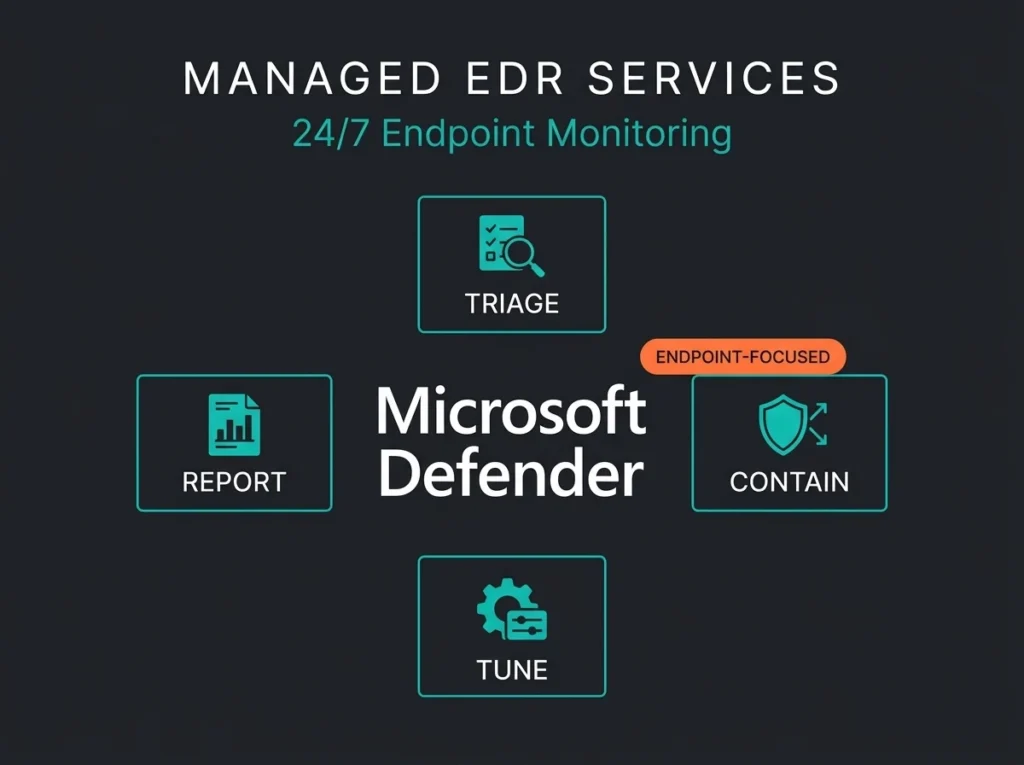
That gap is why managed EDR services exist. You keep the endpoint telemetry and response tooling. An external security team runs the operational layer around it. They watch the queue, investigate what looks real, and in the good cases contain an endpoint threat before a single compromised laptop turns into a ransomware event spread across three locations.
If you’re evaluating providers, do not buy the vague promise of “24/7 eyes on glass.” Buy a service model you can actually use. What follows is what managed EDR should include, where it stops short, and when you should move up to full managed detection and response.
- You outsource the work, not the accountability. In managed EDR you keep the endpoint platform and the outcomes; the provider owns triage, policy tuning, and containment hours.
- Time-to-action is the real test. A provider that waits for your written approval before isolating a compromised laptop leaves you owning the stressful part; ask which actions they take without you.
- Delayed containment is the expensive part. IBM’s 2025 report puts the average breach at $4.44 million, and delays happen when one admin covers endpoint triage on top of password resets.
- Endpoint coverage must be literal. Full support means feature parity across Windows, macOS, Linux, and mobile, not just “we can install an agent” on Windows laptops.
- Know when to skip to MDR. If incidents regularly cross into email, identity, or cloud, buy the wider model up front; gluing two services together later almost always costs more.
What are managed EDR services?
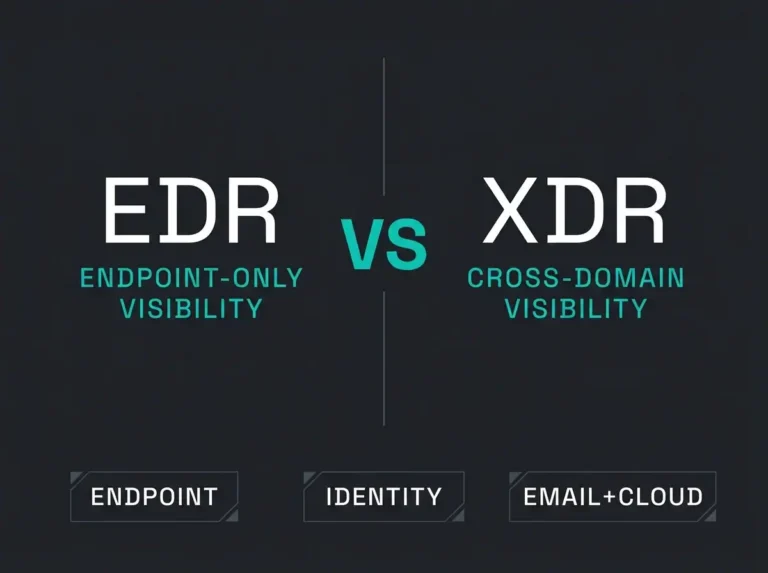
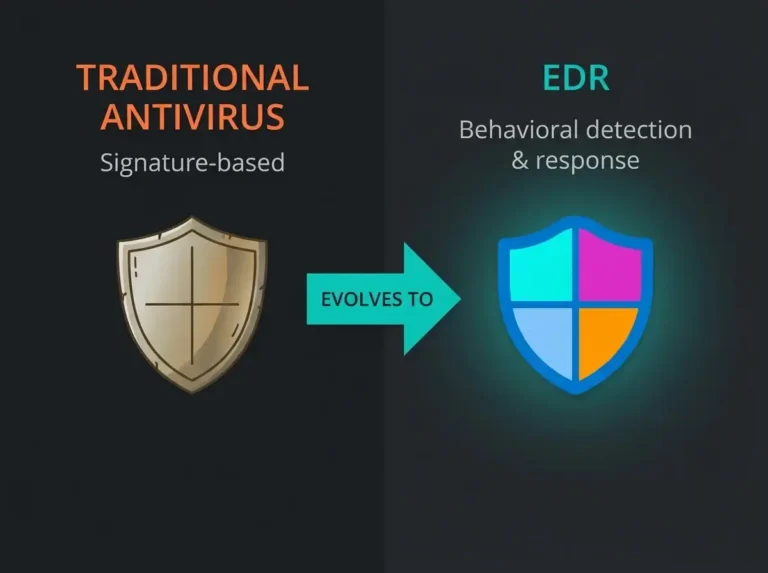
Managed EDR services combine an endpoint detection and response platform with operational support from a specialist team. That team typically handles alert triage and investigation. Most also own containment guidance, policy tuning, and the recurring service reviews nobody inside your company has time to prepare for. Think of it as outsourcing the work, not the accountability. You still own the endpoints and the outcomes. The provider owns the hours. If you’re still weighing endpoint-only detection against broader extended detection and response coverage, see our XDR vs EDR comparison.
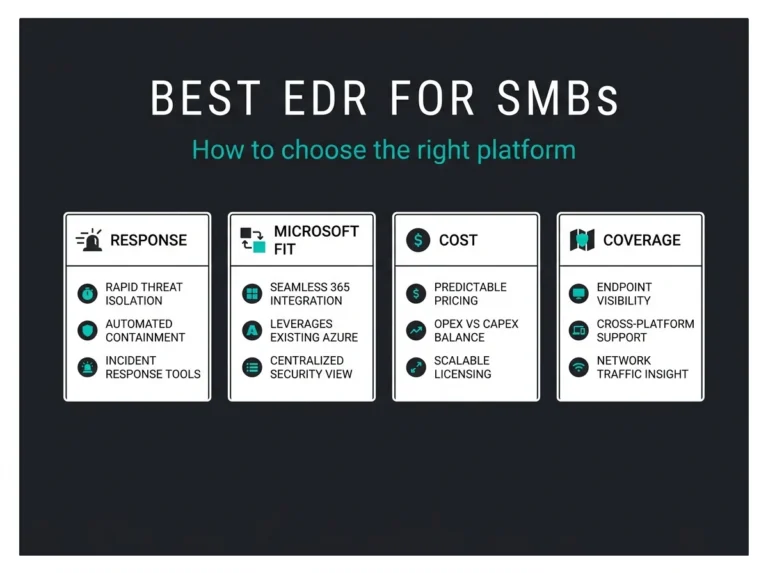
Microsoft describes Defender for Endpoint as an enterprise platform built to prevent and respond to advanced threats across Windows and macOS, plus Linux and the two major mobile OSes. Managed EDR is the operating layer around those product features. It’s the part the product itself cannot do.
Vendor pages from N-able, Check Point, and SentinelOne all push the same themes. Continuous monitoring. Analyst triage. Response assistance. Where their marketing stays fuzzy is the buyer question that actually matters. Which actions does the provider take on your behalf, how fast do they take them, and where does endpoint coverage quietly end?
Managed EDR services vs EDR software
| Area | EDR software only | Managed EDR services |
|---|---|---|
| Platform ownership | You own and run the tool | You own the tool, provider helps operate it |
| Alert triage | Your team reviews alerts | Provider reviews and prioritizes alerts |
| Policy tuning | Your team writes and tunes policies | Provider recommends and tunes policies |
| Containment | Your team isolates devices and responds | Provider may isolate, investigate, or escalate based on runbooks |
| Coverage | Only as good as your internal capacity | Extended coverage without building a full internal SOC |
| Cross-domain detection | Usually limited to endpoint view | Usually still endpoint-led unless combined with MDR or SIEM |
Why companies buy managed EDR services
The simple answer is staffing. Running endpoint security well requires people who understand attacker behavior, not people who understand a product menu. The 2025 ISC2 Cybersecurity Workforce Study says teams are still dealing with the same mix they’ve been dealing with for years: shrinking budgets, skills shortages, rising demand. That load lands directly on endpoint operations, because the queue never stops and the skills needed to tune it well are exactly the skills that are hardest to hire for.
There’s also the economics of incident handling. IBM’s Cost of a Data Breach Report 2025 puts the global average breach cost at $4.44 million. That doesn’t mean every endpoint alert turns into a breach. Obviously it doesn’t. What it does mean is that delayed containment is expensive, and delayed containment is what happens when a single IT admin is covering endpoint triage on top of password resets and printer tickets.
For Microsoft-heavy environments, the platform itself is usually not the bottleneck. Defender for Endpoint already ships with EDR, attack surface reduction, next-generation protection, automated investigation and remediation, and advanced hunting per current Microsoft Learn documentation. The bottleneck is making those capabilities do useful work every day. Not just on the demo.
What good managed EDR services should include
Honestly, most buyer conversations about managed EDR skip past what the word “managed” actually means. A good service is defined by the concrete actions the provider can take without you. A weak service is defined by how many dashboards they send you.
A provider that says “24/7 monitoring” needs to answer the operational follow-up. N-able’s managed EDR page commits explicitly to 24/7/365 monitoring, event triage, and prioritization. That’s the right baseline. Buyers still need to know which alerts are reviewed by humans versus automation. What counts as critical vs informational. Is false-positive tuning included in the monthly fee, or billed as an extra? What the escalation path looks like at 2am on a Sunday when the on-call engineer doesn’t answer. If the answers are vague, the service is tool administration with a nicer label.
Containment is the second area where services either deliver or they don’t. A useful managed EDR provider does more than open tickets. Current Microsoft guidance shows Defender can support response actions like initiating automated investigation, collecting investigation packages, running antivirus scans, restricting app execution, and isolating devices from the network. What matters to the buyer is time-to-action. Here’s what most vendor pitches gloss over: if the provider notifies you that a laptop is compromised and then waits for your written approval before isolating it, you still own the stressful part. Ask if they can isolate the device, quarantine the file, recommend host-level remediation, and document the timeline for every action they took, all without a 90-minute email chain.
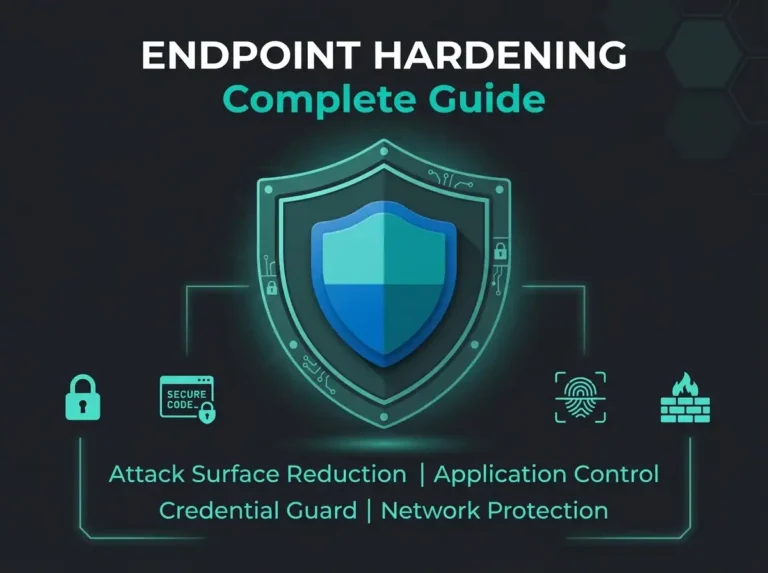
Policy tuning is where drift kills you quietly. New software gets deployed. Admins create exceptions. Users adopt new workflows. What was once a clean rule set becomes background noise in about six months. Check Point’s description of managed EDR covers policy management and optimized performance instead of simple alert forwarding. That’s the right direction. For Microsoft environments, tuning should cover Defender antivirus policy review, tamper protection posture, indicator management, device grouping, and attack surface reduction rollout, the building blocks covered in our endpoint hardening guide for Microsoft environments. Microsoft’s attack surface reduction guidance is clear on a point that many teams skip. Run rules in audit mode first. Review impact. Add exclusions where necessary before broader enforcement. A provider that flips everything to block mode on day one is asking for a support queue on day two.
Automation is helpful when supervised and dangerous when blindly trusted. Microsoft states that automated investigations can examine alerts, expand scope to related devices, generate verdicts, and trigger remediation actions like quarantining files, stopping services, or removing scheduled tasks. Microsoft also notes these capabilities can significantly reduce alert volume. A good managed EDR provider knows where to lean on automation and where to require analyst approval. In our experience, that line matters most for server estates, shared kiosk devices, and business-critical workstations where the wrong automatic action takes production down in the middle of a billing run.
Endpoint coverage also needs to be literal, not wishful. Do not assume “endpoint” means only Windows laptops. Microsoft currently lists Defender for Endpoint support across Windows and macOS, plus Linux servers and the two major mobile operating systems. If a provider only fully supports Windows while your developers live in macOS and your server stack runs on Linux, your endpoint coverage is partial by definition. It’s one of the easiest questions to ask during procurement. It’s also one of the fastest ways to flush out weak service design.
The last piece is the handoff into wider detection. Endpoints rarely tell the whole story. A compromised device usually links back to something else happening in email or identity. Managed EDR is strongest when it has a defined path into broader monitoring. For Microsoft-first environments, that means integration with Microsoft Sentinel management, identity telemetry, and the wider managed security services around it. If a provider cannot show how endpoint detections connect to M365, Entra ID, or SIEM workflows, you’re buying a narrow service that leaves major blind spots.
What managed EDR services do not replace
Managed EDR is not a full SOC. It is not always the same as MDR either. Understanding the boundary saves you from buying twice.
If a provider mainly operates the endpoint tool, that can still be valuable. What it usually does not include: 24/7 monitoring across non-endpoint sources like email and identity logs. Threat hunting beyond the endpoint platform. End-to-end incident coordination across Microsoft 365 and Azure. Detection engineering inside a SIEM. The regulatory reporting and executive incident leadership that regulators expect from a mature security function.
Which is why the scope conversation matters. If your requirement is “someone must own endpoint security operations,” managed EDR might be enough. If your requirement is “someone must detect and contain full attack chains wherever they go,” you’re in MDR or broader managed security operations territory. Related requirements, but they buy different services at different prices.
When managed EDR is a good fit
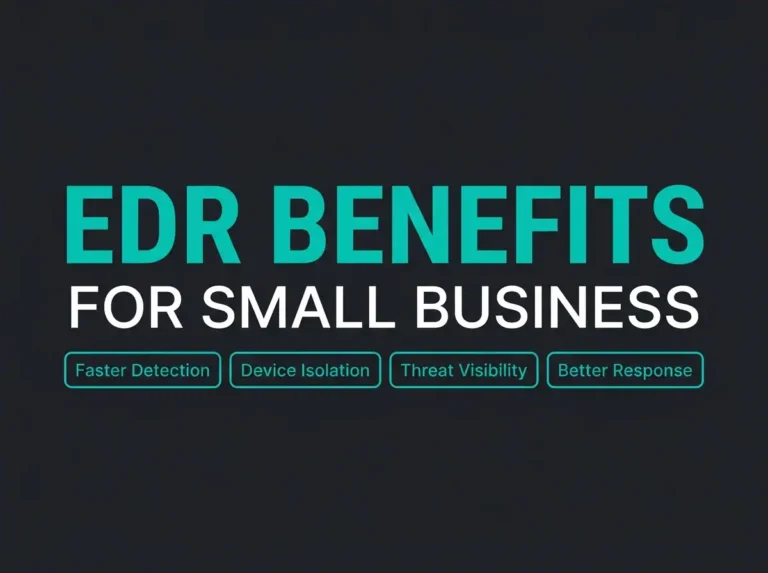
The shape of a good-fit buyer is fairly specific. You already use Defender for Endpoint or plan to standardize on it. You have internal IT, but not a 24/7 security operations team. You need better triage and containment (plus someone to keep policies tuned) without hiring multiple analysts, which is one of the core benefits of EDR for small businesses. You want a cleaner path from endpoint alerts to escalation. You need stronger operational evidence for cyber insurance renewals or NIS2 preparation.
For Nordic SMBs, this is often the practical sweet spot. Keep the Microsoft stack you already pay for. Improve operational maturity without building an internal endpoint function from scratch. If that sounds like your situation, start with endpoint coverage and connect it to a broader Microsoft 365 security assessment. That way you can see whether identity, email, or configuration gaps are feeding the endpoint risk you’re already paying to manage.
When you should skip straight to MDR
Managed EDR is too small when your incidents regularly cross domains. It’s also too small when your auditors care about continuous detection and response capability instead of endpoint tooling alone. That applies hardest where privileged accounts, cloud workloads, or Microsoft 365 data are in scope.
If you’re dealing with business email compromise, identity attacks, lateral movement, or NIS2-driven governance questions, pure endpoint coverage will not answer the whole need. In those cases, move directly to MDR versus SIEM planning, or a broader service model that covers endpoint plus identity, email, and SIEM operations under one roof. I’d argue buying two separate services and trying to glue them later almost always costs more than planning for the wider model up front. We’ve watched it happen more than once.
Buyer checklist: seven questions to ask any managed EDR provider
These are the questions that separate real service design from marketing polish. Ask them verbatim and write down the answers.
Which endpoint platforms do you fully support? The question covers Windows and macOS laptops, Linux servers, plus the mobile OSes. “Fully” means feature parity, not just “we can install an agent.” What actions can you take without waiting for us? Device isolation, file quarantine, scan, script execution, user notification. How do you tune policies over time? Monthly reviews, exception handling, ASR rollout, false-positive reduction. How do you use automation? The real answer names where analyst approval is required, and how rollback is handled when automation makes the wrong call.
What is your out-of-hours response model? You want a named SLA, escalation contacts, and clear handoff expectations. How do endpoint detections connect to identity and email telemetry, or into your SIEM? That answer separates a real service from a silo. What reports will we actually get? An executive summary, incident detail, policy drift, trend analysis, and open risks. Not a dashboard screenshot with no narrative.
Managed EDR services and NIS2
NIS2 does not tell organizations to buy managed EDR specifically. The directive does raise the bar on risk management, incident handling, and operational resilience. Endpoint telemetry with documented containment workflows is one of the cleanest ways to evidence those requirements. For auditors, the point is not that you own a tool. It’s that alerts get reviewed, incidents get handled, and security controls are operated day-to-day rather than deployed and forgotten.
That’s why managed EDR can be a practical step for in-scope organizations. It improves endpoint response maturity without forcing an immediate full SOC build, which matters for Nordic SMBs with limited security hiring budgets. If your NIS2 scope includes wider operational technology, cloud platforms, or critical identity systems, you’ll still need a broader security operating model built around the endpoint layer.
FAQ
What are managed EDR services?
Managed EDR services combine an EDR platform with outsourced operational support. That covers monitoring and investigation, plus tuning and incident response. The provider helps run the endpoint security function instead of leaving it entirely to your internal team.
Are managed EDR services the same as MDR?
No. Managed EDR is usually endpoint-focused. MDR is broader. It typically covers multiple telemetry sources (endpoint plus email, identity, cloud, SIEM) with deeper response workflows.
Can managed EDR services work with Microsoft Defender for Endpoint?
Yes. Defender for Endpoint includes capabilities like EDR, advanced hunting, automated investigation, attack surface reduction, and device isolation. Managed EDR services add the people and runbooks needed to operate those features well.
When should a company choose managed EDR instead of hiring internally?
Choose managed EDR when you want stronger endpoint operations but do not want to build round-the-clock internal coverage. It’s common for SMBs and MSPs that already run Microsoft security tooling but lack specialist analysts.
Does managed EDR help with NIS2?
Indirectly, yes. Managed EDR helps with endpoint visibility, incident handling, and documented operational response. It supports NIS2 readiness, but it does not replace broader governance, identity security, or organization-wide monitoring requirements.