Is Outlook HIPAA Compliant? Email Rules, Encryption, and the BAA

Email is the oldest habit in healthcare IT and the hardest to govern. Appointment details, lab results, referral notes, the quick reply to a patient who emailed first – it all moves through Outlook, and most of it moves without anyone pausing to ask whether it should. So let’s answer “is Outlook HIPAA compliant” the way an auditor would, not the way a sales page would.
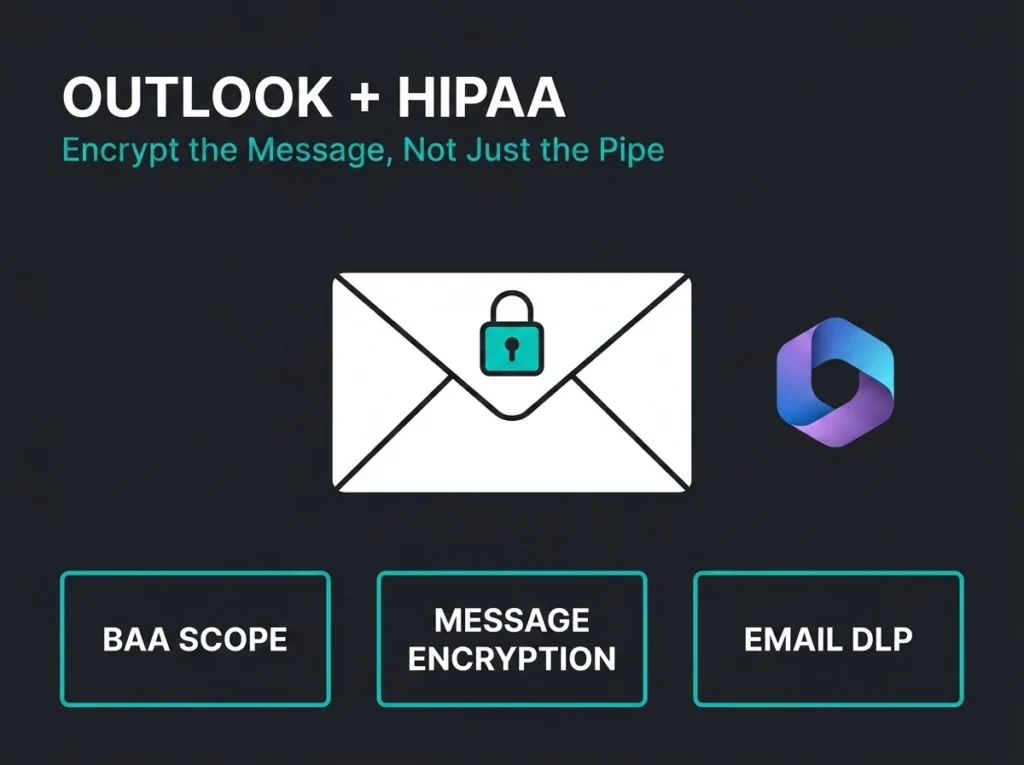
Outlook itself is just a client. The compliance question lives in the mailbox service behind it. Exchange Online, the service that powers Outlook in business Microsoft 365 plans, is listed in Microsoft’s Business Associate Agreement (BAA) scope and can support HIPAA compliance when the tenant is configured for it. Outlook.com, the free consumer mailbox, is not covered and never qualifies for PHI. And even with the BAA in place, sending unencrypted patient information to arbitrary recipients stays noncompliant – the agreement covers Microsoft’s handling of your data, not your decision to email it in the clear.
- Exchange Online is in BAA scope; Outlook.com is not. Business mailboxes fall under Microsoft’s Data Protection Addendum. Consumer mailboxes run under consumer terms with no BAA, so patient data in an Outlook.com account is a violation, full stop.
- Patients may choose email. Under 45 CFR 164.522(b), providers must accommodate reasonable requests to receive communications by alternative means. HHS reads that to include email a patient has asked for, after a warning about the risk.
- TLS is not message encryption. Transport encryption protects the pipe between servers. Purview Message Encryption protects the message itself, all the way to Gmail or any other mailbox.
- The BAA doesn’t bless your outbox. It makes Microsoft accountable for the service. Everything about who you email, and how it’s protected in flight and at rest, remains your responsibility.
- DLP, retention, and mobile controls close the loop. A compliant email setup is a policy stack, not a checkbox.
The BAA covers Exchange Online, not your Outlook app
Start with what Microsoft actually signs. There is no HIPAA certification for software – the Department of Health and Human Services approves no such standard, as Microsoft’s HIPAA documentation states. Instead, Microsoft offers covered entities a Business Associate Agreement through its Data Protection Addendum, and Exchange Online appears in the Office 365 in-scope services list that agreement covers. If your Outlook connects to a commercial Microsoft 365 tenant, the contractual box is checkable. We covered the mechanics in our Office 365 HIPAA guide.
Notice what that sentence quietly requires: a business tenant. The Outlook application will happily connect to an Outlook.com mailbox too, and nothing about the interface warns a user that one account is a regulated environment and the other is a consumer product. The distinction is invisible on screen and enormous in law.
Outlook.com vs Outlook with Exchange Online
Outlook.com mailboxes – including the ones bundled with Microsoft 365 Personal and Family – are governed by the consumer Microsoft Services Agreement. No BAA applies, no tenant controls exist, and nothing in Microsoft’s HIPAA in-scope list mentions them.
| HIPAA factor | Outlook.com (consumer) | Outlook with Exchange Online (business) |
|---|---|---|
| Microsoft BAA coverage | No | Yes, Exchange Online is in the Office 365 in-scope services |
| Governing terms | Consumer Microsoft Services Agreement | Data Protection Addendum and Product Terms |
| Message encryption controls | No | Yes, Purview Message Encryption, S/MIME, mail flow rules |
| DLP on outbound mail | No | Yes, via Microsoft Purview |
| Retention and litigation hold | No | Yes, tenant-managed |
| Acceptable for PHI | No | Only with the BAA accepted and the controls below configured |
The failure mode we see isn’t an organization deliberately running its practice on Outlook.com. It’s the part-time clinician who forwards work email to a personal address “to catch up at home,” or the front desk using a personal account because the new hire’s mailbox wasn’t provisioned yet. Each forward moves PHI from a BAA-covered service into a consumer one. Block auto-forwarding to external addresses and make the rule explicit in training, because the convenience pull here is strong.
When emailing PHI is actually permissible
HIPAA does not ban emailing patients. It regulates how you do it, in two layers.
The Security Rule’s transmission security standard, 45 CFR 164.312(e), requires technical measures guarding ePHI “transmitted over an electronic communications network,” with encryption as an addressable specification. Addressable doesn’t mean optional; it means you implement it or document why an alternative is reasonable. For email between your organization and other covered entities or business associates, encryption is the defensible answer, and it’s cheap enough that the alternative analysis rarely survives contact with an auditor.
The Privacy Rule adds the patient’s side. Under 45 CFR 164.522(b), a covered health care provider “must permit individuals to request and must accommodate reasonable requests” to receive communications by alternative means. HHS has long read this to cover patient-requested email: if a patient asks for results by email, you warn them plainly that ordinary email carries interception risk, and if they still want it, you may send it, keeping the request and the warning on record. The patient’s informed choice shifts the transmission risk; it does not create a general license to email PHI to anyone, and it does not waive any of your other safeguards.
Key point: “The patient said email is fine” is a documented-consent workflow, not a policy. One patient’s choice covers one patient’s messages. Everything else leaving your tenant with PHI in it still needs encryption and DLP behind it.
TLS vs Purview Message Encryption
This is the distinction that decides most Outlook compliance arguments, and it’s worth being exact.
TLS is on by default. Microsoft’s email encryption documentation describes it as encrypting “the connection, or session, between two servers.” That’s the pipe, not the letter. TLS protects a message while it travels between mail servers that both support it. It does nothing once the message lands – in the recipient’s mailbox, on their unlocked laptop, forwarded onward to whoever – and you don’t control the security of the receiving end.
Purview Message Encryption encrypts the message itself. Recipients on Outlook.com, Gmail, Yahoo, or any other service authenticate to read it, and protections like do-not-forward travel with the message. That’s the tool for PHI going outside your tenant: the protection follows the content instead of ending at the server boundary. You can trigger it per-message from Outlook or, far more reliably, automatically through mail flow rules that encrypt anything matching PHI patterns – because the compliant version of this can’t depend on a busy clinician remembering a button.
A BAA does not make unencrypted email compliant
The most persistent myth in this corner of HIPAA: “we signed the BAA, so our email is covered.” The BAA is an agreement about Microsoft’s obligations – how Microsoft handles, secures, and processes your data inside its services. Your transmission decisions sit outside it. Sending an unencrypted message full of PHI to an arbitrary external address is your disclosure, made with your tooling, and the BAA has nothing to say in your defense. This is the same shared-responsibility line we keep drawing across the Teams and Office 365 posts: Microsoft secures the platform, you govern what your people do with it.
DLP: the control that catches humans
Encryption handles the messages you meant to protect. Purview DLP handles the ones you didn’t. Policies scanning outbound Exchange mail for health-related sensitive information types – medical record numbers, diagnoses, insurance IDs – can block the send, force encryption, or warn the user before the message leaves. In practice the encrypt-on-match rule is the workhorse: staff don’t change their habits, and the PHI that slips into an ordinary-looking email goes out protected anyway. If you want to see how often that safety net catches something, turn on the policy in audit mode first; the numbers are humbling.
Retention and litigation hold
HIPAA’s documentation expectations, state medical-records law, and ordinary litigation risk all point the same direction: mailboxes need governed lifecycles. Purview retention policies for Exchange keep mail recoverable for your required window regardless of what users delete, and litigation hold freezes a mailbox completely when a dispute or investigation starts. The scenario these prevent is mundane: an employee leaves, their mailbox lapses, and two years later a records request lands for exactly the correspondence that no longer exists. Retention is cheap. Explaining absent evidence is not.
Outlook on phones
The Outlook mobile app is where corporate email meets personal hardware, and Microsoft’s answer is layered in its guidance for securing Outlook on iOS and Android: require app protection policies so corporate mail lives in an encrypted, PIN-protected container, block copy-paste into personal apps, and wipe the container – not the phone – when someone leaves. Intune app protection does this without enrolling the personal device, which is the difference between a policy staff will tolerate and one they’ll route around. A doctor reading results on a personal phone is not a violation. A doctor reading them in an unmanaged mail app with PHI cached in the phone’s backup is a finding waiting to be written.
Email-PHI configuration checklist
| Setting | Why it matters | Where |
|---|---|---|
| Confirm BAA / DPA acceptance | Contractual precondition for PHI in Exchange Online | Microsoft licensing terms; confirm with your CSP or account team |
| Mail flow rules that auto-encrypt PHI | Message-level protection that doesn’t rely on user memory | Exchange admin center, Mail flow rules + Purview Message Encryption |
| DLP policy on outbound Exchange mail | Catches PHI in messages nobody thought to encrypt | Purview portal, Data loss prevention |
| Block external auto-forwarding | Stops mailbox contents draining to consumer accounts | Exchange admin center, outbound spam policy / mail flow rules |
| Retention policies and litigation hold capability | Records survive deletions, departures, and disputes | Purview portal, Data lifecycle management |
| Patient email consent workflow | Documents the 164.522(b) request and risk warning | Your intake forms and EHR notes, backed by staff training |
| MFA and conditional access on mailbox sign-ins | Compromised credentials are the top email breach vector | Microsoft Entra ID |
| Intune app protection for Outlook mobile | Contains PHI in an encrypted container on personal devices | Intune admin center, App protection policies |
Where Outlook fits in your Microsoft 365 HIPAA posture
Email is also your biggest attack surface, and compliance controls don’t stop phishing – a credential-theft email that lands defeats every encryption policy above by simply logging in. We’ve written about how those attacks play out against M365 tenants in our breakdown of Office 365 email security failures, and our email security assessment covers that half of the problem: spoofing protection, phishing resilience, mailbox rules an attacker may have planted. For the full tenant picture – email, files, Teams, identity – the Microsoft 365 security assessment checks the lot against the same list an OCR investigator would bring.
Frequently Asked Questions
Is Outlook HIPAA compliant?
Outlook with Exchange Online in a commercial Microsoft 365 tenant can support HIPAA compliance: Exchange Online is covered by Microsoft’s Business Associate Agreement, and the tenant provides encryption, DLP, retention, and auditing controls. Compliance depends on those controls being configured and on staff following an approved email workflow. No email product is HIPAA compliant on its own.
Is Outlook.com HIPAA compliant?
No. Outlook.com consumer mailboxes, including those included with Microsoft 365 Personal and Family, are governed by the consumer Microsoft Services Agreement and are not covered by Microsoft’s BAA. PHI should never be created, stored, or sent through an Outlook.com account.
Can I email patients their own health information?
Yes, when the patient has requested it. Under 45 CFR 164.522(b), providers must accommodate reasonable requests to receive communications by alternative means, and HHS interprets that to include email the patient asks for. Warn the patient that unencrypted email carries risk, document the request and the warning, and honor their choice for their own messages only.
Is TLS encryption enough for HIPAA email?
Usually not on its own. TLS encrypts the connection between mail servers while a message is in transit, but it does not protect the message in the recipient’s mailbox, on their device, or if a hop in the delivery path doesn’t support it. For PHI sent outside your organization, message-level encryption such as Purview Message Encryption is the defensible standard.
Does a BAA make our email automatically compliant?
No. The BAA covers Microsoft’s obligations for the services it operates. Your organization remains responsible for how email is used: encrypting PHI, restricting who it is sent to, retaining records, and training staff. Unencrypted PHI sent to an arbitrary recipient is noncompliant regardless of the BAA.
Can staff use the Outlook mobile app for work email?
Yes, if the tenant enforces protections around it. Intune app protection policies keep corporate mail in an encrypted, PIN-protected container on the device, block data transfer to personal apps, and allow selective wipe of work data. Unmanaged mail apps on personal phones, by contrast, cache PHI outside every control you’ve configured.