SOC Service Providers: How to Choose

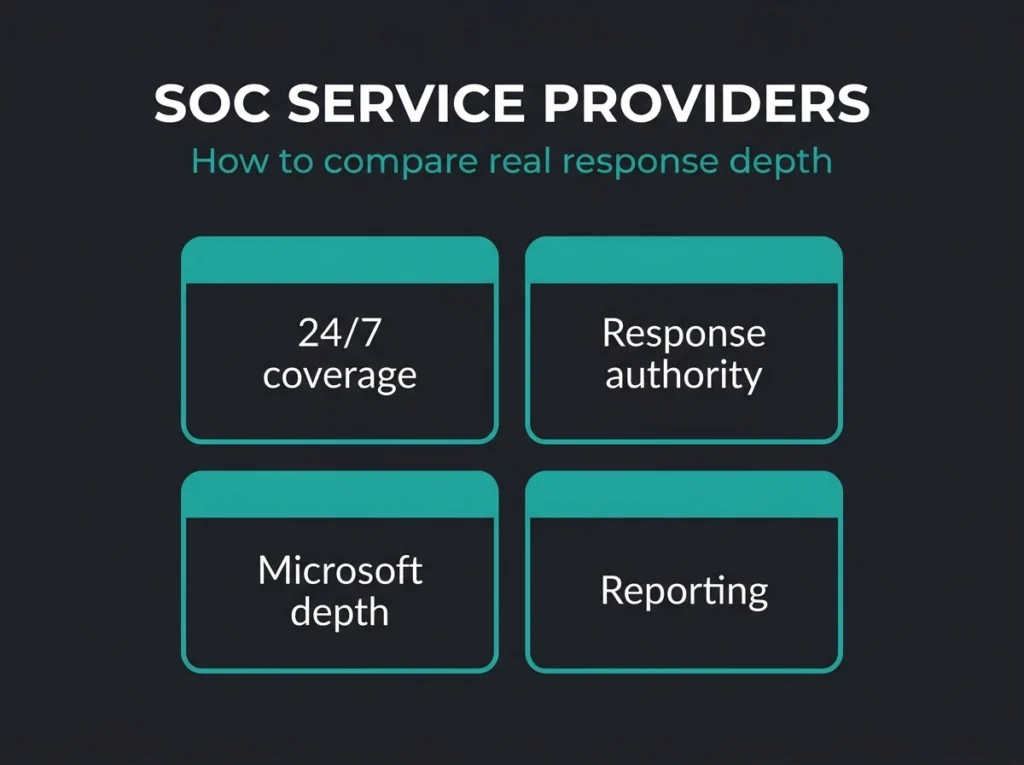
Most SOC service providers look similar until you ask what happens at 02:13 on a Sunday when an attacker is inside a mailbox, an endpoint, and your Azure tenant at the same time.
That is where the marketing thins out. Some providers give you monitoring and escalations. Some give you a real response team. Some know Microsoft security operations well enough to work inside Microsoft Sentinel and Defender without bolting on a second stack. A lot of buyers do not find the difference until after the contract is signed.
SOC service providers are outsourced security operations partners that deliver some mix of 24/7 monitoring, detection, investigation, and incident response. For SMBs and MSP-backed environments, the right provider should reduce alert noise, improve response speed, and fit the tools you already run. The wrong one just forwards alarms and adds another monthly invoice.
If you run Microsoft 365 or Azure, the shortlist should get even tighter. Microsoft says Microsoft Sentinel is a cloud native SIEM with built-in detection, investigation, hunting, and response capabilities, and Microsoft’s unified security operations documentation shows how Sentinel, Defender XDR, and related tooling now come together in the Defender portal. In plain English: your provider should know how to operate in that world, not force you around it.
Short answer: Good SOC service providers do three things well. They investigate fast, they can contain threats instead of just escalating them, and they can prove how their workflow maps to your risks, your tooling, and your reporting needs.
- Providers split on response, not features. Some SOC services forward alerts and stop there; the useful ones can isolate devices, revoke sessions, and contain threats through a defined approval process.
- Interrogate the 24/7 claim. A platform that never sleeps is not the same as analysts actively triaging at 02:13 on a Sunday; ask for the overnight workflow in detail.
- Microsoft depth is a hard filter. If you run Microsoft 365 and Azure, the provider should operate Sentinel in the Defender portal today and tune Defender XDR and Entra detections, not treat Microsoft as an integration checkbox.
- Tuning discipline beats onboarding speed. Default detections are a starting point; judge providers on false positive reduction and detection improvements at 30, 60, and 90 days.
- The threat load justifies coverage. Verizon reports 31% of breaches start with software vulnerabilities and 48% involve ransomware, which is not a workload for an office-hours queue.
What SOC service providers actually do
A SOC provider is not just a help desk for security alerts. The useful ones combine people, process, and platform operations into one service.
At minimum, that should include log or telemetry monitoring, alert triage, incident investigation, and a defined response path. In stronger engagements, you also get threat hunting, rule tuning, reporting for leadership, and help shaping the stack itself. I see buyers lump all of that together under “managed SOC,” then get surprised when one vendor includes remediation while another stops at email notifications.
This matters because the threat picture is not getting simpler. Verizon’s 2026 DBIR says 31% of breaches now start with software vulnerabilities and 48% involve ransomware. That is not a workload you want handled by a queue that only wakes up during office hours.
Where providers usually differ
- Whether they deliver true 24/7 analyst coverage or just after-hours paging
- Whether they tune detections continuously or rely on default rules
- Whether they can take containment actions or only advise your team
- Whether they operate inside Microsoft tooling, their own platform, or a mix of both
- Whether reporting helps leadership make decisions or just proves tickets were closed
The gap between those service models is wider than most comparison pages admit.
How to evaluate SOC service providers without getting lost in feature lists
Start with outcomes, not adjectives. “Advanced,” “AI-powered,” and “24/7” tell you almost nothing on their own.
| Evaluation area | What to ask | Why it matters |
|---|---|---|
| Coverage model | Who investigates critical alerts at night, on weekends, and during holidays? | You need analyst coverage, not just data collection. |
| Response authority | Can the provider isolate devices, revoke sessions, or disable accounts with approval? | Escalation alone is slower than containment. |
| Microsoft depth | Do they actively manage Sentinel, Defender XDR, and Entra-focused detections? | Microsoft-centric environments need Microsoft-native operations. |
| Detection quality | How do they reduce false positives and measure rule performance over time? | Untuned alerts bury real incidents. |
| Reporting | What does the monthly report show besides ticket counts? | Leadership needs trends, risk context, and action items. |
| Commercial fit | How does pricing change with more users, endpoints, data sources, or tenants? | Cheap entry pricing often hides expansion pain. |
That table is more useful than a 40-point feature matrix because it gets to operating reality fast.
Confirm what “24/7” really means
Some providers mean their platform never sleeps. Others mean analysts are actively triaging incidents around the clock. Those are not the same thing.
Red Canary’s managed SOC page explicitly frames the service around 24/7 threat detection, investigation, and response. eSentire’s SOC-as-a-Service evaluation guide makes the same distinction and spends a lot of time on live analysts, incident handling, and threat hunting. That is the right conversation. Ask vendors to describe the overnight workflow in detail, not the slogan version.
Ask who owns response
A provider that only forwards alerts can still be useful, but you should price and judge it accordingly.
If the service cannot isolate an endpoint, revoke risky sessions, trigger a playbook, or work through a defined containment approval process, you are buying visibility more than response. For many SMBs, that is the breaking point. By the time someone reads the alert, finds the right admin, and decides what to do, the attacker has moved.
Buyer signal: Ask for two real examples. One account compromise. One ransomware precursor. If the provider cannot walk you through timeline, analyst actions, and customer handoff clearly, assume the response process is weaker than the sales pitch.
Look hard at Microsoft operations maturity
If your estate is built around Microsoft 365, Azure, Entra ID, and Defender, your provider should not treat Microsoft as just another integration box to tick.
Microsoft’s Sentinel documentation confirms that the platform supports out-of-the-box connectors, analytics, hunting, incidents, automation rules, and Logic Apps playbooks. It also notes that Sentinel in the Azure portal retires after March 31, 2027 and that the service is moving into the Defender portal experience. That change sounds small on paper. In practice, it tells you whether a provider is current or stale.
Ask blunt questions:
- Do you operate Sentinel directly in the Defender portal today?
- How do you tune Microsoft analytics rules for client-specific noise?
- Which parts of Defender XDR, Sentinel, and Entra telemetry do you actually use for investigations?
- How do you handle multi-tenant management if we are an MSP or operate separate customer tenants?
If the answers stay vague, move on. A provider that genuinely lives in Microsoft security operations can talk about connectors, incident correlation, hunting workflows, automation boundaries, and licensing tradeoffs without sounding rehearsed.
Judge the provider on tuning discipline, not just onboarding speed
Fast onboarding is nice. A quiet, reliable alert stream three months later is better.
One pattern keeps showing up in competitor content: everyone promises visibility, but the better pages spend more time on investigation quality, tuning, and reduction of junk alerts. That part is real. Default detections are a starting point, not an operating model.
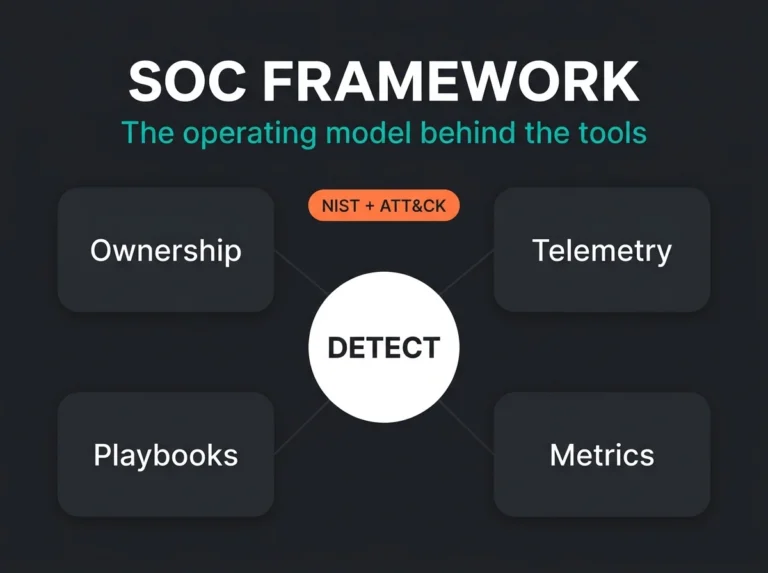
If you want a practical benchmark, use the NIST Cybersecurity Framework 2.0 as a sanity check. A decent provider should support outcomes across detect, respond, recover, and governance conversations. If all they can show you is a dashboard and a ticketing workflow, the service is too thin.
Why SMBs struggle to build this in house
It is not just a hiring problem, though hiring is rough. It is a consistency problem.
The 2025 ISC2 Cybersecurity Workforce Study says teams are still dealing with budget pressure, hiring freezes, and specific skills shortages. It also notes a shift away from simply counting headcount gaps and toward the harder question: do teams have the right skills for incident response, engineering, and modern tooling?
That lands close to what we see in Microsoft-heavy environments. A company may have solid IT people. That does not mean they have anyone who wants to tune detections, investigate noisy identity alerts, review mailbox compromise signals, and maintain response playbooks month after month. Security operations gets bolted onto someone’s normal job until a bad week proves that was never a real plan.
The realistic version: Most SMBs do not need a giant SOC. They need dependable coverage, sharper detections, and a provider that can step in fast when the problem is real.
Questions to ask before you sign
Here are the questions that usually cut through the fluff quickest:
- Which detections do you tune during the first 30, 60, and 90 days?
- What response actions can you take directly, and which need approval?
- How do you measure false positive reduction over time?
- What Microsoft security tooling do you manage every day versus merely integrate?
- How do you support compliance-driven reporting for audits, insurers, or board reviews?
- What changes in price when our environment grows?
- Can you show anonymized examples of monthly reporting and incident timelines?
And ask one more question that buyers skip too often: what happens when the provider misses something? The answer tells you a lot about maturity. Good partners can talk about lessons learned, escalation review, and detection improvements without getting defensive.
What good fit looks like for a Microsoft-focused SMB
A good fit usually looks boring in the best possible way.
You know who is watching. You know what they can act on. Your monthly reporting makes sense to leadership. The provider can work across identity, endpoint, email, and cloud signals without forcing you into a Frankenstein stack. And when an incident hits, there is no debate over who owns first response.
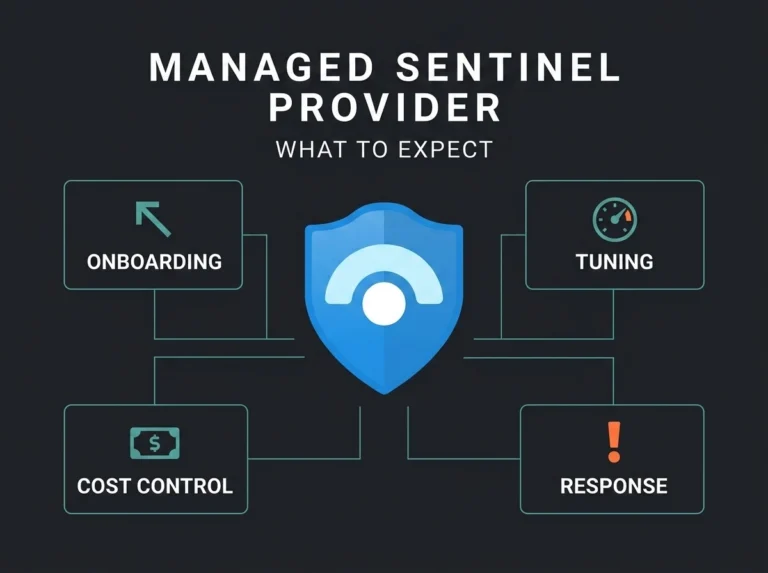
For Microsoft-centric organizations, that usually points toward a provider that can operate alongside managed SOC coverage, managed SIEM services, and a Managed Sentinel service instead of treating them as isolated product lines. If you are still sorting out the service taxonomy, our guides on SOC as a Service vs MSSP, what an MSSP actually is, and MDR vs MSSP help clarify the overlap.
There is a commercial layer too. If you need broader outsourced coverage, it is worth comparing the provider’s SOC offer with its managed security services model and any MDR service tier. The labels vary. The response depth is what matters.
Our view
The best SOC service providers are not the ones with the longest capability list. They are the ones that can explain, in plain language, how they detect real threats in your environment, who touches the incident first, what they can contain, and how they keep the signal quality from degrading over time.
That is the bar. Everything else is brochure copy.
If you want help pressure-testing providers in a Microsoft environment, Falconer Security can review the shortlist, map service claims to what Sentinel and Defender operations actually require, and show where an outsourced SOC model fits better than a half-built internal one.
FAQ: SOC service providers
What is a SOC service provider?
A SOC service provider is a third-party security partner that delivers some combination of monitoring, detection, investigation, threat hunting, and incident response. The exact mix varies a lot, which is why buyers need to verify whether the service includes active response or only alert escalation.
How is a SOC service provider different from an MSSP?
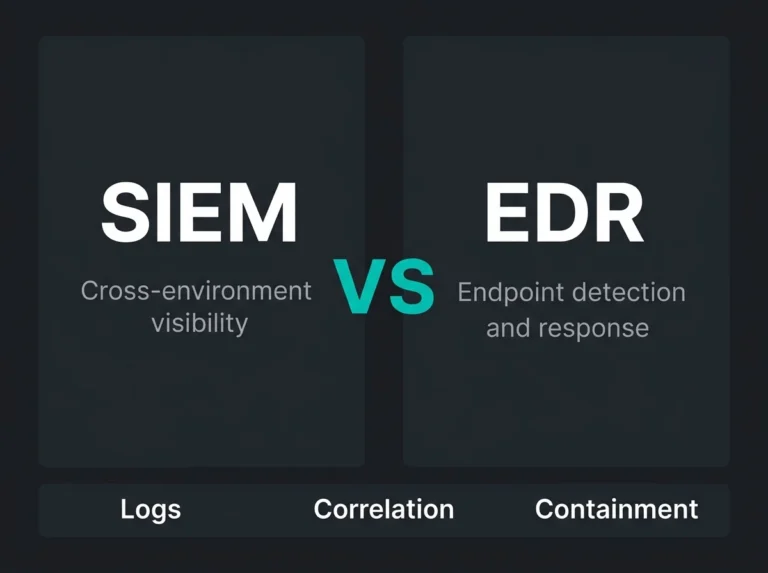
An MSSP is a broader category. It can include firewall management, endpoint tooling, vulnerability work, and security monitoring. A SOC service provider is centered on security operations workflows: triage, investigation, and response. Some vendors are both. Some are really MSSPs with a lighter SOC layer.
Do SMBs need a full 24/7 SOC provider?
Many do not need a huge enterprise-style SOC, but they do need dependable out-of-hours detection and response. If your business depends on Microsoft 365, cloud identity, and remote endpoints, an attack does not wait for Monday morning.
What should I ask a Microsoft-focused SOC provider?
Ask whether they actively manage Microsoft Sentinel, work in the Defender portal, tune analytics rules, build automation playbooks, and investigate incidents across identity, endpoint, email, and cloud telemetry. If they answer in generic SOC language only, they may not have real Microsoft depth.
How do I compare SOC provider pricing?
Start with scope, not the headline number. Check what happens to price when users, endpoints, data volume, or tenants increase. Also confirm whether incident response, reporting, onboarding, and tuning are included or billed separately. Cheap base pricing gets expensive fast when the operating model is thin.