Managed SOC Services: What’s Included?

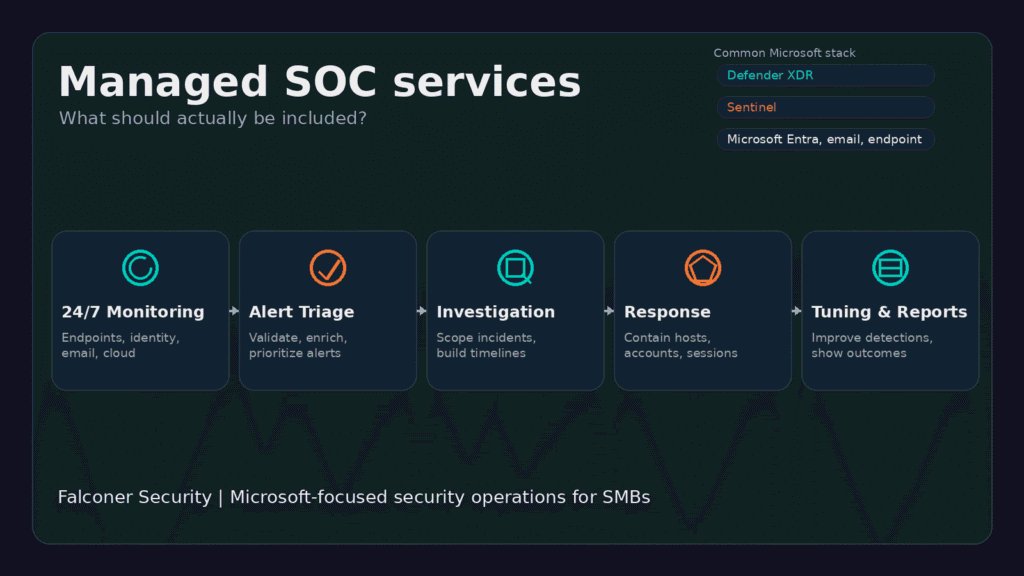
Managed SOC services give SMBs a security operations capability without forcing them to build a 24/7 in-house SOC from scratch, one of the clearest benefits of managed security services for resource-constrained IT teams. In practice that means continuous monitoring, alert triage, investigation, response guidance, reporting, and ongoing tuning across tools like Microsoft Defender XDR and Microsoft Sentinel.
For Microsoft-heavy environments, a good managed SOC is more than a helpdesk for alerts. It connects identity, endpoint, email, cloud, and SIEM telemetry, then turns that noise into investigated incidents and clear response actions. That gap, between paying for tooling and actually getting security operations, is the whole point.
Falconer Security delivers managed security operations for organizations that run Microsoft 365 and Azure but do not want to hire, train, and retain a full internal SOC team. If that sounds familiar, start with our managed security services overview or go deeper on managed detection and response.
- Six capabilities are non-negotiable. A real managed SOC covers 24/7 monitoring, alert triage, incident investigation, response support, detection tuning, and reporting; a provider that only forwards tickets is a notification feed.
- Breakout time is 29 minutes. CrowdStrike’s 2026 report puts average eCrime breakout at 29 minutes with a fastest case of 27 seconds, so office-hours alert review loses before it starts.
- Set containment authority up front. Decide before an incident who can isolate endpoints, disable accounts, or block IPs; IBM pegs the average breach at $4.4 million, and slow response is what drives that cost.
- Sentinel is moving portals. Microsoft ends Azure-portal Sentinel support after March 31, 2027, so ask any provider for their Defender-portal transition plan.
- Best fit is 50 to 500 employees. That bracket generates real telemetry and attacker interest but rarely justifies an internal 24/7 SOC shift pattern.
What are managed SOC services?
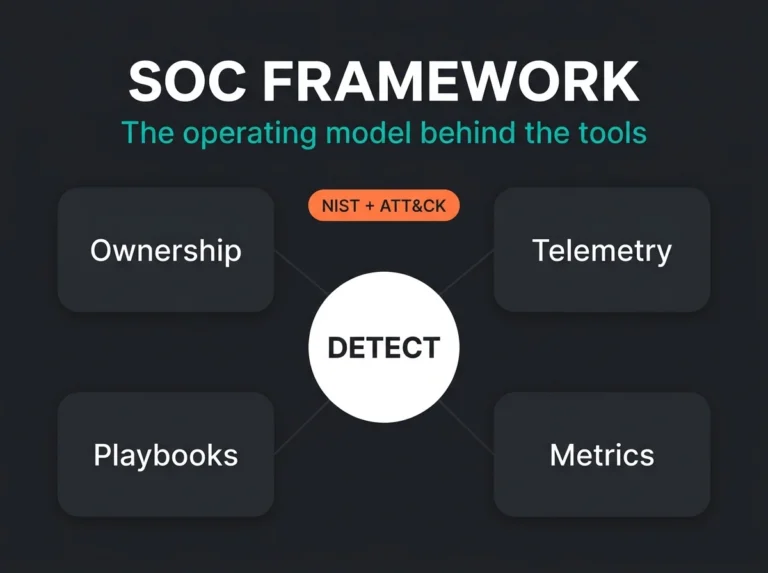
Managed SOC services are outsourced or co-managed security operations. A provider monitors your environment, investigates suspicious activity, and helps contain real incidents. Most of the time the service combines people, process, and tooling: analysts, escalation workflows, detection content, threat intelligence, and integrations across your security stack.
The goal is not a generic monitoring package. It is shrinking the time between initial compromise and action, and that window is brutal now. CrowdStrike’s 2026 Global Threat Report says average eCrime breakout time fell to 29 minutes in 2025, with the fastest observed breakout at 27 seconds. If your team only checks alerts during office hours, you are already behind before anyone reads the first one.
What should be included in managed SOC services?
A decent service should do more than forward alerts. If the provider mostly sends tickets and leaves everything else to you, you have bought a notification feed, not a SOC.
| Capability | What it should include | Why it matters |
|---|---|---|
| 24/7 monitoring | Continuous coverage across endpoint, identity, email, cloud, and SIEM telemetry | Threats do not wait for office hours |
| Alert triage | Noise reduction, enrichment, validation, and prioritization | Stops your team drowning in false positives |
| Incident investigation | Analyst review, scoping, timeline building, and root-cause analysis | Turns alerts into decisions |
| Response support | Containment guidance or approved hands-on actions such as isolating devices or disabling accounts | Reduces impact during live incidents |
| Detection tuning | Rule tuning, use-case development, and ongoing improvement | Prevents alert fatigue and stale detections |
| Reporting | Regular service reviews, KPI trends, and executive summaries | Shows whether the service is working |
Monitoring across the right data sources
Coverage has to reach the places attackers actually use: endpoints, identities, email, cloud control planes, and logs from critical infrastructure. Microsoft Learn notes that Sentinel ingests through data connectors, with built-in options for Microsoft services plus broader ecosystem paths like Syslog, CEF, and REST APIs. In plain English, a SOC is only as good as the telemetry it can see.
For Microsoft-first businesses, that usually means wiring together Defender XDR, Entra signals, Microsoft 365 telemetry, Azure activity, and Sentinel data. Microsoft now positions unified security operations inside the Defender portal, where Sentinel, Defender XDR, Security Exposure Management, and generative AI come together in one place.
Real alert triage, not ticket dumping
Cutting alert noise is one of the main reasons SMBs outsource this in the first place. Verizon’s 2025 DBIR announcement says the report analyzed more than 22,000 incidents and 12,195 confirmed breaches, with credential abuse and vulnerability exploitation still leading initial access and third-party involvement doubling to 30 percent. Two lessons fall out of that: your analysts have to recognize common attack paths quickly, and context is what separates a real incident from a shrug.
Good triage means analysts don’t forward every detection. They validate what happened, enrich the alert with user, asset, and identity context, then escalate the handful that matter. That is where a provider earns its fee.
Investigation and threat hunting
When something suspicious surfaces, the provider should answer the basic questions fast. What happened? Which user, device, or workload got touched? Is this isolated, or the first thread of something bigger? Microsoft Learn points out that once Sentinel is onboarded to the Defender portal, analysts can query Sentinel and Defender XDR data from a single console, which cuts context switching and speeds up cross-domain hunting considerably.
Response support with clear boundaries
Some services are advisory, some are hands-on, and either model can work. What can’t wait is deciding the boundary before an incident, not during one. A serious provider defines up front who can isolate an endpoint, disable an account, block an IP, or trigger emergency comms.
Get that wrong and your “24/7 SOC” is really just a night-shift notification system: the provider cannot act, your internal team is asleep, and the alert sits there. For SMBs the stakes are concrete. IBM’s Cost of a Data Breach Report 2025 puts the global average at $4.4 million. Most smaller organizations will never see a breach at that scale, but the figure is a fair reminder that slow response gets expensive quickly.
Detection engineering and ongoing tuning
The service should get better over time, because your environment never stops moving. New users, new SaaS apps, a growing cloud footprint, a reorganized network, and the detections that fit last quarter start to drift. Tuning noisy rules, building use cases around your real risks, and reviewing both false positives and missed detections is the work that keeps the whole thing honest. Our post on security posture reporting and our guide to managed SOC go deeper on why a provider that never revisits detections is really just babysitting a static platform.
Reporting that tells you something
Monthly PDFs full of alert counts are not reporting. What you want to see is service quality, response performance, recurring attack themes, control gaps, and what actually changed since the last review. At leadership level the report should answer one blunt question: are we getting better coverage and faster response, or just paying for another dashboard?
How Microsoft-focused managed SOC services usually work
For Microsoft environments, the strongest model usually looks like this:
- Microsoft Defender XDR for endpoint, identity, email, and app signals
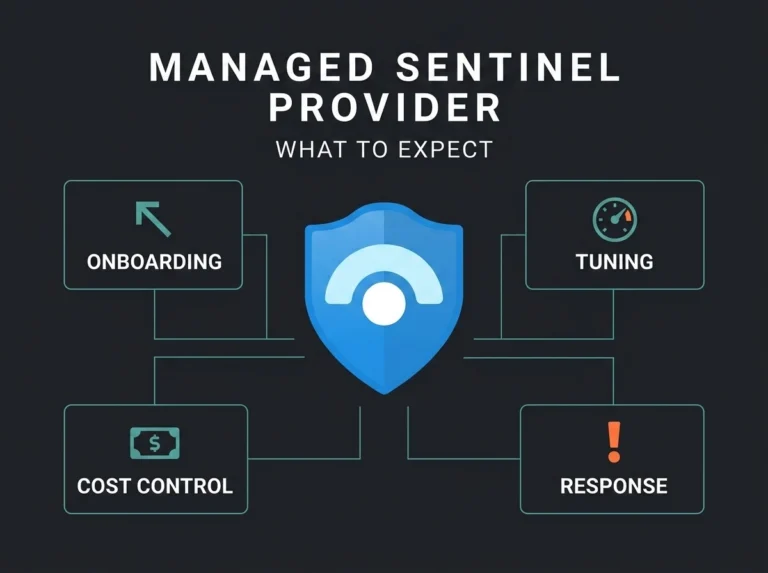
- Microsoft Sentinel for broader SIEM use cases, custom detections, and long-tail integrations
- Unified investigation in the Microsoft Defender portal
- Use-case tuning, rule maintenance, and escalation runbooks owned by the provider
There is also a migration angle worth watching. Microsoft has said Sentinel in the Azure portal will no longer be supported after March 31, 2027, with customers moving to the Defender portal experience. So if a provider still describes Sentinel as a separate, static SIEM island, they are already behind the direction Microsoft is pushing, and you should ask what their plan is for the transition.
UEBA is another useful tell. Microsoft Learn describes how Sentinel UEBA builds baseline profiles for users, hosts, IP addresses, and applications, then uses machine learning to flag anomalies. There is no special license for UEBA itself, though the extra data storage still adds cost, which matters for SMBs trying to balance sharper detection against a growing log bill.
Managed SOC services vs MDR: what is the difference?
The terms overlap, but they aren’t identical.
- Managed SOC services usually describe the operational wrapper: monitoring, triage, investigation, reporting, and platform management.
- MDR usually emphasizes active threat detection and response, often with tighter SLAs and more direct containment.
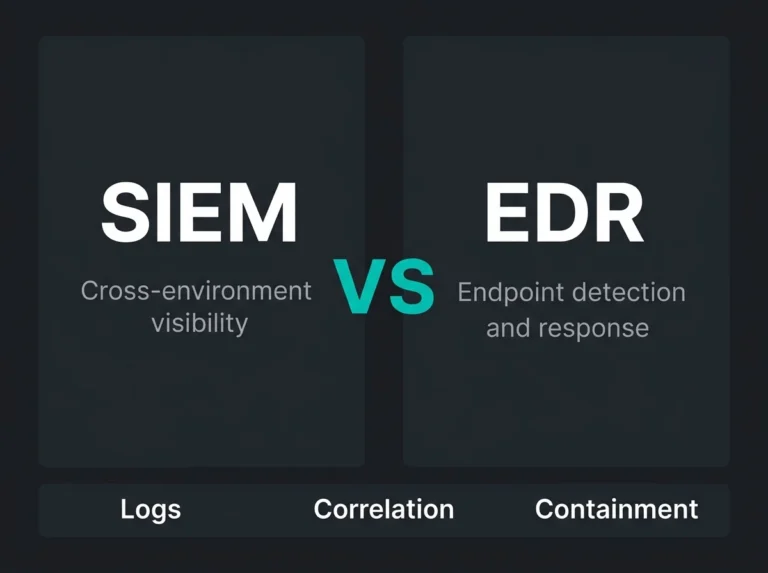
In Microsoft-heavy environments, the best answer is rarely one or the other. What works is a service that pairs MDR-style response with SOC-style visibility, reporting, and engineering. For the deeper comparison, read MDR vs SIEM and our page on SOC as a Service vs MSSP.
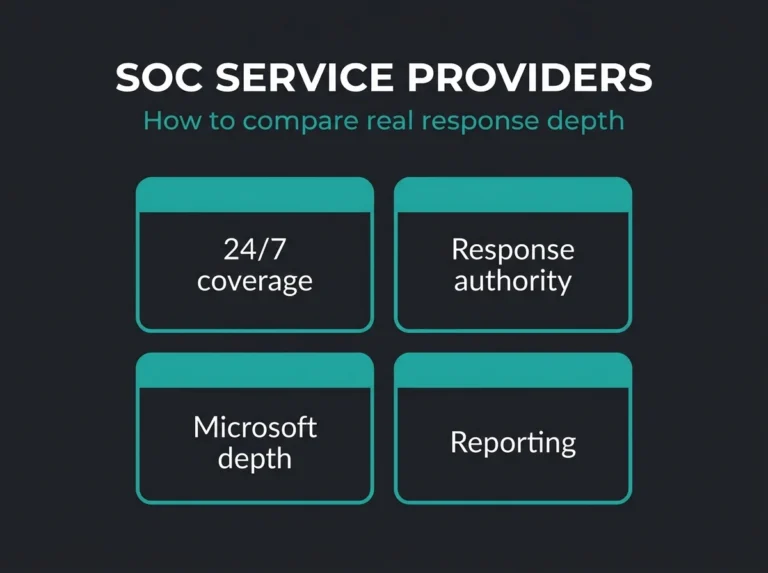
How to evaluate a managed SOC provider
If you are comparing providers, ask these early:
- Do you provide 24/7 analyst coverage or just 24/7 tool monitoring?
- Which Microsoft data sources do you connect by default?
- Who owns rule tuning and false-positive reduction?
- Can you take containment actions, and under what authority?
- How do you report MTTD, MTTR, and investigation quality?
- What happens during onboarding in the first 30, 60, and 90 days?
Vague answers are usually a bad sign. The good ones get operationally concrete fast, naming the tools they connect, the workflows they run, and who is responsible when an alert turns into an incident, the kind of detail our guide on how to compare and choose SOC vendors walks through.
When managed SOC services make sense
This model earns its place once you already know the problem is not “we need more alerts.” Usually it is one of these:
- Your IT team owns security by default and cannot watch incidents around the clock
- You have Microsoft security tooling but limited tuning, investigation, or response capacity
- You need stronger reporting for leadership, customers, or compliance reviews
- You want better security operations without the cost and friction of building a full internal SOC
That pattern is common in the 50 to 500 employee bracket. Big enough to generate real telemetry and attract real attacker interest, not quite big enough to run an internal SOC shift pattern without it hurting.
What Falconer includes in a Microsoft-focused managed SOC engagement
Falconer Security builds these engagements around Microsoft 365 and Azure estates. A typical scope includes:
- Coverage across Defender XDR, Sentinel, identity, endpoint, and email telemetry
- Analyst-led triage and incident investigation
- Detection tuning and use-case improvement
- Guided or approved response actions
- Service reviews that focus on risk, not vanity metrics
If you are weighing options, start with our managed security services page, review our SOC as a Service pricing guide, or look at our managed Microsoft Sentinel service.
FAQ
What is included in managed SOC services?
Managed SOC services should include 24/7 monitoring, alert triage, incident investigation, response support, detection tuning, and regular reporting. In Microsoft environments, they should also cover Defender XDR and Sentinel integrations.
Are managed SOC services the same as MDR?
No. MDR usually focuses more tightly on threat detection and response, while managed SOC services often include a broader operational layer such as reporting, platform management, and long-term tuning. The best providers often blend both.
Do SMBs really need managed SOC services?
If an SMB runs Microsoft 365, Azure, remote endpoints, and internet-facing services, it already has enough attack surface to justify monitored detection and response. The question is usually not whether the risk exists. It is whether the business can staff coverage internally.
What tools are commonly used in managed SOC services for Microsoft environments?
Common tools include Microsoft Defender XDR for cross-domain detection, Microsoft Sentinel for SIEM and custom use cases, Microsoft Entra telemetry for identity signals, and additional integrations through Syslog, CEF, or API-based connectors.
How do I know if a provider is good?
Ask for specifics on analyst coverage, containment authority, onboarding scope, detection tuning, and reporting. If the provider cannot explain how incidents move from alert to action, keep looking.