Best EDR for Small Business: How to Choose the Right Platform

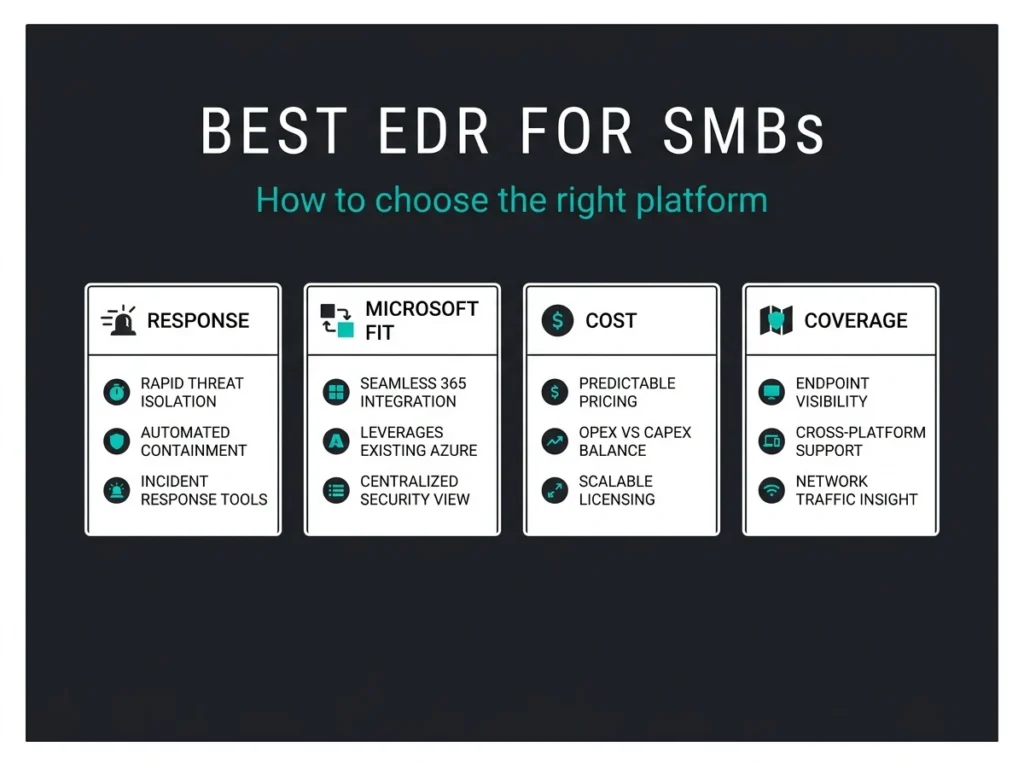
For a small business, the best EDR is not the platform with the longest feature list. It is the one your team can deploy, tune, and respond with when an alert hits at 02:00. That usually narrows the shortlist fast.
If you run a Microsoft-heavy environment, the real decision often comes down to three questions: do you need built-in protection that fits Microsoft 365, do you need stronger cross-platform depth, or do you need a provider that helps with response when nobody on your side is watching the queue? That is where most SMB buying mistakes happen. Teams buy for a lab test. Incidents happen in production.
Falconer Security usually sees the same pattern in endpoint reviews: the product itself is rarely the only problem. Gaps show up in policy rollout, alert ownership, device coverage, and response discipline. A strong EDR platform helps, but only if it matches the way your business actually operates.
- Fit beats feature lists. The best EDR for a small business is the one your team can deploy, tune, and respond with at 02:00, not the platform with the loudest marketing.
- Four names cover most SMB shortlists. Microsoft Defender for Business for Microsoft 365 shops, Huntress for lean teams that need managed response, SentinelOne for autonomous endpoint depth, CrowdStrike if you buy the right tier.
- Check what you already own. Defender for Business is included in Microsoft 365 Business Premium and supports up to 300 users; many SMBs pay for it and never fully configure it.
- Watch the CrowdStrike bundle. Falcon Go is next-gen antivirus aimed at small businesses; it is not the same thing as a full EDR package, and comparison articles often blur the tiers.
- EDR cannot rescue weak identity controls. Microsoft says MFA blocks more than 99.2% of account compromise attacks, so fix identity and email gaps before buying another endpoint tool.
Best EDR for small business: the short answer
For most small businesses, the strongest shortlist includes Microsoft Defender for Business, Huntress Managed EDR, SentinelOne, and CrowdStrike. The right fit depends less on brand recognition and more on your stack, your in-house security capacity, and whether you need help responding to threats, not just detecting them.
Microsoft Defender for Business is the easiest fit for companies already standardized on Microsoft 365. Huntress is attractive when you want managed response wrapped around endpoint visibility. SentinelOne is a strong option for teams that want autonomous endpoint controls and broad platform depth. CrowdStrike is well known and effective, but small businesses need to look closely at which bundle they are actually buying because entry tiers do not always line up with full EDR expectations.
| Platform | Best fit | What stands out | Watch-outs |
|---|---|---|---|
| Microsoft Defender for Business | Microsoft 365 shops with up to 300 users | Built for SMBs, native Microsoft integration, good value inside Business Premium | Works best when policies and identity controls are already in shape |
| Huntress Managed EDR | Lean IT teams that want human response support | 24/7 managed coverage and guided response | You are buying service depth as much as software |
| SentinelOne | Teams that want autonomous endpoint controls and broad platform depth | Prevention, detection, response, and rollback positioning on one platform | Can be more platform than a small team will fully use |
| CrowdStrike | Businesses that want a premium endpoint brand and room to expand | Strong market presence and clean management experience | Check the exact bundle: Falcon Go is next-gen AV, not the same thing as full EDR |
What a small business should actually look for in EDR
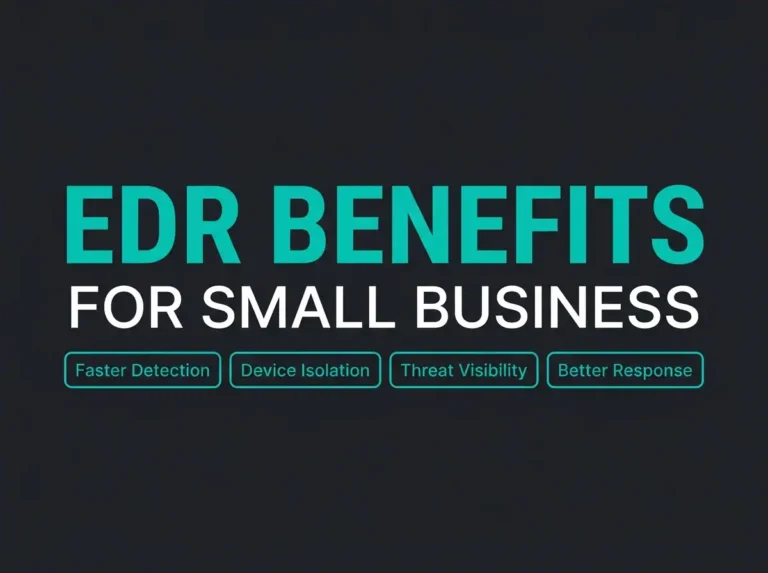
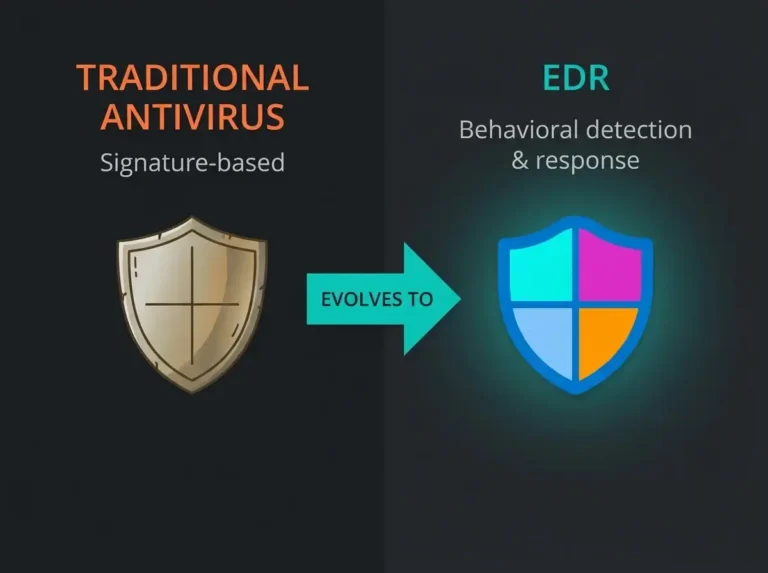
EDR means endpoint detection and response. In plain English: it records endpoint activity, spots suspicious behavior, and gives you tools to investigate and contain an attack. That is different from traditional antivirus, which is why EDR vs antivirus is still a live buying question for SMBs.
What matters in practice is not whether a vendor says “AI” ten times on a landing page. You need a product that does four things well:
- Covers every business endpoint, including remote laptops.
- Produces alerts your team can realistically triage.
- Lets you isolate, investigate, and recover quickly.
- Fits the rest of your stack, especially identity, email, and device management.
That last point gets ignored a lot. If you already live in Intune, Entra ID, and Microsoft 365 Business Premium, the best EDR for your small business is often the one that causes the least operational friction, not the one with the loudest marketing.
There is also a simple financial reality here. IBM’s 2025 Cost of a Data Breach report puts the global average breach cost at $4.44 million. No small business should read that as “we need an enterprise stack at any price.” The better lesson is this: buying a tool you will not manage well is expensive in its own way.
How the top SMB EDR options compare
Microsoft Defender for Business
Microsoft Defender for Business is built for small and medium-sized businesses and supports organizations with up to 300 users, according to Microsoft Learn. Microsoft positions it as enterprise-grade protection adapted for the SMB market, and it is also included in Microsoft 365 Business Premium.
That matters because many SMBs already pay for Business Premium and never fully use the security stack they have. When Falconer reviews Microsoft tenants, this comes up constantly: the licensing is there, but the policies are half-configured and the investigation workflow is unclear.
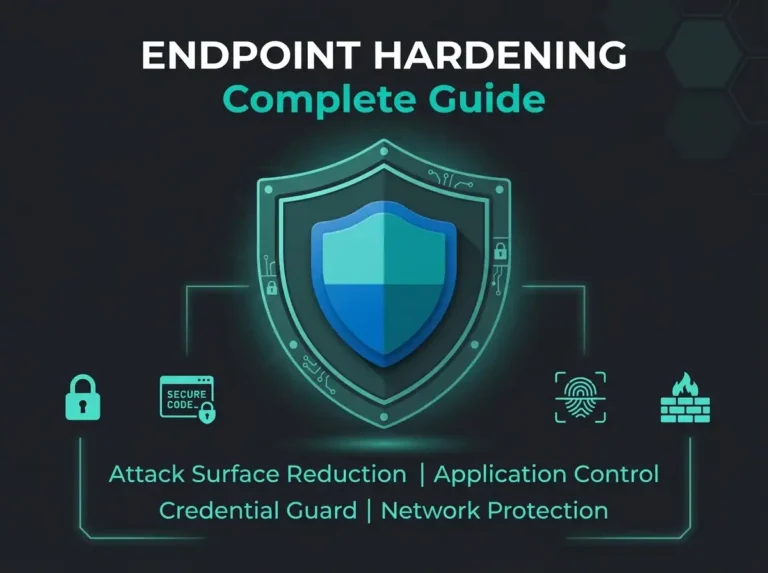
Defender for Business makes the most sense when you already use Microsoft for identity, device management, and email. It also pairs naturally with broader hardening work such as a Microsoft 365 security audit or an endpoint hardening program.
Huntress Managed EDR
Huntress takes a different angle. Its Managed EDR page sells the combination of endpoint detection with 24/7 support and guided response. For a small business without security analysts on staff, that is a real distinction. Detection alone does not close incidents. People do.
This is where a lot of small companies get stuck. They can afford an EDR license, but they cannot afford a queue of unanswered alerts. Huntress is often interesting when the biggest risk is not product weakness but operational follow-through.
SentinelOne
SentinelOne’s endpoint security platform positions itself around protection, detection, response, and autonomous controls on the endpoint. For smaller teams, the attraction is obvious: fast containment with less manual handling. The catch is that some SMBs buy a broad platform and then only use a narrow slice of it.
If your environment is mixed, your device count is growing, or your team wants deeper endpoint control outside a Microsoft-centric stack, SentinelOne can be a serious option. If your team is tiny and your estate is straightforward, the operational overhead needs a hard look before you sign.
CrowdStrike
CrowdStrike still belongs on the shortlist, but this is where buyers need to slow down and read the bundle details. The official Falcon Go page is aimed at small businesses and emphasizes next-gen antivirus. It is a valid entry point, but it is not the same thing as buying a fuller EDR package.
That distinction matters because many comparison articles lump every CrowdStrike tier together as if they are interchangeable. They are not. For a small business buyer, the useful question is not “is CrowdStrike good?” It is “which package gives us the detection, investigation, and response depth we actually need?”
Where small businesses get EDR buying decisions wrong
The first mistake is buying on brand alone. The second is treating the product demo as proof of operational readiness. The third is assuming EDR will make up for weak identity and email controls.
Microsoft’s Digital Defense Report 2025 says the company processes 100 trillion security signals a day, and Microsoft also states that multifactor authentication blocks more than 99.2% of account compromise attacks. That is a reminder that endpoint security does not sit on its own island. If your admin accounts are exposed or your phishing controls are weak, the best EDR for small business will still spend time cleaning up problems that should have been stopped earlier.
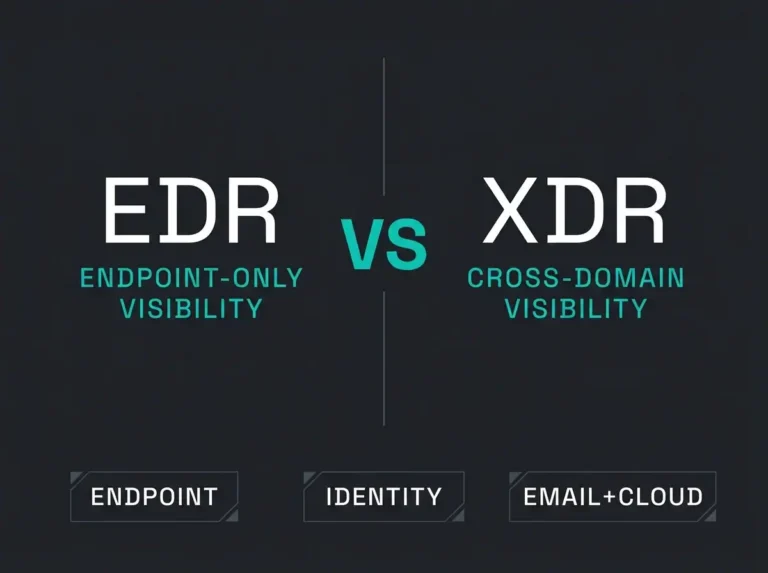
That is why endpoint selection should sit inside a broader decision about XDR vs EDR, email protection, identity controls, and who owns response. In Microsoft-heavy environments, the stronger path is often to combine endpoint protection with a hard look at Microsoft 365 security assessment gaps first.
Which EDR is best for your type of small business?
If you are a 20 to 80 user company running Business Premium, Intune, and Entra ID, Microsoft Defender for Business is usually the first platform to evaluate. It is already close to your day-to-day tooling, and the value can be excellent if you actually configure it well.
If you have one overwhelmed generalist handling everything from printers to phishing, Huntress deserves a serious look because the response component may matter more than extra dashboard depth.
If you want maximum endpoint control across a mixed estate and you are comfortable running a more security-focused platform, SentinelOne is worth shortlisting.
If you prefer CrowdStrike, just make sure you buy the right tier for your response needs. This sounds obvious. It is not. Plenty of SMBs think they bought “CrowdStrike EDR” when what they really bought was a lighter bundle aimed at entry-level endpoint protection.
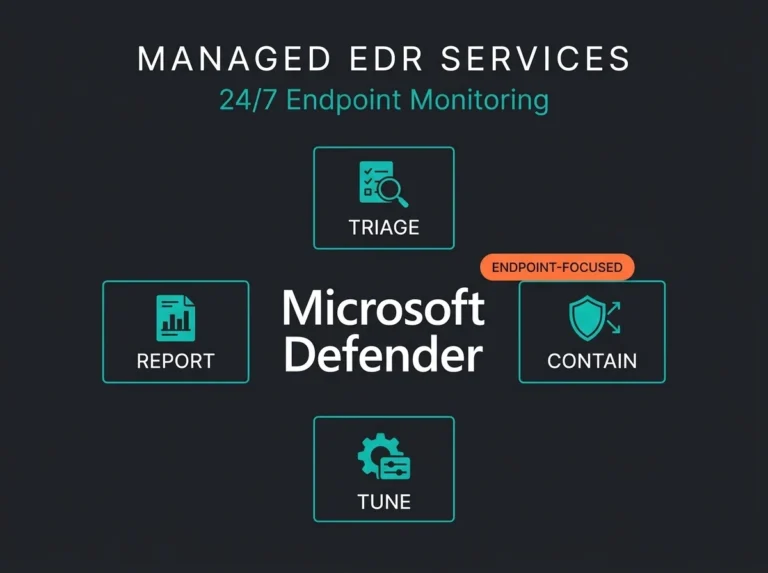
For companies that do not want to own endpoint operations themselves, the more useful buying conversation may be about managed EDR services or a broader MDR service. Tools matter. Response ownership matters more.
The best EDR for small business is the one that fits your stack, your staffing reality, and your response model. For many Microsoft-based SMBs, that starts with Defender for Business. For lean teams that need hands-on response, managed options can be the safer call.
What Falconer recommends before you buy
Start with the estate you have, not the platform you want to brag about. Count devices. Check whether every laptop is managed. Review who gets endpoint alerts. Test what happens when a machine needs isolation. Then look at licensing you already own.
Only after that should you compare vendors. Otherwise you end up running a polished product inside a messy operating model, which is how small businesses wind up disappointed with tools that were never the real issue.
If your business already runs on Microsoft 365, there is a good chance the gap is not “we need another vendor.” The gap is that the Microsoft security controls you already bought have not been turned into a working response process.
FAQ
What is the best EDR for small business?
For many Microsoft-based SMBs, Microsoft Defender for Business is the first platform to evaluate because it is built for organizations with up to 300 users and fits naturally into Microsoft 365 Business Premium. If your team lacks response capacity, Huntress or a managed EDR model may be a better fit.
Is Microsoft Defender for Business good enough for a small business?
Yes, often. It is a credible SMB endpoint security option when it is properly configured and paired with good identity, email, and device management controls. The weak point is usually implementation discipline, not the platform itself.
What is the difference between antivirus and EDR?
Antivirus focuses on blocking known threats and suspicious files. EDR adds investigation data, behavioral detection, and response actions such as device isolation. That extra visibility is why EDR is usually the better fit for businesses that need to investigate modern attacks.
Should a small business choose EDR or managed EDR?
If your internal team can monitor alerts, investigate incidents, and respond quickly, standard EDR may be enough. If nobody owns that process after hours or during busy periods, managed EDR is often the safer choice because it adds response support.
How do you choose the right EDR vendor?
Start with your existing stack, staff capacity, and response model. Then compare platform depth, ease of deployment, operating system coverage, and how incidents are handled in real life. Small businesses usually get better results when they choose the platform they can operate well, not the one with the flashiest comparison page.